# GET Message History by Source Address
## GET /api/queryHistoryByChainIdAddress
#### Complete Query Example
[/api/queryHistoryByChainIdAddress?chainId=137\&address=0x14a5b11be1f996a2c662f8968d017328b4b80c3a\&page=1\&size=10](https://bn-api.chainservice.io/api/queryHistoryByChainIdAddress?chainId=137\&address=0x14a5b11be1f996a2c662f8968d017328b4b80c3a\&page=1\&size=10)
#### Request Params
| Name | Location | Type | Required | Description |
| ------- | -------- | ------- | -------- | -------------------------------------- |
| page | query | integer | no | Integer of page number, default is 1. |
| size | query | integer | no | Integer of size number, default is 10. |
| chainId | query | string | yes | Source Chain id. |
| address | query | string | yes | Source Address. |
#### Responses
| HTTP Status Code | Meaning | Description | Data schema |
| ---------------- | ------------------------------------------------------- | ----------- | ----------- |
| 200 | [OK](https://tools.ietf.org/html/rfc7231#section-6.3.1) | Success | Inline |
#### Responses Data
| Name | Type | Description |
| ----- | ------- | ------------------------------- |
| list | Array | Result cross info history list. |
| total | Integer | Total number of cross history. |
#### Responses Params
| Name | Type | Description |
| -------------------- | ---------- | -------------------------------------------------------------------------- |
| id | Integer | Cross id. |
| sourceAddress | String | Source address. |
| sourceHash | String | Source transfer hash. |
| sourceHeight | BigInteger | Source chain block height. |
| sourceTimestamp | String | Transfer timestamp |
| sourceChainInfo | Object | Source chain info. |
| - chainId | String | Chain id. |
| - chainName | String | Chain name. |
| - scanUrl | String | Scan url. |
| - chainImg | String | Chain icon url. |
| relayHash | String | Relay transfer hash. |
| relayHeight | BigInteger | Relay chain block height. |
| relayChainInfo | Object | Relay chain info. |
| - chainId | String | Chain id. |
| - chainName | String | Chain name. |
| - scanUrl | String | Scan url. |
| - chainImg | String | Chain icon url. |
| destinationHash | String | Destination chain transfer hash. |
| destinationHeight | BigInteger | Destination chain block height. |
| destinationChainInfo | Object | Destination chain info. |
| - chainId | String | Chain id. |
| - chainName | String | Chain name. |
| - scanUrl | String | Scan url. |
| - chainImg | String | Chain icon url. |
| state | Integer | Cross transfer state, 0: crossing 1 completed 2 relaying 3 relay completed |
> Response Examples
> 200 Response
```json
{
"code": 200,
"message": "success",
"data": {
"list": [
{
"id": 322111,
"sourceAddress": "0x14a5b11be1f996a2c662f8968d017328b4b80c3a",
"sourceHash": "0xdd15df0239d4b58cf419e2e4243555fe4d862fa4caf154086222dadd3d751013",
"sourceHeight": 59127917,
"sourceTimestamp": "2024-07-09T00:01:28.000+00:00",
"sourceChainInfo": {},
"relayHash": null,
"relayHeight": null,
"relayChainInfo": null,
"destinationHash": "0x8e48df42c3ae18f834da59867048d313c167a3149bac9bfa62c04b78d1df36d7",
"destinationHeight": 12663543,
"destinationChainInfo": {
"id": 1,
"chainId": "22776",
"chainName": "MAP Protocol",
"scanUrl": "https://mapscan.io/",
"chainImg": "https://cdn.befiwalletdao.com/image/icon_local_map_checked_3gfyyv.png",
"mosContract": "0xfeb2b97e4efce787c08086dc16ab69e063911380",
"color": null
},
"state": 1
}
],
"total": 2
}
}
```
# GET Message Info by Id
## GET /api/queryCrossInfoById
#### Complete Query Example
[/api/queryCrossInfoById?id=322111](https://bn-api.chainservice.io/api/queryCrossInfoById?id=322111)
#### Request Params
| Name | Location | Type | Required | Description |
| ---- | -------- | ------- | -------- | ----------- |
| id | query | integer | yes | Cross id. |
#### Responses
| HTTP Status Code | Meaning | Description | Data schema |
| ---------------- | ------------------------------------------------------- | ----------- | ----------- |
| 200 | [OK](https://tools.ietf.org/html/rfc7231#section-6.3.1) | Success | Inline |
#### Responses Data
| Name | Type | Description |
| --------------- | ------- | --------------------------------------------------------------------------- |
| sourceInfo | object | Source chain info. |
| destinationInfo | object | Destination chain info. |
| relyInfo | object | Relay chain info. |
| state | integer | Cross transfer state, 0: crossing 1 completed 2 relaying 3 relay completed. |
#### Responses Params
| Name | Type | Description |
| --------------- | ---------- | -------------------------------------------------------------------------- |
| sourceInfo | object | Source chain info. |
| - address | String | Source address. |
| - hash | String | Source transfer hash. |
| - block | BigInteger | Source chain block height. |
| - timestamp | String | Transfer timestamp |
| - chainInfo | Object | Source chain info. |
| -- chainId | String | Chain id. |
| -- chainName | String | Chain name. |
| -- scanUrl | String | Scan url. |
| -- chainImg | String | Chain icon url. |
| -- chainName | String | Chain name. |
| relayInfo | object | Relay chain info. |
| - address | String | Source address. |
| - hash | String | Source transfer hash. |
| - block | BigInteger | Source chain block height. |
| - timestamp | String | Transfer timestamp |
| - chainInfo | Object | Source chain info. |
| -- chainId | String | Chain id. |
| -- chainName | String | Chain name. |
| -- scanUrl | String | Scan url. |
| -- chainImg | String | Chain icon url. |
| -- chainName | String | Chain name. |
| destinationInfo | object | Destination chain info. |
| - address | String | Source address. |
| - hash | String | Source transfer hash. |
| - block | BigInteger | Source chain block height. |
| - timestamp | String | Transfer timestamp |
| - chainInfo | Object | Source chain info. |
| -- chainId | String | Chain id. |
| -- chainName | String | Chain name. |
| -- scanUrl | String | Scan url. |
| -- chainImg | String | Chain icon url. |
| -- chainName | String | Chain name. |
| state | Integer | Cross transfer state, 0: crossing 1 completed 2 relaying 3 relay completed |
> Response Examples
> 200 Response
```json
{
"code": 200,
"message": "success",
"data": {
"sourceInfo": {
"address": "0x14a5b11be1f996a2c662f8968d017328b4b80c3a",
"chainInfo": {
"id": 5,
"chainId": "137",
"chainName": "Polygon",
"scanUrl": "https://polygonscan.com/",
"chainImg": "https://get.celer.app/cbridge-icons/chain-icon/Polygon.png",
"mosContract": "0xfeb2b97e4efce787c08086dc16ab69e063911380",
"color": null
},
"contract": "0xbb21e441fb738f54e6ec244e435475096e179d66",
"block": 59127917,
"hash": "0xdd15df0239d4b58cf419e2e4243555fe4d862fa4caf154086222dadd3d751013",
"timestamp": "2024-07-09T00:01:28.000+00:00"
},
"destinationInfo": {
"address": "0xa97505a93bf036f87ff398d851c06946b6ffd849",
"chainInfo": {
"id": 1,
"chainId": "22776",
"chainName": "MAP Protocol",
"scanUrl": "https://mapscan.io/",
"chainImg": "https://cdn.befiwalletdao.com/image/icon_local_map_checked_3gfyyv.png",
"mosContract": "0xfeb2b97e4efce787c08086dc16ab69e063911380",
"color": null
},
"contract": "0xfeb2b97e4efce787c08086dc16ab69e063911380",
"block": 12663543,
"hash": "0x8e48df42c3ae18f834da59867048d313c167a3149bac9bfa62c04b78d1df36d7",
"timestamp": "2024-07-09T00:03:08.000+00:00"
},
"relyerInfo": {
"address": "0xa97505a93bf036f87ff398d851c06946b6ffd849",
"chainInfo": {
"id": 1,
"chainId": "22776",
"chainName": "MAP Protocol",
"scanUrl": "https://mapscan.io/",
"chainImg": "https://cdn.befiwalletdao.com/image/icon_local_map_checked_3gfyyv.png",
"mosContract": "0xfeb2b97e4efce787c08086dc16ab69e063911380",
"color": null
},
"contract": "0xfeb2b97e4efce787c08086dc16ab69e063911380",
"block": 12663543,
"hash": "0x8e48df42c3ae18f834da59867048d313c167a3149bac9bfa62c04b78d1df36d7",
"timestamp": "2024-07-09T00:03:08.000+00:00"
},
"state": 1
}
```
# GET Message Info by Source Hash
## GET /api/queryCrossInfoBySourceHash
#### Complete Query Example
[/api/queryCrossInfoBySourceHash?txHash=0xdd15df0239d4b58cf419e2e4243555fe4d862fa4caf154086222dadd3d751013](https://bn-api.chainservice.io/api/queryCrossInfoBySourceHash?txHash=0xdd15df0239d4b58cf419e2e4243555fe4d862fa4caf154086222dadd3d751013)
#### Request Params
| Name | Location | Type | Required | Description |
| ------ | -------- | ------ | -------- | ------------------------------ |
| txHash | query | string | yes | Source chain transaction hash. |
#### Responses
| HTTP Status Code | Meaning | Description | Data schema |
| ---------------- | ------------------------------------------------------- | ----------- | ----------- |
| 200 | [OK](https://tools.ietf.org/html/rfc7231#section-6.3.1) | Success | Inline |
#### Responses Data
| Name | Type | Description |
| ---- | ----- | ----------------------- |
| list | Array | Result cross info list. |
#### Responses Params
| Name | Type | Description |
| --------------- | ---------- | -------------------------------------------------------------------------- |
| sourceInfo | object | Source chain info. |
| - address | String | Source address. |
| - hash | String | Source transfer hash. |
| - block | BigInteger | Source chain block height. |
| - timestamp | String | Transfer timestamp |
| - chainInfo | Object | Source chain info. |
| -- chainId | String | Chain id. |
| -- chainName | String | Chain name. |
| -- scanUrl | String | Scan url. |
| -- chainImg | String | Chain icon url. |
| -- chainName | String | Chain name. |
| relayInfo | object | Relay chain info. |
| - address | String | Source address. |
| - hash | String | Source transfer hash. |
| - block | BigInteger | Source chain block height. |
| - timestamp | String | Transfer timestamp |
| - chainInfo | Object | Source chain info. |
| -- chainId | String | Chain id. |
| -- chainName | String | Chain name. |
| -- scanUrl | String | Scan url. |
| -- chainImg | String | Chain icon url. |
| -- chainName | String | Chain name. |
| destinationInfo | object | Destination chain info. |
| - address | String | Source address. |
| - hash | String | Source transfer hash. |
| - block | BigInteger | Source chain block height. |
| - timestamp | String | Transfer timestamp |
| - chainInfo | Object | Source chain info. |
| -- chainId | String | Chain id. |
| -- chainName | String | Chain name. |
| -- scanUrl | String | Scan url. |
| -- chainImg | String | Chain icon url. |
| -- chainName | String | Chain name. |
| state | Integer | Cross transfer state, 0: crossing 1 completed 2 relaying 3 relay completed |
> Response Examples
> 200 Response
```json
{
"code": 200,
"message": "success",
"data": {
"list": [
{
"sourceInfo": {
"address": "0x14a5b11be1f996a2c662f8968d017328b4b80c3a",
"chainInfo": {
"id": 5,
"chainId": "137",
"chainName": "Polygon",
"scanUrl": "https://polygonscan.com/",
"chainImg": "https://get.celer.app/cbridge-icons/chain-icon/Polygon.png",
"mosContract": "0xfeb2b97e4efce787c08086dc16ab69e063911380",
"color": null
},
"contract": "0xbb21e441fb738f54e6ec244e435475096e179d66",
"block": 59127917,
"hash": "0xdd15df0239d4b58cf419e2e4243555fe4d862fa4caf154086222dadd3d751013",
"timestamp": "2024-07-09T00:01:28.000+00:00"
},
"destinationInfo": {
"address": "0xa97505a93bf036f87ff398d851c06946b6ffd849",
"chainInfo": {
"id": 1,
"chainId": "22776",
"chainName": "MAP Protocol",
"scanUrl": "https://mapscan.io/",
"chainImg": "https://cdn.befiwalletdao.com/image/icon_local_map_checked_3gfyyv.png",
"mosContract": "0xfeb2b97e4efce787c08086dc16ab69e063911380",
"color": null
},
"contract": "0xfeb2b97e4efce787c08086dc16ab69e063911380",
"block": 12663543,
"hash": "0x8e48df42c3ae18f834da59867048d313c167a3149bac9bfa62c04b78d1df36d7",
"timestamp": "2024-07-09T00:03:08.000+00:00"
},
"relyerInfo": {
"address": "0xa97505a93bf036f87ff398d851c06946b6ffd849",
"chainInfo": {
"id": 1,
"chainId": "22776",
"chainName": "MAP Protocol",
"scanUrl": "https://mapscan.io/",
"chainImg": "https://cdn.befiwalletdao.com/image/icon_local_map_checked_3gfyyv.png",
"mosContract": "0xfeb2b97e4efce787c08086dc16ab69e063911380",
"color": null
},
"contract": "0xfeb2b97e4efce787c08086dc16ab69e063911380",
"block": 12663543,
"hash": "0x8e48df42c3ae18f834da59867048d313c167a3149bac9bfa62c04b78d1df36d7",
"timestamp": "2024-07-09T00:03:08.000+00:00"
},
"state": 1
}
]
}
}
```
# Integration Guide
To perform a cross chain `swapOutToken()` in solidity, here is an example:
For the native gas fee required for `swapOutToken()` you need to call `getNativeFee()` to get the amount you should send as msg.value.
`getNativeFee()` interface;
```solidity
function getNativeFee(
address _token, //bridge token
uint256 _gasLimit, // call gas limit on target chain
uint256 _toChain // target chain id
) external view returns (uint256);
```
`swapOutToken()` interface
```solidity
function swapOutToken(
address _sender, // user account send this transation
address _token, // src token
bytes memory _to, // receiver account (if _swapData not empty _to must contract who implement IButterReceiver)
uint256 _amount, // token amount
uint256 _toChain, // target chain id
bytes calldata _swapData
) external payable returns (bytes32 orderId);
```
First determine the swap fee by call `getNativeFee()`, then call `swapOutToken()` to transfer the asset to the destination chain.
```solidity
// get native fee
uint256 value = IButterBridgeV3(bridgeAddress).getNativeFee(token,gasLimit,toChain);
// perform a butter swapOutToken() in a solidity smart contract function
IButterBridgeV3(bridgeAddress).swapOutToken{value:value}(
msg.sender, // user account send this transatio
token, // bridge token (zero address for native token)
toAddress, // target chain receiver address
amount, // bridge token amount
toChain, // target chain id
swapDat // encode swap Data
);
```
To perform a `swapOutToken()` using ethers via a frontend, use the abi and call `swapOutToken()` on the Router contract instance:
```typescript
let [wallet] = await ethers.getSigners();
let nativeFee = await bridge.getNativeFee(token.address,gasLimit,tochain);
// if token if ERC20 token
await(await token.approve(bridge.address,amount)).wait()
let BridgeParam = {
gasLimit: gasLimit, // gas limit called by IButterReceiver
refundAddress: wallet.address, // for src token is OmniToken to receiver refund native fee on target chain
swapData: swapData, // IButterReceiver -> onReceived -> _payload
};
let swapData = ethers.utils.defaultAbiCoder.encode(
["tuple(uint256,bytes,bytes)"],
[[BridgeParam.gasLimit, BridgeParam.refundAddress, BridgeParam.swapData]]
);
let tx = await bridge.swapOutToken(wallet.address,token.address,to,amount,swapData,{value:nativeFee})
```
`BridgeParam.swapData` if need call contract on target chain otherwise set `'0x'` for it
need call contract on target chain ? must make sure parameter `_to` is a contract and implement IButterReceiver.
IButterReceiver
```solidity
interface IButterReceiver {
//_srcToken received token (wtoken or erc20 token)
function onReceived(
bytes32 _orderId, // order Id
address _srcToken, // received token
uint256 _amount, // received token amount
uint256 _fromChain, // from chain
bytes calldata _from, // from account
bytes calldata _payload // call data
) external;
}
```
# Contract Interface
## import
Directly import the bridge interface using the following code.
```solidity
import "@butternetwork/bridge/contracts/interface/IButterBridgeV3.sol";
```
Make sure to install the package with 'npm install @butternetwork/bridge before usage.
## swapOutToken
```solidity
struct BridgeParam {
uint256 gasLimit;
bytes refundAddress;
bytes swapData;
}
function swapOutToken(
address _sender, // user account send this transation
address _token, // src token
bytes memory _to, // receiver account (if _swapData not empty _to must contract who implement IButterReceiver)
uint256 _amount, // token amount
uint256 _toChain, // target chain id
bytes calldata _swapData
) external payable returns (bytes32 orderId);
```
## getNativeFee
```solidity
function getNativeFee(
address _token,
uint256 _gasLimit,
uint256 _toChain
) external view returns (uint256);
}
```
## IButterReceiver
```solidity
interface IButterReceiver {
//_srcToken received token (wtoken or erc20 token)
function onReceived(
bytes32 _orderId, // order Id
address _srcToken, // received token
uint256 _amount, // received token amount
uint256 _fromChain, // from chain
bytes calldata _from, // from account
bytes calldata _payload // call data
) external;
}
```
# Fee
Users are able to roughly estimate the cost of a transaction depending on the formulae given below as reference.
The Bridge Fee consists of two components.
1. The first part is omnichain service to deliver message . This portion is determined by the fluctuations in the market gas price and gasLimit want to use for execute on the destination chain .
2. The second part is levied to provide rewards to both the liquidity providers and the Protocol.
this part will be calculated based on the amount and a predetermined percentage factor.
$$
fee = amount \* rate
$$
There are lower bound and upper bound in the Fee.
$$
min\left{
\begin{aligned}
\&minimum \\
\&amount \* rate \\
\&maximum
\end{aligned}
\right.
$$
If the trading volume multiplied by rate is less than the minimum, then this part fee will still charge the minimum as a basic commission.
If the trading volume multiplied by rate is more than the maximum, then this part fee will only charge the maximum as a basic commission.
# Liquidity Vault
## 1. Vault Basics
### 1.1 What is Omni Vault?
**Omni Vault** is a liquidity pool where users provide liquidity for the cross-chain bridge. Vaults are distributed across various External Chains (such as Ethereum, BSC, Polygon, etc.). Users deposit assets into the Vault to support cross-chain transactions and earn Vault Fee as rewards.
### 1.2 Key Features
| Feature | Description |
| ---------------------------- | ----------------------------------------------------------------------------------- |
| **Unified Asset Model** | Same assets on different chains are fully equivalent, Vaults share earnings equally |
| **Multi-chain Distribution** | Each asset has Vaults on multiple chains, forming a liquidity network |
| **Revenue Sharing** | Vault providers share cross-chain transaction fees (Vault Fee) |
| **Simple & Transparent** | Fixed fee rate, predictable earnings |
### 1.3 User Participation Flow
```
1. User selects chain and asset (e.g., USDC on Ethereum)
2. Deposit assets into the corresponding chain's Vault contract
3. Receive Vault Token (LP certificate)
4. Start earning Vault Fee share
5. Redeem Vault Token anytime to withdraw assets
```
***
## 2. Vault Fee Earnings
### 2.1 Fee Rate
| Item | Current Rate | Note |
| ------------- | ------------ | ------------------------- |
| **Vault Fee** | **0.018%** | Adjustable via governance |
### 2.2 Earnings Calculation
```
User Earnings = Cross-chain Amount × Vault Fee × (User Vault Token / Total Vault Token)
```
### 2.3 Earnings Examples
Assuming user holds 10% share of a chain's USDC Vault (at current 0.018% rate):
| Daily Volume | Total Vault Fee | User Earnings (10% share) |
| ------------ | --------------- | ------------------------- |
| $1,000,000 | $180 | $18 |
| $10,000,000 | $1,800 | $180 |
| $100,000,000 | $18,000 | $1,800 |
### 2.4 Annualized Yield Estimation
Assuming Vault TVL is $1,000,000, user deposits $100,000 (10% share), at current 0.018% rate:
| Daily Volume | Annual Vault Fee | User Annual Earnings | APY |
| ------------ | ---------------- | -------------------- | ---------- |
| $1,000,000 | $65,700 | $6,570 | **6.57%** |
| $5,000,000 | $328,500 | $32,850 | **32.85%** |
| $10,000,000 | $657,000 | $65,700 | **65.7%** |
> Note: Actual earnings depend on trading volume, Vault TVL, and the Vault Fee rate at that time
***
## 3. Vault Operations
### 3.1 Deposit
```
1. Connect wallet to the corresponding chain
2. Select asset and amount to deposit
3. Approve and confirm deposit transaction
4. Receive Vault Token
```
### 3.2 Withdraw
```
1. Select amount of Vault Token to withdraw
2. Confirm withdrawal transaction
3. Receive original assets + accumulated Vault Fee earnings
```
### 3.3 Earnings Collection
* Vault Fee earnings automatically accumulate in Vault Token value
* Principal + earnings received upon withdrawal
***
## 4. Governance
### 4.1 Adjustable Parameters
| Parameter | Current Value | Note |
| --------- | ------------- | -------------------------------- |
| Vault Fee | 0.018% | Adjustable via governance voting |
### 4.2 Future Plans
* **Incentive Programs**: Token incentive programs may be launched in the future, allowing Vault providers to earn additional rewards
***
## 5. Summary
| Item | Description |
| ----------------------- | ------------------------------------------------------- |
| **Earnings Source** | Vault Fee (currently 0.018%, adjustable via governance) |
| **Earnings Method** | Pro-rata share distribution |
| **Lock-up Requirement** | None, deposit/withdraw anytime |
| **Expected Returns** | Depends on volume/TVL ratio and fee rate |
**Key Advantages**:
* Simple and transparent earnings model
* No lock-up period, high liquidity
* Fee rate adjustable via governance
* Multi-chain deployment, flexible options
# Deployed Contracts
The omnichain contracts are deployed on following connected chains, functions are exposed to be used for cross-chain token and message passing.
## v3.1
| Chain Name | Chain Id | Butter Bridge Contract Address |
| ---------------- | ---------------- | --------------------------------------------------------------------------------------------------------------------------------------------------------------------------------------------------------------------------------------------------------------------------- |
| Mapo Relay chain | 22776 | 0x0000317Bec33Af037b5fAb2028f52d14658F6A56
maposcan explorer
|
| Ethereum | 1 | 0x0000317Bec33Af037b5fAb2028f52d14658F6A56
etherscan okx
|
| BNB Chain | 56 | 0x0000317Bec33Af037b5fAb2028f52d14658F6A56
bscscan okx
|
| Tron | 728126428 | TXsDYB9ovFEFg4cja6gn1t1tpmrnSbYhHA
tronscan okx
|
| Solana | 1360108768460801 | AGwu8gfXJshkB9UMM3eexeq26m7zf8wM1FgNdBt5wkqN
solscan okx
|
| Polygon | 137 | 0x0000317Bec33Af037b5fAb2028f52d14658F6A56
polygonscan okx
|
| Arbitrum | 42161 | 0x0000317Bec33Af037b5fAb2028f52d14658F6A56
arbiscan okx
|
| Optimism | 10 | 0x0000317Bec33Af037b5fAb2028f52d14658F6A56
etherscan okx
|
| Base | 8453 | 0x0000317Bec33Af037b5fAb2028f52d14658F6A56
basescan okx
|
| Unichain | 130 | 0x0000317Bec33Af037b5fAb2028f52d14658F6A56
uniscan okx
|
| Avalanche | 43114 | 0x0000317Bec33Af037b5fAb2028f52d14658F6A56
snowscan okx
|
| zkSync | 324 | 0xdeF84C4B412361E3A98A5277C108D7F0Df02fA3d
era explorer
|
| Blast | 81457 | 0x0000317Bec33Af037b5fAb2028f52d14658F6A56
blastscan
|
| Linea | 59144 | 0x0000317Bec33Af037b5fAb2028f52d14658F6A56
lineascan
|
| Scroll | 534352 | 0x0000317Bec33Af037b5fAb2028f52d14658F6A56
scrollscan
|
| Mantle | 5000 | 0x0000317Bec33Af037b5fAb2028f52d14658F6A56
explorer
|
| Merlin | 4200 | 0x0000317Bec33Af037b5fAb2028f52d14658F6A56
merlinscan
|
| Conflux | 1030 | 0x0000317Bec33Af037b5fAb2028f52d14658F6A56
confluxscan
|
| AILayer | 2649 | 0x0000317Bec33Af037b5fAb2028f52d14658F6A56
ailayer
|
| Kaia | 8217 | 0x0000317Bec33Af037b5fAb2028f52d14658F6A56
kaiascope
|
## v2.1 (deprecated)
| Chain Name | Chain Id | Butter Bridge Contract Address |
| ---------------- | ---------------- | ---------------------------------------------------------------------------------------------------------------------------------------------------------------------------------------------------------------------------------------------------------------- |
| Mapo Relay chain | 22776 | 0xfeB2b97e4Efce787c08086dC16Ab69E063911380
maposcan
|
| Ethereum | 1 | 0xfeB2b97e4Efce787c08086dC16Ab69E063911380
etherscan
|
| BNB Chain | 56 | 0xfeB2b97e4Efce787c08086dC16Ab69E063911380
bscscan
|
| Polygon | 137 | 0xfeB2b97e4Efce787c08086dC16Ab69E063911380
polygonscan
|
| Arbitrum | 42161 | 0xfeB2b97e4Efce787c08086dC16Ab69E063911380
arbiscan
|
| Optimism | 10 | 0xfeB2b97e4Efce787c08086dC16Ab69E063911380
etherscan
|
| Base | 8453 | 0xfeB2b97e4Efce787c08086dC16Ab69E063911380
basescan
|
| zkSync | 324 | 0xBEf06a32166C4B819fF04cCfa887733B8bb67eB5
explorer
|
| Blast | 81457 | 0xfeB2b97e4Efce787c08086dC16Ab69E063911380
blastscan
|
| Linea | 59144 | 0xfeB2b97e4Efce787c08086dC16Ab69E063911380
lineascan
|
| Scroll | 534352 | 0xfeB2b97e4Efce787c08086dC16Ab69E063911380
scrollscan
|
| Mantle | 5000 | 0xfeB2b97e4Efce787c08086dC16Ab69E063911380
mantlescan
|
| TRON | 728126428 | TYMpgB8Q9vSoGtkyE3hXsvUrpte3KCDGj6
tronscan
|
| Merlin | 4200 | 0xfeB2b97e4Efce787c08086dC16Ab69E063911380
merlinscan
|
| Conflux | 1030 | 0xfeB2b97e4Efce787c08086dC16Ab69E063911380
confluxscan
|
| AILayer | 2649 | 0xfeB2b97e4Efce787c08086dC16Ab69E063911380
ailayer
|
| Klaytn | 8217 | 0xfeB2b97e4Efce787c08086dC16Ab69E063911380
klaytnscope
|
| Solana | 1360108768460801 | DThacbDTRJaKHJymrVAvtfMjHmdv1cTrFy4jtzPSrYcG
solscan okx
|
| Near | 1360100178526209 | mosv21.mfac.butternetwork.near
nearblocks
|
# Introduction
ButterSwap is built with the Butter Omnichain Service and it is the first fully composable decentralized cross-chain asset bridge. ButterSwap aims to help transform crypto assets movement across all blockchains seamlessly and securely with help of the cutting-edge light-client and zk technology
### Features
#### ZK Pioneer
Butter is a best-in-class decentralized bridge that introduces and applies zk-lightclient into the cross-chain validation process.
#### Provably Secure
Butter guarantees blockchain-level security by with its fully-decentralized light-client verification process
#### Limitless Expansion
Butter can expand and connect with different blockchains no matter if they are EVM or non-EVM. With support from Butter Network’s light client verification network, expansion can be smooth and easy.
#### Instant Confirmation
Butter ensures the cross-chain conformation speed is only related to each chain's block time.
#### Effortless Integration
Butter provides easy-to-integrate SDK to help Web3 application gain access to cross-chain functionality
\\
# Integration Guide
Welcome to the Butter Smart Router service! This document will guide developers on how to integrate our service into their applications to facilitate querying the best route from token1 on Chain A to token2 on Chain B and assembling transactions.
### API Interface Overview
Butter Smart Router service provides the following interfaces:
1. Query Supported Chain Info List
* Interface: `/supportedChainInfo`
* Description: Query the list of all supported chains by this service.
2. Query Supported Token List
* Interface: `/supportedTokenList`
* Description: Query mainstream tokens for every chain or for one specified chain.
3. Find Token Information
* Interface: `/findToken`
* Description: Find the token information by the given address.
4. Query Best Routes
* Interface: `/route`
* Description: Query the best routes from token1 on Chain A to token2 on Chain B.
5. Assemble Transaction Data Based on Selected Route
* Interface: `/swap`
* Description: Assemble transaction data based on the selected route.
### Authentication
All endpoints of the Butter Smart Router service support (and recommend) API Key authentication. When authenticating, include the following two headers on **every** request:
| Header | Value | Description |
| --------------- | -------------------------- | ------------------------------------ |
| `x-api-key-id` | `` | The identifier of your API key. |
| `Authorization` | `Bearer ` | The secret paired with your API key. |
> **Note**: API Key authentication is currently optional. Requests without an API Key are still accepted but subject to strict rate limiting, and will be **rejected** after a transition period. For production use, please apply for an API Key from Butter Network.
API Key credentials are issued by the Butter team. Please contact us to apply for your credentials (the same way you apply for a dedicated `entrance`). The examples below use placeholders `` and `` — replace them with your own credentials.
#### curl example
```bash
curl -H "x-api-key-id: " \
-H "Authorization: Bearer " \
"https://bs-router-v3.chainservice.io/route?fromChainId=56&toChainId=137&amount=1&tokenInAddress=0x0000000000000000000000000000000000000000&tokenOutAddress=0x0000000000000000000000000000000000000000&type=exactIn&slippage=150&entrance=&from=&receiver="
```
#### TypeScript example
The same headers work for every routing endpoint (`/route`, `/swap`, `/supportedChainInfo`, `/supportedTokenList`, `/findToken`, etc.):
```typescript
const BASE_URL = 'https://bs-router-v3.chainservice.io';
const API_KEY_ID = process.env.BUTTER_API_KEY_ID!; //
const API_SECRET = process.env.BUTTER_API_SECRET!; //
function authHeaders(): Record {
return {
'x-api-key-id': API_KEY_ID,
Authorization: `Bearer ${API_SECRET}`,
};
}
const params = new URLSearchParams({
fromChainId: '56', toChainId: '137',
tokenInAddress: '0x0000000000000000000000000000000000000000',
tokenOutAddress: '0x0000000000000000000000000000000000000000',
amount: '1', type: 'exactIn', slippage: '150',
entrance: '', from: '', receiver: '',
});
const res = await fetch(`${BASE_URL}/route?${params}`, { headers: authHeaders() });
const body = await res.json();
if (!res.ok || body.errno !== 0) {
throw new Error(`Request failed (${res.status}) errno=${body.errno} ${body.message}`);
}
```
### Integration Steps
### 1. Query Supported Chain Info
Use the `/supportedChainInfo` interface to query the list of all supported chains by this service. You will receive a list of blockchains' information.
#### Request Url with **GET** method:
```json
https://bs-router-v3.chainservice.io/supportedChainInfo
```
#### Response:
```json
{
"errno": 0,
"message": "success",
"data": [
{
"id": "1",
"type": "EVM",
"name": "Ethereum"
},
{
"id": "137",
"type": "EVM",
"name": "Polygon"
},
{
"id": "56",
"type": "EVM",
"name": "BSC"
},
{
"id": "22776",
"type": "EVM",
"name": "MAP"
},
{
"id": "728126428",
"type": "EVM",
"name": "Tron"
},
{
"id": "2649",
"type": "EVM",
"name": "AILayer"
},
{
"id": "8453",
"type": "EVM",
"name": "Base"
},
{
"id": "59144",
"type": "EVM",
"name": "Linea"
},
{
"id": "42161",
"type": "EVM",
"name": "Arbitrum"
},
{
"id": "10",
"type": "EVM",
"name": "Optimism"
},
{
"id": "8217",
"type": "EVM",
"name": "Kaia"
},
{
"id": "196",
"type": "EVM",
"name": "XLayer"
},
{
"id": "1360108768460801",
"type": "Solana",
"name": "Solana"
},
{
"id": "1360095883558913",
"type": "BTC",
"name": "BTC"
}
]
}
```
**Note**: the chain info list may change over time as new chains are added or removed from the Butter Router's support, please request this endpoint to get the latest supported chain info.
### 2. Query Supported Token List
Use the `/supportedTokenList` interface to query mainstream tokens on each blockchain. Omit `chainId` to get one token group for every supported chain, or provide a supported chain ID to get a single group.
This endpoint does not return an exhaustive list of tokens supported by the Butter Router service. The Butter Router service theoretically supports all tokens, including tokens not returned by this endpoint. When Solana is the destination chain, all destination tokens are supported except Token-2022 tokens.
#### Request URLs with **GET** method:
```url
https://bs-router-v3.chainservice.io/supportedTokenList
```
```url
https://bs-router-v3.chainservice.io/supportedTokenList?chainId=1
```
#### Response:
```json
{
"errno": 0,
"message": "success",
"data": [
{
"chainId": 1,
"tokens": [
{
"id": 1,
"chainId": 1,
"address": "0x0000000000000000000000000000000000000000",
"blockchainNetwork": "1",
"coingeckoId": "",
"decimals": 18,
"image": "https://files.mapprotocol.io/bridge/butter64_64.png",
"name": "Ether",
"rank": 0,
"symbol": "ETH",
"tokenSecurity": null,
"usdprice": 0,
"usedIniframe": 0
}
]
}
]
}
```
The response always groups tokens by chain. A filtered request still returns `data` as an array with one group, and an unfiltered request keeps supported chains whose `tokens` array is empty. See the [`GET /supportedTokenList` reference](/butter-swap-integration/butter-api-for-routing/get-supportedtokenlist) for the complete field and error definitions.
### 3. Find Token Information
Use the `/findToken` interface to find the token information by the given address. The result is a list of token information because same token address may exist on different blockchains.
E.g, find the token information by the address `0x55d398326f99059fF775485246999027B3197955`.
#### Request Url with **GET** method:
```url
https://bs-router-v3.chainservice.io/findToken?address=0x55d398326f99059fF775485246999027B3197955
```
#### Response:
```json
{
"errno": 0,
"message": "success",
"data": [
{
"id": 56,
"chainId": 56,
"address": "0x55d398326f99059fF775485246999027B3197955",
"blockchainNetwork": "56",
"coingeckoId": "",
"decimals": 18,
"image": "https://files.mapprotocol.io/bridge/usdt.png",
"name": "Tether USD",
"rank": 0,
"symbol": "USDT",
"tokenSecurity": null,
"usdprice": 0,
"usedIniframe": 0
}
]
}
```
### 4. Query Best Routes
Use the `/route` interface to query the best routes from token1 on Chain A to token2 on Chain B. These routes are sorted by **totalAmountOut** of token2 in descending order.
E.g. find the best swap route from 1 ETH on Ethereum to USDT on BSC with 1% slippage and Butter+ as the entrance.
#### Request URL with **GET** method:
```url
https://bs-router-v3.chainservice.io/route?fromChainId=1&toChainId=56&amount=1&tokenInAddress=0x0000000000000000000000000000000000000000&tokenOutAddress=0x55d398326f99059fF775485246999027B3197955&type=exactIn&slippage=100&entrance=Butter%2B
```
#### Success Response:
```json
{
"errno": 0,
"message": "success",
"data": [
{
"diff": "0",
"bridgeFee": {
"amount": "0.003",
"symbol": "WETH"
},
"tradeType": 0,
"gasFee": {
"amount": "0.001356760233135",
"symbol": "ETH"
},
"gasEstimated": "135000",
"timeEstimated": 1080,
"hash": "0x4cae26ffe044267ffa39f5885259c104abd67bec07a1452169dbc4fff5d0319c",
"timestamp": 1713521277918,
"srcChain": {
"chainId": "1",
...
},
"bridgeChain": {
"chainId": "22776",
...
"bridge": "Butter"
},
"dstChain": {
"chainId": "56",
...
"totalAmountIn": "3099.354635",
"totalAmountOut": "3097.435380206588564864",
...
}
},
{
"diff": "0.01031423702686832168",
"bridgeFee": {
"amount": "8.0",
"symbol": "USDT"
},
"tradeType": 0,
"gasFee": {
"amount": "0.001356760233135",
"symbol": "ETH"
},
"gasEstimated": "135000",
"timeEstimated": 1080,
"hash": "0xc13ebfadb392251d093cd8efdbca23ed1e886211c72ef239b04d3496c165a61a",
"timestamp": 1713521277918,
"srcChain": {
"chainId": "1",
...
},
"bridgeChain": {
"chainId": "22776",
...
"bridge": "Butter"
},
"dstChain": {
"chainId": "56",
...
"totalAmountIn": "3097.127755",
"totalAmountOut": "3097.127755",
...
}
]
}
```
#### Failure Response:
```json
{
"errno": 2003,
"message": "No Route Found"
}
```
### 5. Assemble Transaction Data Based on Selected Route
Use the `/swap` interface to assemble transaction data based on the selected route hash from the `/route` response.
E.g. assemble the transaction data based on the route hash `0x4cae26ffe044267ffa39f5885259c104abd67bec07a1452169dbc4fff5d0319c` with the slippage of 1% and the sender address `0x2D4C407BBe49438ED859fe965b140dcF1aaB71a9` and the receiver address `0x2D4C407BBe49438ED859fe965b140dcF1aaB71a9`.
#### Request URL with **GET** method:
```
https://bs-router-v3.chainservice.io/swap?hash=0x4cae26ffe044267ffa39f5885259c104abd67bec07a1452169dbc4fff5d0319c&slippage=100&from=0x2D4C407BBe49438ED859fe965b140dcF1aaB71a9&receiver=0x2D4C407BBe49438ED859fe965b140dcF1aaB71a9
```
#### Success Response:
```json
{
"errno": 0,
"message": "success",
"data": [
{
"to": "0xbB21e441fb738F54e6eC244e435475096E179d66",
"data": "0x480a341100000000000000000000000000000000000000000000000000000000000000000000000000000000000000000000000000000000000000000de0b6b3a764000000000000000000000000000000000000000000000000000000000000000000a000000000000000000000000000000000000000000000000000000000000002000000000000000000000000000000000000000000000000000000000000000a00000000000000000000000000000000000000000000000000000000000000014000000000000000000000000000000000000000000000000000000000000000200000000000000000000000000000000000000000000000000000000000000000000000000000000000000000c02aaa39b223fe8d0a0e5c4f27ead9083c756cc2000000000000000000000000c02aaa39b223fe8d0a0e5c4f27ead9083c756cc20000000000000000000000002d4c407bbe49438ed859fe965b140dcf1aab71a9000000000000000000000000c02aaa39b223fe8d0a0e5c4f27ead9083c756cc20000000000000000000000000000000000000000000000000de0b6b3a764000000000000000000000000000000000000000000000000000000000000000000e00000000000000000000000000000000000000000000000000000000000000004d0e30db00000000000000000000000000000000000000000000000000000000000000000000000000000000000000000000000000000000000000000000007e000000000000000000000000000000000000000000000000000000000000000200000000000000000000000000000000000000000000000000000000000000038000000000000000000000000000000000000000000000000000000000000006000000000000000000000000000000000000000000000000000000000000000a00000000000000000000000000000000000000000000000000000000000000014bb21e441fb738f54e6ec244e435475096e179d660000000000000000000000000000000000000000000000000000000000000000000000000000000000000700000000000000000000000000000000000000000000000000000000000000004000000000000000000000000000000000000000000000000000000000000006e0000000000000000000000000000000000000000000000000000000000000068000000000000000000000000000000000000000000000000000000000000000200000000000000000000000000000000000000000000000000000000000000000000000000000000000000000002162b2aee2dd657fb131b28cc34dee6797b66f000000000000000000000000002162b2aee2dd657fb131b28cc34dee6797b66f0000000000000000000000002d4c407bbe49438ed859fe965b140dcf1aab71a900000000000000000000000055d398326f99059ff775485246999027b31979550000000000000000000000000000000000000000000000a5ed65c00189cca20000000000000000000000000000000000000000000000000000000000000000e00000000000000000000000000000000000000000000000000000000000000544efa0646500000000000000000000000000000000000000000000000000000000000000200000000000000000000000002170ed0880ac9a755fd29b2688956bd959f933f800000000000000000000000055d398326f99059ff775485246999027b319795500000000000000000000000000000000000000000000000000000000000000000000000000000000000000002d4c407bbe49438ed859fe965b140dcf1aab71a90000000000000000000000000000000000000000000000a5ed65c00189cca20000000000000000000000000000000000000000000000000000000000000000c00000000000000000000000000000000000000000000000000000000000000001000000000000000000000000000000000000000000000000000000000000002000000000000000000000000000000000000000000000000000000000000000040000000000000000000000001111111254eeb25477b68fb85ed929f73a9605820000000000000000000000001111111254eeb25477b68fb85ed929f73a9605820000000000000000000000000000000000000000000000000dd60e37b910800000000000000000000000000000000000000000000000000000000000000000a0000000000000000000000000000000000000000000000000000000000000036000000000000000000000000000000000000000000000000000000000000000c4000000000000000000000000000000000000000000000000000000000000004000000000000000000000000000000000000000000000000000000000000002e812aa3caf000000000000000000000000e37e799d5077682fa0a244d46e5649f71457bd090000000000000000000000002170ed0880ac9a755fd29b2688956bd959f933f800000000000000000000000055d398326f99059ff775485246999027b3197955000000000000000000000000e37e799d5077682fa0a244d46e5649f71457bd09000000000000000000000000002162b2aee2dd657fb131b28cc34dee6797b66f0000000000000000000000000000000000000000000000000dd60e37b910800000000000000000000000000000000000000000000000009f3923940bd1ceb54f0000000000000000000000000000000000000000000000000000000000000004000000000000000000000000000000000000000000000000000000000000014000000000000000000000000000000000000000000000000000000000000001600000000000000000000000000000000000000000000000000000000000000000000000000000000000000000000000000000000000000000000000000000015800000000000000000000000000000000000000000000013a00010c0000c200a007e5c0d200000000000000000000000000000000000000000000000000009e00004f02a000000000000000000000000000000000000000000000000048b16c7d7669cdecee63c1e501d0e226f674bbf064f54ab47f42473ff80db98cba2170ed0880ac9a755fd29b2688956bd959f933f802a000000000000000000000000000000000000000000000009f3923940bd1ceb54fee63c1e500172fcd41e0913e95784454622d1c3724f546f849bb4cdb9cbd36b01bd1cbaebf2de08d9173bc095c00a0f2fa6b6655d398326f99059ff775485246999027b31979550000000000000000000000000000000000000000000000a79a764afef7cc1d2b00000000000000004553f3402a35c68080a06c4eca2755d398326f99059ff775485246999027b31979551111111254eeb25477b68fb85ed929f73a960582000000000000000052fd304d0000000000000000000000000000000000000000000000000000000000000000000000000000000000000000000000000000000000000000000000000000000000000000000000000000000000000000000000000000000000000000000000000000000000000000000000000000000000000000",
"value": "0x0de0b6b3a7640000",
"chainId": "1"
}
]
}
```
#### Failure Response:
```json
{
"errno": 2004,
"message": "Insufficient Liquidity"
}
```
#### Note:
1. the route data will be expired after 5 minutes, so it is recommended to request the `/route` interface periodically to get the best route and then assemble the transaction data.
2. if the source token is an ERC20 token, the user needs to approve the router contract to spend the token before calling the swap function. The router contract address is the **to** field in the swap response.
### 6. Send swap transaction
To send the swap transaction to source blockchain, you can use the information from the `/swap` response. Here are some examples for different blockchain networks.
#### Common EVM Chains (Ethereum, BSC, Polygon, etc.)
```typescript
const rpcUrl = '...';
const senderPrivateKey = '....'; // Private key in hex format
const receiver = '...'; // Receiver address on destination chain
const wallet = new ethers.Wallet(senderPrivateKey, provider);
const sender = wallet.address;
const response = await axios.get(`https://bs-router-v3.chainservice.io/swap?hash=0x4cae26ffe044267ffa39f5885259c104abd67bec07a1452169dbc4fff5d0319c&slippage=300&from=${sender}&receiver=${receiver}`)
/*
....
asset the request is successful and get the swapData
*/
const swapData = response.data.data[0];
const provider = new ethers.providers.JsonRpcProvider(rpcUrl);
const gasPrice = await provider.getGasPrice();
const tx = {
to: swapData.to,
value: swapData.value,
data: swapData.data,
gasPrice: gasPrice,
};
const estimatedGas = await wallet.estimateGas(tx);
const txWithGas = {
...tx,
gasLimit: estimatedGas.mul(110).div(100),
};
const receipt = await wallet.sendTransaction(txWithGas);
console.log('tx hash', receipt.hash);
```
#### Tron
```typescript
const senderPrivateKey = '....'; // Private key in hex format
const sender = TronWeb.address.fromPrivateKey(senderPrivateKey) as string;
const receiver = '0x...'; // Receiver address on destination chain
const response = await axios.get(`https://bs-router-v3.chainservice.io/swap?hash=0x4cae26ffe044267ffa39f5885259c104abd67bec07a1452169dbc4fff5d0319c&slippage=300&from=${sender}&receiver=${receiver}`)
/*
....
asset the request is successful and get the swapData
*/
const swapData = response.data.data[0];
const tronWeb = new TronWeb({
fullHost: 'https://api.trongrid.io',
});
const triggerResult = await tronWeb.transactionBuilder.triggerConstantContract(
swapData.to,
'',
{
callValue: Number(swapData.value),
input: swapData.data,
},
[],
sender
);
const estimatedEnergy = Number(triggerResult.energy_used) * 1.2;
const energyPrices = await tronWeb.trx.getEnergyPrices();
const energyPricesList = energyPrices.split(',');
const energyPrice = energyPricesList[energyPricesList.length - 1].split(':')[1];
const feeLimit = Math.ceil(estimatedEnergy * Number(energyPrice));
const tx = await tronWeb.transactionBuilder.triggerSmartContract(
swapData.to,
'',
{
callValue: Number(swapData.value),
input: swapData.data,
feeLimit: feeLimit,
},
[],
sender
);
const signedTx = await tronWeb.trx.sign(tx.transaction, evmPrivateKey);
const receipt = await tronWeb.trx.sendRawTransaction(signedTx);
console.log('tx hash', receipt.txid);
```
#### Solana
```typescript
const solanaRpcUrl = '...';
const senderPrivateKey = '...'; // Base58 encoded private key
const sender = ''; // Sender address on Solana chain
const receiver = ''; // Receiver address on destination chain
const response = await axios.get(`https://bs-router-v3.chainservice.io/swap?hash=0x4cae26ffe044267ffa39f5885259c104abd67bec07a1452169dbc4fff5d0319c&slippage=300&from=${sender}&receiver=${receiver}`)
/*
....
asset the request is successful and get the swapData
*/
const swapData = response.data.data[0];
const connection = new Connection(solanaRpcUrl);
const latestBlockHash = await connection.getLatestBlockhash();
const wallet = new Wallet(Keypair.fromSecretKey(bs58.decode(senderPrivateKey)));
const transaction = VersionedTransaction.deserialize(Buffer.from(swapData.data, 'hex'));
transaction.message.recentBlockhash = latestBlockHash.blockhash;
// Usually, the Solana wallet will add 2 instructions to set Compute Unit Price and set Compute Unit Limit.
// If necessary, you can run simulation transaction and add them by yourself.
transaction.sign([wallet.payer]);
const rawTransaction = transaction.serialize();
const txSig = await connection.sendRawTransaction(rawTransaction, {
skipPreflight: false,
maxRetries: 2,
});;
console.log('tx signature', txSig);
```
#### Bitcoin
Here is the example using OKX injected provider.
```typescript
const rpcUrl = '...';
const sender = '....'; // Sender address on BTC chain
const receiver = '...'; // Receiver address on destination chain
const response = await axios.get(`https://bs-router-v3.chainservice.io/swap?hash=0x4cae26ffe044267ffa39f5885259c104abd67bec07a1452169dbc4fff5d0319c&slippage=300&from=${sender}&receiver=${receiver}`)
/*
....
asset the request is successful and get the swapData
*/
const swapData = response.data.data[0];
const result = await window.okxwallet.bitcoin.send({
from: sender,
to: swapData.to,
value: swapData.value,
memo: swapData.memo,
});
console.log('tx hash', receipt.txHash);
```
# Contract Interface
You will need the butter [router interface](https://github.com/butternetwork/docs/blob/main/butterswap/broken-reference/README.md).
To perform a swap cross chain `swapAndBridge()` in solidity, here is an example:
```solidity
(,,uint256 nativeFee,) = IButterRouterV3(routerAddress).getFee(inputToken,inputAmount,feeData);
IButterRouterV3(routerAddress).swapAndBridge(
transferId, // custom unique i
initiator // user who make this swap
inputToke // input token
inputAmoun // input token amount
swapData // encode data for swap
bridgeData // encode bridge data
permitData // encode data for erc20 token permit approve
feeData // encode data for fee parameter
);
```
To perform a `swapAndBridge()` using ethers via a frontend, use the abi and call `swapAndBridge()` on the Router contract instance:
```typescript
let [wallet] = await ethers.getSigners();
let sushi_abi = [
"function swapExactTokensForTokens(uint amountIn,uint amountOutMin,address[] calldata path,address to,uint deadline) external returns (uint[] memory amounts)"
]
let deadline = Math.floor(Date.now() / 1000) + 600;
let sushi = await ethers.getContractAt(sushi_abi, sushi_addr, wallet);
let sushi_swap1 = sushi.interface.encodeFunctionData("swapExactTokensForTokens", [
amount,
0,
[weth_addr, usdt_addr],
router.address,
deadline,
]);
let ERC20 = [
"function approve(address spender, uint256 amount) external returns (bool)",
];
let token = await ethers.getContractAt(ERC20, weth_addr, wallet);
await (await token.approve(router.address, amount)).wait();
let bridge_abi = [
"function getNativeFee(address _token, uint256 _gasLimit, uint256 _toChain) external view returns (uint256)",
];
let bridge = await ethers.getContractAt(bridge_abi, bridge_addr, wallet);
let bridgeFee = await bridge.getNativeFee(usdt_addr, gasLimit, toCahin);
// encode fee data(if no refer fee can set to '0x')
//FeeType 0 - FIXED native 1 - PROPORTION token amount
let feeData = ethers.utils.defaultAbiCoder.encode(["tuple(uint8,address,uint256)"], [[1, wallet.address, 50]]);
let routerFee = await router.getFee(usdt_addr,usdt_amount,feeData)
let native = routerFee.nativeFee.add(bridgeFee);
// offsets the swap amount location - set it to adjust the swap input amount,or empty list
let callData = ethers.utils.defaultAbiCoder.encode(["uint256[]", "bytes"], [[0], sushi_swap1]);
// dexType
// enum DexType {
// AGG,
// UNIV2,
// UNIV3,
// CURVE,
// FILL,
// MIX
// }
//for now only support FILL and MIX
let Swap1 = {
dexType: 4,
callTo: sushi.address,
approveTo: sushi.address,
fromAmount: amount,
callData: callData,
};
let SwapParam = {
dstToken: usdt_addr,
receiver: wallet.address,
leftReceiver: wallet.address,
minAmount: 0,
swaps: [Swap1],
};
// encode swap data
let swapData = ethers.utils.defaultAbiCoder.encode(
["tuple(address,address,address,uint256,tuple(uint8,address,address,uint256,bytes)[])"],
[
[
SwapParam.dstToken,
SwapParam.receiver,
SwapParam.leftReceiver,
SwapParam.minAmount,
[
[Swap0.dexType, Swap0.callTo, Swap0.approveTo, Swap0.fromAmount, Swap0.callData],
[Swap1.dexType, Swap1.callTo, Swap1.approveTo, Swap1.fromAmount, Swap1.callData],
],
],
]
);
// encode bridgeData
let target_swapData = "0x";
let BridgeParam = {
gasLimit: gasLimit,
refundAddress: wallet.address,
swapData: target_swapData,
};
let b_data = ethers.utils.defaultAbiCoder.encode(
["tuple(uint256,bytes,bytes)"],
[[BridgeParam.gasLimit, BridgeParam.refundAddress, BridgeParam.swapData]]
);
let bridgeData = ethers.utils.defaultAbiCoder.encode(
["tuple(uint256,uint256,bytes,bytes)"],
[[tochain, bridgeFee, to, b_data]]
);
let permitData = "0x"
let tx = await router.swapAndBridge(transferId,initiator,weth_addr,amount,swapData,bridgeData,permitData,feeData)
```
encode permit data example
```typescript
let permitData = ethers.utils.defaultAbiCoder.encode(
["address","address","address","uint256","uint256","uint8","bytes32","bytes32"],
[permitToken,tokenOwner,spender,amount,deadline,v,r,s]
);
```
# Fee
The swap fee is divided into two parts: one part is charged by the butterSwap, and the other part is charged by the access party. The access party can pass relevant parameters for collecting the fee to butterSwap, allowing butterSwap to collect the fee on their behalf.
The part of butterSwap consists of two sections, one is the fixed native value,and the other is the input token amount multiply by fee rate;
For access party they can choose to either use a fixed native value or input a percentage of the amount as the collection fee.
For ease of use, you can use the following interface to get the fee detail:
```solidity
function getFee(
address _inputToken,
uint256 _inputAmount,
bytes calldata _feeData
) external view returns (address feeToken, uint256 tokenFee, uint256 nativeFee, uint256 afterFeeAmount);
```
# Deployed Contracts v3
## Ethereum (1)
| Contract | Address |
| ------------- | --------------------------------------------------------------------------------------------------------------------- |
| Router V3.1 | [0xEE0319cF0BCa5d09333f9F6277743E8De31bD69A](https://etherscan.io/address/0xEE0319cF0BCa5d09333f9F6277743E8De31bD69A) |
| Router V3.0 | [0xEE030ec6F4307411607E55aCD08e628Ae6655B86](https://etherscan.io/address/0xEE030ec6F4307411607E55aCD08e628Ae6655B86) |
| Adaptor V3.1 | [0xaa301070448385cfAaC5913A67B16C4392944a8f](https://etherscan.io/address/0xaa301070448385cfAaC5913A67B16C4392944a8f) |
| Receiver V3.1 | [0xC6136f019a7ca92044482373c73367e13bA4c672](https://etherscan.io/address/0xC6136f019a7ca92044482373c73367e13bA4c672) |
## BNB Chain (56)
| Contract | Address |
| ----------- | -------------------------------------------------------------------------------------------------------------------- |
| Router V3.1 | [0xEE0319cF0BCa5d09333f9F6277743E8De31bD69A](https://bscscan.com/address/0xEE0319cF0BCa5d09333f9F6277743E8De31bD69A) |
| Router V3.0 | [0xEE030ec6F4307411607E55aCD08e628Ae6655B86](https://bscscan.com/address/0xEE030ec6F4307411607E55aCD08e628Ae6655B86) |
| Adaptor | [0xaa301070448385cfAaC5913A67B16C4392944a8f](https://bscscan.com/address/0xaa301070448385cfAaC5913A67B16C4392944a8f) |
| Receiver | [0xC6136f019a7ca92044482373c73367e13bA4c672](https://bscscan.com/address/0xC6136f019a7ca92044482373c73367e13bA4c672) |
## Arbitrum (42161)
| Contract | Address |
| ----------- | -------------------------------------------------------------------------------------------------------------------- |
| Router V3.1 | [0xEE0319cF0BCa5d09333f9F6277743E8De31bD69A](https://arbiscan.io/address/0xEE0319cF0BCa5d09333f9F6277743E8De31bD69A) |
| Router V3.0 | [0xEE030ec6F4307411607E55aCD08e628Ae6655B86](https://arbiscan.io/address/0xEE030ec6F4307411607E55aCD08e628Ae6655B86) |
| Adaptor | [0xaa301070448385cfAaC5913A67B16C4392944a8f](https://arbiscan.io/address/0xaa301070448385cfAaC5913A67B16C4392944a8f) |
| Receiver | [0xC6136f019a7ca92044482373c73367e13bA4c672](https://arbiscan.io/address/0xC6136f019a7ca92044482373c73367e13bA4c672) |
## Robinhood (4663)
| Contract | Address |
| ----------- | -------------------------------------------------------------------------------------------------------------------------------------- |
| Router V3.1 | [0xEE0319cF0BCa5d09333f9F6277743E8De31bD69A](https://robinhoodchain.blockscout.com/address/0xEE0319cF0BCa5d09333f9F6277743E8De31bD69A) |
| Adaptor | [0xaa301070448385cfAaC5913A67B16C4392944a8f](https://robinhoodchain.blockscout.com/address/0xaa301070448385cfAaC5913A67B16C4392944a8f) |
| Receiver | [0xC6136f019a7ca92044482373c73367e13bA4c672](https://robinhoodchain.blockscout.com/address/0xC6136f019a7ca92044482373c73367e13bA4c672) |
## Arc (5042)
| Contract | Address |
| ----------- | ------------------------------------------------------------------------------------------------------------------------- |
| Router V3.1 | [0xEE0319cF0BCa5d09333f9F6277743E8De31bD69A](https://arc.etherscan.io/address/0xEE0319cF0BCa5d09333f9F6277743E8De31bD69A) |
| Adaptor | [0xaa301070448385cfAaC5913A67B16C4392944a8f](https://arc.etherscan.io/address/0xaa301070448385cfAaC5913A67B16C4392944a8f) |
| Receiver | [0x1c657A87071ff402acD673f3559457e1003D9718](https://arc.etherscan.io/address/0x1c657A87071ff402acD673f3559457e1003D9718) |
## Base (8453)
| Contract | Address |
| ----------- | --------------------------------------------------------------------------------------------------------------------- |
| Router V3.1 | [0xEE0319cF0BCa5d09333f9F6277743E8De31bD69A](https://basescan.org/address/0xEE0319cF0BCa5d09333f9F6277743E8De31bD69A) |
| Router V3.0 | [0xEE030ec6F4307411607E55aCD08e628Ae6655B86](https://basescan.org/address/0xEE030ec6F4307411607E55aCD08e628Ae6655B86) |
| Adaptor | [0xaa301070448385cfAaC5913A67B16C4392944a8f](https://basescan.org/address/0xaa301070448385cfAaC5913A67B16C4392944a8f) |
| Receiver | [0xC6136f019a7ca92044482373c73367e13bA4c672](https://basescan.org/address/0xC6136f019a7ca92044482373c73367e13bA4c672) |
## Polygon (137)
| Contract | Address |
| ----------- | ------------------------------------------------------------------------------------------------------------------------ |
| Router V3.1 | [0xEE0319cF0BCa5d09333f9F6277743E8De31bD69A](https://polygonscan.com/address/0xEE0319cF0BCa5d09333f9F6277743E8De31bD69A) |
| Router V3.0 | [0xEE030ec6F4307411607E55aCD08e628Ae6655B86](https://polygonscan.com/address/0xEE030ec6F4307411607E55aCD08e628Ae6655B86) |
| Adaptor | [0xaa301070448385cfAaC5913A67B16C4392944a8f](https://polygonscan.com/address/0xaa301070448385cfAaC5913A67B16C4392944a8f) |
| Receiver | [0xC6136f019a7ca92044482373c73367e13bA4c672](https://polygonscan.com/address/0xC6136f019a7ca92044482373c73367e13bA4c672) |
## X Layer (196)
| Contract | Address |
| ----------- | -------------------------------------------------------------------------------------------------------------------------------------- |
| Router V3.1 | [0xEE0319cF0BCa5d09333f9F6277743E8De31bD69A](https://web3.okx.com/explorer/x-layer/address/0xEE0319cF0BCa5d09333f9F6277743E8De31bD69A) |
| Router V3.0 | [0xEE030ec6F4307411607E55aCD08e628Ae6655B86](https://web3.okx.com/explorer/x-layer/address/0xEE030ec6F4307411607E55aCD08e628Ae6655B86) |
| Adaptor | [0xaa301070448385cfAaC5913A67B16C4392944a8f](https://web3.okx.com/explorer/x-layer/address/0xaa301070448385cfAaC5913A67B16C4392944a8f) |
| Receiver | [0xC6136f019a7ca92044482373c73367e13bA4c672](https://web3.okx.com/explorer/x-layer/address/0xC6136f019a7ca92044482373c73367e13bA4c672) |
## MAP Relay Chain (22776)
| Contract | Address |
| ----------- | ------------------------------------------------------------------------------------------------------------------------ |
| Router V3.1 | [0xEE0319cF0BCa5d09333f9F6277743E8De31bD69A](https://www.maposcan.io/address/0xEE0319cF0BCa5d09333f9F6277743E8De31bD69A) |
| Router V3.0 | [0xEE030ec6F4307411607E55aCD08e628Ae6655B86](https://www.maposcan.io/address/0xEE030ec6F4307411607E55aCD08e628Ae6655B86) |
| Adaptor | [0xaa301070448385cfAaC5913A67B16C4392944a8f](https://www.maposcan.io/address/0xaa301070448385cfAaC5913A67B16C4392944a8f) |
| Receiver | [0xC6136f019a7ca92044482373c73367e13bA4c672](https://www.maposcan.io/address/0xC6136f019a7ca92044482373c73367e13bA4c672) |
## Tron (728126428)
| Contract | Address |
| ----------- | -------------------------------------------------------------------------------------------------------- |
| Router V3.1 | [TRXHvKozuwbyRZLyPShscieHfGduwvsBFo](https://tronscan.org/#/contract/TRXHvKozuwbyRZLyPShscieHfGduwvsBFo) |
| Router V3.0 | [TPYm4fQJxmoBuhAbNWCBx2ehzhVJ1fxFNP](https://tronscan.org/#/contract/TPYm4fQJxmoBuhAbNWCBx2ehzhVJ1fxFNP) |
| Adaptor | [TYCXm93z8oAhhdT2C2VqEFbSnBAmWzXqo1](https://tronscan.org/#/contract/TYCXm93z8oAhhdT2C2VqEFbSnBAmWzXqo1) |
| Receiver | [TV2P66YkGdRosQSBWjsLxCEr4XP4FFxFaW](https://tronscan.org/#/contract/TV2P66YkGdRosQSBWjsLxCEr4XP4FFxFaW) |
## Avalanche (43114)
| Contract | Address |
| ----------- | --------------------------------------------------------------------------------------------------------------------- |
| Router V3.1 | [0xEE0319cF0BCa5d09333f9F6277743E8De31bD69A](https://snowscan.xyz/address/0xEE0319cF0BCa5d09333f9F6277743E8De31bD69A) |
| Adaptor | [0xaa301070448385cfAaC5913A67B16C4392944a8f](https://snowscan.xyz/address/0xaa301070448385cfAaC5913A67B16C4392944a8f) |
| Receiver | [0xFF031cc2563988Bc4afA29E2cD7Bcc2d389900a5](https://snowscan.xyz/address/0xFF031cc2563988Bc4afA29E2cD7Bcc2d389900a5) |
## Unichain (130)
| Contract | Address |
| ----------- | -------------------------------------------------------------------------------------------------------------------- |
| Router V3.1 | [0xEE0319cF0BCa5d09333f9F6277743E8De31bD69A](https://uniscan.xyz/address/0xEE0319cF0BCa5d09333f9F6277743E8De31bD69A) |
| Adaptor | [0xaa301070448385cfAaC5913A67B16C4392944a8f](https://uniscan.xyz/address/0xaa301070448385cfAaC5913A67B16C4392944a8f) |
| Receiver | [0xFF031cc2563988Bc4afA29E2cD7Bcc2d389900a5](https://uniscan.xyz/address/0xFF031cc2563988Bc4afA29E2cD7Bcc2d389900a5) |
## Optimism (10)
| Contract | Address |
| ----------- | -------------------------------------------------------------------------------------------------------------------------------- |
| Router V3.1 | [0xEE0319cF0BCa5d09333f9F6277743E8De31bD69A](https://optimistic.etherscan.io/address/0xEE0319cF0BCa5d09333f9F6277743E8De31bD69A) |
| Router V3.0 | [0xEE030ec6F4307411607E55aCD08e628Ae6655B86](https://optimistic.etherscan.io/address/0xEE030ec6F4307411607E55aCD08e628Ae6655B86) |
| Adaptor | [0xaa301070448385cfAaC5913A67B16C4392944a8f](https://optimistic.etherscan.io/address/0xaa301070448385cfAaC5913A67B16C4392944a8f) |
| Receiver | [0xFF031cc2563988Bc4afA29E2cD7Bcc2d389900a5](https://optimistic.etherscan.io/address/0xFF031cc2563988Bc4afA29E2cD7Bcc2d389900a5) |
## Linea (59144)
| Contract | Address |
| ----------- | ------------------------------------------------------------------------------------------------------------------------ |
| Router V3.1 | [0xEE0319cF0BCa5d09333f9F6277743E8De31bD69A](https://lineascan.build/address/0xEE0319cF0BCa5d09333f9F6277743E8De31bD69A) |
| Router V3.0 | [0xEE030ec6F4307411607E55aCD08e628Ae6655B86](https://lineascan.build/address/0xEE030ec6F4307411607E55aCD08e628Ae6655B86) |
| Adaptor | [0xaa301070448385cfAaC5913A67B16C4392944a8f](https://lineascan.build/address/0xaa301070448385cfAaC5913A67B16C4392944a8f) |
| Receiver | [0xFF031cc2563988Bc4afA29E2cD7Bcc2d389900a5](https://lineascan.build/address/0xFF031cc2563988Bc4afA29E2cD7Bcc2d389900a5) |
## Kaia (8217)
| Contract | Address |
| ----------- | -------------------------------------------------------------------------------------------------------------------- |
| Router V3.1 | [0xEE0319cF0BCa5d09333f9F6277743E8De31bD69A](https://kaiascan.io/account/0xEE0319cF0BCa5d09333f9F6277743E8De31bD69A) |
| Router V3.0 | [0xEE030ec6F4307411607E55aCD08e628Ae6655B86](https://kaiascan.io/account/0xEE030ec6F4307411607E55aCD08e628Ae6655B86) |
| Adaptor | [0xaa301070448385cfAaC5913A67B16C4392944a8f](https://kaiascan.io/account/0xaa301070448385cfAaC5913A67B16C4392944a8f) |
| Receiver | [0xFF031cc2563988Bc4afA29E2cD7Bcc2d389900a5](https://kaiascan.io/account/0xFF031cc2563988Bc4afA29E2cD7Bcc2d389900a5) |
## zkSync (324)
| Contract | Address |
| ----------- | --------------------------------------------------------------------------------------------------------------------------- |
| Router V3.0 | [0x58A64D2bF0032ac05216DDC9cadD0F9DB828BBF5](https://era.zksync.network/address/0x58A64D2bF0032ac05216DDC9cadD0F9DB828BBF5) |
| Adaptor | [0xaC74fE3b317023fA1BB2bEAB1771406Bf6f15861](https://era.zksync.network/address/0xaC74fE3b317023fA1BB2bEAB1771406Bf6f15861) |
| Receiver | [0xBd8Df7558bafF8F4cCAaa6eECA0252fF8bf112A9](https://era.zksync.network/address/0xFF031cc2563988Bc4afA29E2cD7Bcc2d389900a5) |
## Blast (81457)
| Contract | Address |
| ----------- | --------------------------------------------------------------------------------------------------------------------- |
| Router V3.0 | [0xEE030ec6F4307411607E55aCD08e628Ae6655B86](https://blastscan.io/address/0xEE030ec6F4307411607E55aCD08e628Ae6655B86) |
| Adaptor | [0xaa301070448385cfAaC5913A67B16C4392944a8f](https://blastscan.io/address/0xaa301070448385cfAaC5913A67B16C4392944a8f) |
| Receiver | [0xFF031cc2563988Bc4afA29E2cD7Bcc2d389900a5](https://blastscan.io/address/0xFF031cc2563988Bc4afA29E2cD7Bcc2d389900a5) |
## Scroll (534352)
| Contract | Address |
| ----------- | ----------------------------------------------------------------------------------------------------------------------- |
| Router V3.0 | [0xEE030ec6F4307411607E55aCD08e628Ae6655B86](https://scrollscan.com/address/0xEE030ec6F4307411607E55aCD08e628Ae6655B86) |
| Adaptor | [0xaa301070448385cfAaC5913A67B16C4392944a8f](https://scrollscan.com/address/0xaa301070448385cfAaC5913A67B16C4392944a8f) |
| Receiver | [0xFF031cc2563988Bc4afA29E2cD7Bcc2d389900a5](https://scrollscan.com/address/0xFF031cc2563988Bc4afA29E2cD7Bcc2d389900a5) |
## Mantle (5000)
| Contract | Address |
| ----------- | ---------------------------------------------------------------------------------------------------------------------------- |
| Router V3.0 | [0xEE030ec6F4307411607E55aCD08e628Ae6655B86](https://explorer.mantle.xyz/address/0xEE030ec6F4307411607E55aCD08e628Ae6655B86) |
| Adaptor | [0xaa301070448385cfAaC5913A67B16C4392944a8f](https://explorer.mantle.xyz/address/0xaa301070448385cfAaC5913A67B16C4392944a8f) |
| Receiver | [0xFF031cc2563988Bc4afA29E2cD7Bcc2d389900a5](https://explorer.mantle.xyz/address/0xFF031cc2563988Bc4afA29E2cD7Bcc2d389900a5) |
## Merlin (4200)
| Contract | Address |
| ----------- | ---------------------------------------------------------------------------------------------------------------------------- |
| Router V3.0 | [0xEE030ec6F4307411607E55aCD08e628Ae6655B86](https://scan.merlinchain.io/address/0xEE030ec6F4307411607E55aCD08e628Ae6655B86) |
| Adaptor | [0xaa301070448385cfAaC5913A67B16C4392944a8f](https://scan.merlinchain.io/address/0xaa301070448385cfAaC5913A67B16C4392944a8f) |
| Receiver | [0xFF031cc2563988Bc4afA29E2cD7Bcc2d389900a5](https://scan.merlinchain.io/address/0xFF031cc2563988Bc4afA29E2cD7Bcc2d389900a5) |
## Conflux (1030)
| Contract | Address |
| ----------- | --------------------------------------------------------------------------------------------------------------------------- |
| Router V3.0 | [0xEE030ec6F4307411607E55aCD08e628Ae6655B86](https://evm.confluxscan.io/address/0xEE030ec6F4307411607E55aCD08e628Ae6655B86) |
| Adaptor | [0xaa301070448385cfAaC5913A67B16C4392944a8f](https://evm.confluxscan.io/address/0xaa301070448385cfAaC5913A67B16C4392944a8f) |
| Receiver | [0xFF031cc2563988Bc4afA29E2cD7Bcc2d389900a5](https://evm.confluxscan.io/address/0xFF031cc2563988Bc4afA29E2cD7Bcc2d389900a5) |
## AILayer (2649)
| Contract | Address |
| ----------- | --------------------------------------------------------------------------------------------------------------------------------- |
| Router V3.0 | [0xEE030ec6F4307411607E55aCD08e628Ae6655B86](https://mainnet-explorer.anvm.io/address/0xEE030ec6F4307411607E55aCD08e628Ae6655B86) |
| Adaptor | [0xaa301070448385cfAaC5913A67B16C4392944a8f](https://mainnet-explorer.anvm.io/address/0xaa301070448385cfAaC5913A67B16C4392944a8f) |
| Receiver | [0xFF031cc2563988Bc4afA29E2cD7Bcc2d389900a5](https://mainnet-explorer.anvm.io/address/0xFF031cc2563988Bc4afA29E2cD7Bcc2d389900a5) |
# v2 (deprecated)
### V2.1
| chain Name(chain id) | Router | Adapter |
| ---------------------- | --------------------------------------------------------------------------------------------------------------------------------- | --------------------------------------------------------------------------------------------------------------------------------- |
| MAP Relay Chain(22776) | [0xbB21e441fb738F54e6eC244e435475096E179d66](https://www.maposcan.io/address/0xbB21e441fb738F54e6eC244e435475096E179d66) | [0x002162B2aEe2dD657FB131b28CC34deE6797b66f](https://www.maposcan.io/address/0x002162B2aEe2dD657FB131b28CC34deE6797b66f) |
| Ethereum(1) | [0xbB21e441fb738F54e6eC244e435475096E179d66](https://etherscan.io/address/0xbb21e441fb738f54e6ec244e435475096e179d66) | [0x002162B2aEe2dD657FB131b28CC34deE6797b66f](https://etherscan.io/address/0x002162b2aee2dd657fb131b28cc34dee6797b66f) |
| BNB Chain(56) | [0xbB21e441fb738F54e6eC244e435475096E179d66](https://bscscan.com/address/0xbb21e441fb738f54e6ec244e435475096e179d66) | [0x002162B2aEe2dD657FB131b28CC34deE6797b66f](https://bscscan.com/address/0x002162b2aee2dd657fb131b28cc34dee6797b66f) |
| Polygon(137) | [0xbB21e441fb738F54e6eC244e435475096E179d66](https://polygonscan.com/address/0xbb21e441fb738f54e6ec244e435475096e179d66) | [0x002162B2aEe2dD657FB131b28CC34deE6797b66f](https://polygonscan.com/address/0x002162b2aee2dd657fb131b28cc34dee6797b66f) |
| Arbitrum(42161) | [0xbB21e441fb738F54e6eC244e435475096E179d66](https://arbiscan.io/address/0xbb21e441fb738f54e6ec244e435475096e179d66) | [0x002162B2aEe2dD657FB131b28CC34deE6797b66f](https://arbiscan.io/address/0x002162b2aee2dd657fb131b28cc34dee6797b66f) |
| Optimism(10) | [0xbB21e441fb738F54e6eC244e435475096E179d66](https://optimistic.etherscan.io/address/0xbb21e441fb738f54e6ec244e435475096e179d66) | [0x002162B2aEe2dD657FB131b28CC34deE6797b66f](https://optimistic.etherscan.io/address/0x002162B2aEe2dD657FB131b28CC34deE6797b66f) |
| Base(8453) | [0xbB21e441fb738F54e6eC244e435475096E179d66](https://basescan.org/address/0xbb21e441fb738f54e6ec244e435475096e179d66) | [0x002162B2aEe2dD657FB131b28CC34deE6797b66f](https://basescan.org/address/0x002162b2aee2dd657fb131b28cc34dee6797b66f) |
| zkSync(324) | [0x73E0d6E696Fc38DaC6bf68b4A0b06d35Df10492E](https://explorer.zksync.io/address/0x73E0d6E696Fc38DaC6bf68b4A0b06d35Df10492E) | [0x3f2C5b3f2A071Ad6F471393c57cb5D3DB009Fd19](https://explorer.zksync.io/address/0x3f2C5b3f2A071Ad6F471393c57cb5D3DB009Fd19) |
| Blast(81457) | [0xbB21e441fb738F54e6eC244e435475096E179d66](https://blastscan.io/address/0xbb21e441fb738f54e6ec244e435475096e179d66) | [0x002162B2aEe2dD657FB131b28CC34deE6797b66f](https://blastscan.io/address/0x002162b2aee2dd657fb131b28cc34dee6797b66f) |
| Linea(59144) | [0xbB21e441fb738F54e6eC244e435475096E179d66](https://lineascan.build/address/0xbb21e441fb738f54e6ec244e435475096e179d66) | [0x002162B2aEe2dD657FB131b28CC34deE6797b66f](https://lineascan.build/address/0x002162b2aee2dd657fb131b28cc34dee6797b66f) |
| Scroll(534352) | [0xbB21e441fb738F54e6eC244e435475096E179d66](https://scrollscan.com/address/0xbb21e441fb738f54e6ec244e435475096e179d66) | [0x002162B2aEe2dD657FB131b28CC34deE6797b66f](https://scrollscan.com/address/0x002162b2aee2dd657fb131b28cc34dee6797b66f) |
| Mantle(5000) | [0x34cE8cD2820f8186209bcC73cB36410c9BD8541b](https://explorer.mantle.xyz/address/0x34cE8cD2820f8186209bcC73cB36410c9BD8541b) | [0x002162B2aEe2dD657FB131b28CC34deE6797b66f](https://explorer.mantle.xyz/address/0x002162B2aEe2dD657FB131b28CC34deE6797b66f) |
| TRON(728126428) | [TSBDbe1TB8Ft3KZTdbDcZPLFTkL2BFBiZh](https://tronscan.org/#/contract/TSBDbe1TB8Ft3KZTdbDcZPLFTkL2BFBiZh) | [TKUNfz6X5CjrSyR5YwbkSZPx6LGSWygLBK](https://tronscan.org/#/contract/TKUNfz6X5CjrSyR5YwbkSZPx6LGSWygLBK) |
| Merlin(4200) | [0xbB21e441fb738F54e6eC244e435475096E179d66](https://scan.merlinchain.io/address/0xbB21e441fb738F54e6eC244e435475096E179d66) | [0x002162B2aEe2dD657FB131b28CC34deE6797b66f](https://scan.merlinchain.io/address/0x002162B2aEe2dD657FB131b28CC34deE6797b66f) |
| Conflux(1030) | [0xbB21e441fb738F54e6eC244e435475096E179d66](https://evm.confluxscan.io/address/0xbb21e441fb738f54e6ec244e435475096e179d66) | [0x002162B2aEe2dD657FB131b28CC34deE6797b66f](https://evm.confluxscan.io/address/0x002162b2aee2dd657fb131b28cc34dee6797b66f) |
| AILayer(2649) | [0xbB21e441fb738F54e6eC244e435475096E179d66](https://mainnet-explorer.anvm.io/address/0xbB21e441fb738F54e6eC244e435475096E179d66) | [0x002162B2aEe2dD657FB131b28CC34deE6797b66f](https://mainnet-explorer.anvm.io/address/0x002162B2aEe2dD657FB131b28CC34deE6797b66f) |
| Klaytn(8217) | [0xbB21e441fb738F54e6eC244e435475096E179d66](https://klaytnscope.com/account/0xbB21e441fb738F54e6eC244e435475096E179d66) | [0x002162B2aEe2dD657FB131b28CC34deE6797b66f](https://klaytnscope.com/account/0x002162B2aEe2dD657FB131b28CC34deE6797b66f) |
| Near(1360100178526209) | [mosv21.mfac.butternetwork.near](https://nearblocks.io/address/mosv21.mfac.butternetwork.near) | |
# API for Routing
Butter API for Routing is providing dex or aggregator developers with Buttern Network's supported routing data.
# GET /route
GET get routes from 'tokenIn' to 'tokenOut', support both cross chain and same chain
### Request Parameters
| Name | Location | Type | Required | Description |
| --------------- | -------- | ------ | -------- | ------------------------------------------------------------------------------------------------------------------------------------------------------------------------------------------------------------------------------------------------------------------------------------------------------------------------------------------------------------------------------------------------------------------------------------------------------------------------------------------------------------------------------------------------------------------------------- |
| fromChainId | query | string | yes | source chain id, the supported chain ID list can be get from endpiont /supportedChainInfo |
| toChainId | query | string | yes | destination chain id |
| amount | query | string | yes | amount of source token |
| tokenInAddress | query | string | yes | address of source token, use 0x0000000000000000000000000000000000000000 for native token on most blockchains, T9yD14Nj9j7xAB4dbGeiX9h8unkKHxuWwb for native token on Tron |
| tokenOutAddress | query | string | yes | address of destination token |
| type | query | string | yes | swap type, one of "exactIn" and "exactOut" |
| slippage | query | string | yes | slippage of swap, a integer in range \[0, 5000], e.g, 100 means 1%. For cross chain swap, the min slippage is 150, for cross chain from/to TON/BTC, min slippage is 300 |
| receiver | query | string | no | receiver on destination chain, it is required when source chain is Solana |
| entrance | query | string | yes | entrance of swap, please contact us for applying your dedicated entrance. |
| caller | query | string | no | caller of butter router contract, e.g., the smart contract address who calls butter rotuer, or the user account who directly calls butter router |
| disableSrcSwap | query | string | no | Optional boolean query parameter. Set to true for cross-chain route requests to exclude routes that require swapping on the source chain. If omitted, or set to any value other than true, it defaults to false. |
| affiliate | query | string | no | affiliate nickname and fee rate, the format is '\\[:rate]'. If fee rate is not provided, the default base rate (aka source rate) will be used, note that the rate could not be greater than max rate (aka target rate). E.g., for nickname 'butter' which has configured base rate to 0.1% and max rate to 1%, affiliate=butter means the affiliate charges 0.1% affiliate fee and affiliate=butter:50 means it charges 0.5% affiliate fee. For cross chain swap, you can specify multiple affiliates, but for same chain swap, at most one affilate can be accepted. |
| referrer | query | string | no | referrer address to receive the referrer(affiliate) fee in same chain swap. It is required for Solana same chain swap, and optional for EVM same chain swap. If not provided in EVM same chain swap, the default affiliate wallet will be used. |
> **Authentication**: this endpoint supports API Key authentication. See [Integration Guide - Authentication](/butter-swap-integration/integration-guide#authentication) for details.
### Request Example
```bash
GET /route?fromChainId=56&toChainId=137&amount=1&tokenInAddress=0x0000000000000000000000000000000000000000&tokenOutAddress=0x0000000000000000000000000000000000000000&type=exactIn&slippage=150&entrance=
```
### Responses Structure
The response contains the following fields:
| Field | Type | Description |
| ------- | ------ | ---------------------------------------------------------------------------------------------------------------- |
| errno | number | Error code. `0` means success, other values indicate errors, see [error code list](#errors). |
| message | string | Response message. If the request was successful it is `success`, otherwise it gives corresponding error message. |
| data | array | Contains data on the swap route path, fees, etc. |
#### `data` Field
The `data` field contains an array with one or more routes. Each route has the following fields:
| Field | Type | Description |
| ------------------ | ------- | ----------------------------------------------------------------------------------------------------------------------------------------------------------------------------------------------------------- |
| diff | string | The percentage difference of the amount out compare to the best route. |
| bridgeFee | object | Details of the bridge fee which is charged by butter protocol. |
| tradeType | number | Trade type. `0` means 'exactIn', `1` means 'exactOut'. |
| gasFee | object | Estimated gas fee that the user pays for the transaciton on source blockchain. |
| swapFee | object | The fee that user should pay for butter protocol which includes native fee and token fee. **For native fee, user have to pay extra native token**, for token fee, the fee is deducted from the input token. |
| feeConfig | object | Configuration for fees, including referrer and fee type. |
| gasEstimated | string | Estimated gas of the source chain transaction (in gas). |
| gasEstimatedTarget | string | Estimated gas of the destination chain transaction (in gas). |
| timeEstimated | number | Estimated time for the cross chain transaction (in seconds). |
| hash | string | Route hash. |
| entrance | string | Indicates where the request is from. |
| timestamp | number | The time at which the request occurred |
| hasLiquidity | boolean | Whether liquidity is available for the route path. |
| srcChain | object | Route information on source chain. |
| bridgeChain | object | Route information on bridge chain. The field is not returned if it's a same chain swap route. |
| dstChain | object | Route information on destination chain. The field is not returned if it's a same chain swap route. |
| totalAmountInUSD | string | Total input amount in USD. This is an optional field. |
| totalAmountOutUSD | string | Total output amount in USD. This is an optional field. |
| contract | string | The contract which the user interacts with on source chain. This is an optional field. |
| minAmountOut | object | Minimum output amount considering the slippage, with the amount and symbol of the destination token. |
#### Detailed Explanation of Key Fields
**`bridgeFee` Field**
* `amount`: The fee amount for using the bridge.
* `symbol`: The symbol of the fee token (e.g., `USDT`).
* `address`: The contract address for the fee token.
* `chainId`: The chain ID where the fee is paid.
* `in`: The input token details (contract address, name, symbol, etc.).
* `out`: The output token details (contract address, name, symbol, etc.).
* `affiliate`: The affiliate fee details, including the amount and token details.
**`gasFee` Field**
* `amount`: The estimated gas fee in native token.
* `symbol`: The symbol of the gas fee token (e.g., `BNB`).
* `inUSD`: The gas fee in USD.
**`swapFee` Field**
* `nativeFee`: The native fee for the transaction.
* `tokenFee`: The fee in the token being exchanged.
**`feeConfig` Field**
* `feeType`: The fee type, 0 for fixed, 1 for proportional.
* `referrer`: The referrer address.
* `rateOrNativeFee`: The fee percentage if feeType is proportional or amount if fixed.
**`srcChain`, `bridgeChain`, and `dstChain` Fields**
* `chainId`: The ID of the source, bridge, or destination chain.
* `tokenIn` and `tokenOut`: Token details, including contract address, symbol, name, decimals, and icon.
* `totalAmountIn` and `totalAmountOut`: The total amount of tokens being exchanged.
* `route`: The trade route details, including the exchange and token path used.
**`minAmountOut` Field**
* `amount`: The minimum amount of the output token you can expect from the transaction considering the slippage.
* `symbol`: The symbol of the output token.
### Response Examples
1. get route successfully
> 200 Response
```json
{
"errno": 0,
"message": "success",
"data": [
{
"diff": "0",
"bridgeFee": {
"amount": "0.000710663038874504",
"symbol": "WETH",
"address": "0x05aB928d446d8ce6761e368c8e7bE03C3168A9ec",
"chainId": 22776,
"in": {
"amount": "0.0",
"token": {
"address": "0x05aB928d446d8ce6761e368c8e7bE03C3168A9ec",
"name": "Mapped Wrapped Ether",
"decimals": 18,
"symbol": "WETH",
"icon": "https://s3.amazonaws.com/map-static-file/mapSwap/ethereum/0xc02aaa39b223fe8d0a0e5c4f27ead9083c756cc2/logo.png"
}
},
"out": {
"amount": "0.000710663038874504",
"token": {
"address": "0x05aB928d446d8ce6761e368c8e7bE03C3168A9ec",
"name": "Mapped Wrapped Ether",
"decimals": 18,
"symbol": "WETH",
"icon": "https://s3.amazonaws.com/map-static-file/mapSwap/ethereum/0xc02aaa39b223fe8d0a0e5c4f27ead9083c756cc2/logo.png"
}
},
"affiliate": {
"amount": "0.0",
"token": {
"address": "0x05aB928d446d8ce6761e368c8e7bE03C3168A9ec",
"decimals": 18,
"symbol": "ETH",
"icon": "https://s3.amazonaws.com/map-static-file/mapSwap/ethereum/0xc02aaa39b223fe8d0a0e5c4f27ead9083c756cc2/logo.png"
},
"list": [],
"data": "0x00"
}
},
"tradeType": 0,
"gasFee": {
"amount": "0.000569294",
"symbol": "BNB",
"inUSD": "0.3999949723560408"
},
"swapFee": {
"nativeFee": "0.0",
"tokenFee": "0.0"
},
"feeConfig": {
"feeType": 1,
"referrer": "0x200AEe9ba7040d778922A763CE8A50948d61AFF5",
"rateOrNativeFee": 0
},
"gasEstimated": "569294",
"gasEstimatedTarget": "655900",
"timeEstimated": 120,
"hash": "0x33123abbfa81d40de9ef349696ad286736c8795ca3abde25e1b84f827813052d",
"entrance": "",
"timestamp": 1735101377557,
"hasLiquidity": true,
"srcChain": {
"chainId": "56",
"tokenIn": {
"address": "0x0000000000000000000000000000000000000000",
"name": "BNB",
"decimals": 18,
"symbol": "BNB",
"icon": "https://s3.amazonaws.com/map-static-file/mapSwap/binance-smart-chain/0x0000000000000000000000000000000000000000/logo.png"
},
"tokenOut": {
"address": "0x2170Ed0880ac9A755fd29B2688956BD959F933F8",
"name": "Wrapped ETH",
"decimals": 18,
"symbol": "WETH",
"icon": "https://s3.amazonaws.com/map-static-file/mapSwap/ethereum/0xc02aaa39b223fe8d0a0e5c4f27ead9083c756cc2/logo.png"
},
"totalAmountIn": "1.0",
"totalAmountOut": "0.20145719964828254",
"route": [
{
"amountIn": "1.0",
"amountOut": "0.20145719964828254",
"dexName": "OpenOcean",
"path": [],
"extra": "0x90411a3200000000000000000000000055877bd7f2ee37bde55ca4b271a3631f3a7ef121000000000000000000000000000000000000000000000000000000000000006000000000000000000000000000000000000000000000000000000000000001c0000000000000000000000000eeeeeeeeeeeeeeeeeeeeeeeeeeeeeeeeeeeeeeee0000000000000000000000002170ed0880ac9a755fd29b2688956bd959f933f800000000000000000000000055877bd7f2ee37bde55ca4b271a3631f3a7ef121000000000000000000000000aa301070448385cfaac5913a67b16c4392944a8f0000000000000000000000000000000000000000000000000de0b6b3a764000000000000000000000000000000000000000000000000000002a7ef0afd5b567d00000000000000000000000000000000000000000000000002cbb841767b17ac0000000000000000000000000000000000000000000000000000000000000000000000000000000000000000200aee9ba7040d778922a763ce8a50948d61aff50000000000000000000000000000000000000000000000000000000000000140000000000000000000000000000000000000000000000000000000000000000000000000000000000000000000000000000000000000000000000000000000040000000000000000000000000000000000000000000000000000000000000080000000000000000000000000000000000000000000000000000000000000014000000000000000000000000000000000000000000000000000000000000003000000000000000000000000000000000000000000000000000000000000000420000000000000000000000000bb4cdb9cbd36b01bd1cbaebf2de08d9173bc095c00000000000000000000000000000000000000000000000000000000000000000000000000000000000000000000000000000000000000000de0b6b3a764000000000000000000000000000000000000000000000000000000000000000000800000000000000000000000000000000000000000000000000000000000000004d0e30db00000000000000000000000000000000000000000000000000000000000000000000000000000000000000000000000000000000000000000000000000000000000000000000000000000000000000000000000000000000000000000000000000000000000000000000000000000000000000000000000000000000000000000000000000000000000000000000000000000000000000000000000800000000000000000000000000000000000000000000000000000000000000104e5b07cdb00000000000000000000000062fcb3c1794fb95bd8b1a97f6ad5d8a7e4943a1e00000000000000000000000000000000000000000000000000000000000000000000000000000000000000000000000000000000000000000de0b6b3a764000000000000000000000000000055877bd7f2ee37bde55ca4b271a3631f3a7ef12100000000000000000000000000000000000000000000000000000000000000a0000000000000000000000000000000000000000000000000000000000000002ebb4cdb9cbd36b01bd1cbaebf2de08d9173bc095c0000642170ed0880ac9a755fd29b2688956bd959f933f800000300000000000000000000000000000000000000000000000000000000000000000000000000000000000000000000000000000000000000000000000000000000000000000000000000000000000000000000000000000000000000000000000000000000000000000000000000000000000000000000000000000000000000000000000000000000000000000000000000000000000000000000000000000000000000000000000000000000008000000000000000000000000000000000000000000000000000000000000000648a6a1e850000000000000000000000002170ed0880ac9a755fd29b2688956bd959f933f8000000000000000000000000922164bbbd36acf9e854acbbf32facc949fcaeef00000000000000000000000000000000000000000000000002cbb841767b17ac00000000000000000000000000000000000000000000000000000000000000000000000000000000000000000000000000000000000000000000000000000000000000000000000000000000000000000000000000000000000000000000000000000000000000000000000000000000000000000000000000000000000000000000000000000000000000000000000000000000000000000000008000000000000000000000000000000000000000000000000000000000000001a49f8654220000000000000000000000002170ed0880ac9a755fd29b2688956bd959f933f800000000000000000000000000000001000000000000000000000000000000010000000000000000000000000000000000000000000000000000000000000080000000000000000000000000000000000000000000000000000000000000004400000000000000000000000000000000000000000000000000000000000000000000000000000000000000000000000000000000000000000000000000000000000000000000000000000000000000000000000000000000000000000000000000000000000000000000000000000000000000000000000000000000000000800000000000000000000000000000000000000000000000000000000000000064d1660f990000000000000000000000002170ed0880ac9a755fd29b2688956bd959f933f8000000000000000000000000aa301070448385cfaac5913a67b16c4392944a8f00000000000000000000000000000000000000000000000000000000000000010000000000000000000000000000000000000000000000000000000000000000000000000000000000000000000000000000000000000000"
}
],
"totalAmountOutUSD": "702.8322029367731",
"bridge": "Butter"
},
"bridgeChain": {
"chainId": "22776",
"tokenIn": {
"address": "0x05aB928d446d8ce6761e368c8e7bE03C3168A9ec",
"name": "Mapped Wrapped Ether",
"decimals": 18,
"symbol": "WETH",
"icon": "https://s3.amazonaws.com/map-static-file/mapSwap/ethereum/0xc02aaa39b223fe8d0a0e5c4f27ead9083c756cc2/logo.png"
},
"tokenOut": {
"address": "0x05aB928d446d8ce6761e368c8e7bE03C3168A9ec",
"name": "Mapped Wrapped Ether",
"decimals": 18,
"symbol": "WETH",
"icon": "https://s3.amazonaws.com/map-static-file/mapSwap/ethereum/0xc02aaa39b223fe8d0a0e5c4f27ead9083c756cc2/logo.png"
},
"totalAmountIn": "0.20145719964828254",
"totalAmountOut": "0.200746536609408036",
"route": [
{
"amountIn": "0.20145719964828254",
"amountOut": "0.200746536609408036",
"dexName": "",
"path": []
}
],
"bridge": "Butter"
},
"dstChain": {
"chainId": "137",
"tokenIn": {
"address": "0x7ceB23fD6bC0adD59E62ac25578270cFf1b9f619",
"name": "Wrapped Ether",
"decimals": 18,
"symbol": "WETH",
"icon": "https://s3.amazonaws.com/map-static-file/mapSwap/ethereum/0xc02aaa39b223fe8d0a0e5c4f27ead9083c756cc2/logo.png"
},
"tokenOut": {
"address": "0x0000000000000000000000000000000000000000",
"name": "POL",
"decimals": 18,
"symbol": "POL",
"icon": "https://s3.amazonaws.com/map-static-file/mapSwap/polygon/0x0000000000000000000000000000000000000000/logo.png"
},
"totalAmountIn": "0.200746536609408036",
"totalAmountOut": "1342.527362693619495308",
"route": [
{
"amountIn": "0.200746536609408036",
"amountOut": "1342.527362693619495308",
"dexName": "UniswapV3",
"path": [
{
"id": "0x86f1d8390222A3691C28938eC7404A1661E618e0",
"tokenIn": {
"address": "0x7ceB23fD6bC0adD59E62ac25578270cFf1b9f619",
"name": "Wrapped Ether",
"decimals": 18,
"symbol": "WETH",
"icon": "https://s3.amazonaws.com/map-static-file/mapSwap/ethereum/0xc02aaa39b223fe8d0a0e5c4f27ead9083c756cc2/logo.png"
},
"tokenOut": {
"address": "0x0d500B1d8E8eF31E21C99d1Db9A6444d3ADf1270",
"name": "Wrapped MATIC",
"decimals": 18,
"symbol": "WMATIC",
"icon": "https://s3.amazonaws.com/map-static-file/mapSwap/polygon/0x0d500b1d8e8ef31e21c99d1db9a6444d3adf1270/logo.png"
},
"fee": "500"
}
],
"priceImpact": "0.0662491"
}
],
"totalAmountOutUSD": "699.5920155951671",
"bridge": "Butter"
},
"totalAmountInUSD": "702.61582303",
"totalAmountOutUSD": "699.5920155951671",
"contract": "0xEE030ec6F4307411607E55aCD08e628Ae6655B86",
"minAmountOut": {
"amount": "1322.389452253215202879",
"symbol": "POL"
}
},
{
"diff": "0.04449357251697017337",
"bridgeFee": {
"amount": "2.359389574856292229",
"symbol": "USDT",
"address": "0x33DAba9618a75a7AFf103e53AfE530FbAcF4A3DD",
"chainId": 22776,
"in": {
"amount": "0.0",
"token": {
"address": "0x33DAba9618a75a7AFf103e53AfE530FbAcF4A3DD",
"name": "Mapped USDT",
"decimals": 18,
"symbol": "USDT",
"icon": "https://files.mapprotocol.io/bridge/usdt.png"
}
},
"out": {
"amount": "2.359389574856292229",
"token": {
"address": "0x33DAba9618a75a7AFf103e53AfE530FbAcF4A3DD",
"name": "Mapped USDT",
"decimals": 18,
"symbol": "USDT",
"icon": "https://files.mapprotocol.io/bridge/usdt.png"
}
}
},
"tradeType": 0,
"gasFee": {
"amount": "0.000568858",
"symbol": "BNB",
"inUSD": "0.3996886318571997"
},
"swapFee": {
"nativeFee": "0.0",
"tokenFee": "0.0"
},
"feeConfig": {
"feeType": 1,
"referrer": "0x200AEe9ba7040d778922A763CE8A50948d61AFF5",
"rateOrNativeFee": 0
},
"gasEstimated": "568858",
"gasEstimatedTarget": "1389337",
"timeEstimated": 120,
"hash": "0xd5514b5358aed4ebfc99d4f73cde5a11413ec50ba42c83c155678d84a791e913",
"entrance": "",
"timestamp": 1735101377558,
"hasLiquidity": true,
"srcChain": {
"chainId": "56",
"tokenIn": {
"address": "0x0000000000000000000000000000000000000000",
"name": "BNB",
"decimals": 18,
"symbol": "BNB",
"icon": "https://s3.amazonaws.com/map-static-file/mapSwap/binance-smart-chain/0x0000000000000000000000000000000000000000/logo.png"
},
"tokenOut": {
"address": "0x55d398326f99059fF775485246999027B3197955",
"name": "Tether USD",
"decimals": 18,
"symbol": "USDT",
"icon": "https://files.mapprotocol.io/bridge/usdt.png"
},
"totalAmountIn": "1.0",
"totalAmountOut": "703.129858285430743024",
"route": [
{
"amountIn": "1.0",
"amountOut": "703.129858285430743024",
"dexName": "OpenOcean",
"path": [],
"extra": "0x90411a3200000000000000000000000055877bd7f2ee37bde55ca4b271a3631f3a7ef121000000000000000000000000000000000000000000000000000000000000006000000000000000000000000000000000000000000000000000000000000001c0000000000000000000000000eeeeeeeeeeeeeeeeeeeeeeeeeeeeeeeeeeeeeeee00000000000000000000000055d398326f99059ff775485246999027b319795500000000000000000000000055877bd7f2ee37bde55ca4b271a3631f3a7ef121000000000000000000000000aa301070448385cfaac5913a67b16c4392944a8f0000000000000000000000000000000000000000000000000de0b6b3a764000000000000000000000000000000000000000000000000002435fe1cbb022857f00000000000000000000000000000000000000000000000261de310c4d9d99ff00000000000000000000000000000000000000000000000000000000000000000000000000000000000000000200aee9ba7040d778922a763ce8a50948d61aff50000000000000000000000000000000000000000000000000000000000000140000000000000000000000000000000000000000000000000000000000000000000000000000000000000000000000000000000000000000000000000000000040000000000000000000000000000000000000000000000000000000000000080000000000000000000000000000000000000000000000000000000000000014000000000000000000000000000000000000000000000000000000000000003000000000000000000000000000000000000000000000000000000000000000420000000000000000000000000bb4cdb9cbd36b01bd1cbaebf2de08d9173bc095c00000000000000000000000000000000000000000000000000000000000000000000000000000000000000000000000000000000000000000de0b6b3a764000000000000000000000000000000000000000000000000000000000000000000800000000000000000000000000000000000000000000000000000000000000004d0e30db00000000000000000000000000000000000000000000000000000000000000000000000000000000000000000000000000000000000000000000000000000000000000000000000000000000000000000000000000000000000000000000000000000000000000000000000000000000000000000000000000000000000000000000000000000000000000000000000000000000000000000000000800000000000000000000000000000000000000000000000000000000000000104e5b07cdb00000000000000000000000047a90a2d92a8367a91efa1906bfc8c1e05bf10c400000000000000000000000000000000000000000000000000000000000000000000000000000000000000000000000000000000000000000de0b6b3a764000000000000000000000000000055877bd7f2ee37bde55ca4b271a3631f3a7ef12100000000000000000000000000000000000000000000000000000000000000a0000000000000000000000000000000000000000000000000000000000000002ebb4cdb9cbd36b01bd1cbaebf2de08d9173bc095c00006455d398326f99059ff775485246999027b319795500000100000000000000000000000000000000000000000000000000000000000000000000000000000000000000000000000000000000000000000000000000000000000000000000000000000000000000000000000000000000000000000000000000000000000000000000000000000000000000000000000000000000000000000000000000000000000000000000000000000000000000000000000000000000000000000000000000000000008000000000000000000000000000000000000000000000000000000000000000648a6a1e8500000000000000000000000055d398326f99059ff775485246999027b3197955000000000000000000000000922164bbbd36acf9e854acbbf32facc949fcaeef0000000000000000000000000000000000000000000000261de310c4d9d99ff000000000000000000000000000000000000000000000000000000000000000000000000000000000000000000000000000000000000000000000000000000000000000000000000000000000000000000000000000000000000000000000000000000000000000000000000000000000000000000000000000000000000000000000000000000000000000000000000000000000000000000000008000000000000000000000000000000000000000000000000000000000000001a49f86542200000000000000000000000055d398326f99059ff775485246999027b319795500000000000000000000000000000001000000000000000000000000000000010000000000000000000000000000000000000000000000000000000000000080000000000000000000000000000000000000000000000000000000000000004400000000000000000000000000000000000000000000000000000000000000000000000000000000000000000000000000000000000000000000000000000000000000000000000000000000000000000000000000000000000000000000000000000000000000000000000000000000000000000000000000000000000000800000000000000000000000000000000000000000000000000000000000000064d1660f9900000000000000000000000055d398326f99059ff775485246999027b3197955000000000000000000000000aa301070448385cfaac5913a67b16c4392944a8f00000000000000000000000000000000000000000000000000000000000000010000000000000000000000000000000000000000000000000000000000000000000000000000000000000000000000000000000000000000"
}
],
"totalAmountOutUSD": "702.5940733334173",
"bridge": "Butter"
},
"bridgeChain": {
"chainId": "22776",
"tokenIn": {
"address": "0x33DAba9618a75a7AFf103e53AfE530FbAcF4A3DD",
"name": "Mapped USDT",
"decimals": 18,
"symbol": "USDT",
"icon": "https://files.mapprotocol.io/bridge/usdt.png"
},
"tokenOut": {
"address": "0x33DAba9618a75a7AFf103e53AfE530FbAcF4A3DD",
"name": "Mapped USDT",
"decimals": 18,
"symbol": "USDT",
"icon": "https://files.mapprotocol.io/bridge/usdt.png"
},
"totalAmountIn": "703.129858285430743024",
"totalAmountOut": "700.770468710574450795",
"route": [
{
"amountIn": "703.129858285430743024",
"amountOut": "700.770468710574450795",
"dexName": "",
"path": []
}
],
"bridge": "Butter"
},
"dstChain": {
"chainId": "137",
"tokenIn": {
"address": "0xc2132D05D31c914a87C6611C10748AEb04B58e8F",
"name": "Tether USD",
"decimals": 6,
"symbol": "USDT",
"icon": "https://files.mapprotocol.io/bridge/usdt.png"
},
"tokenOut": {
"address": "0x0000000000000000000000000000000000000000",
"name": "POL",
"decimals": 18,
"symbol": "POL",
"icon": "https://s3.amazonaws.com/map-static-file/mapSwap/polygon/0x0000000000000000000000000000000000000000/logo.png"
},
"totalAmountIn": "700.770468",
"totalAmountOut": "1341.930024307939242544",
"route": [
{
"amountIn": "700.770468",
"amountOut": "1341.930024307939242544",
"dexName": "1inch",
"path": [],
"extra": "0x07ed2379000000000000000000000000e37e799d5077682fa0a244d46e5649f71457bd09000000000000000000000000c2132d05d31c914a87c6611c10748aeb04b58e8f000000000000000000000000eeeeeeeeeeeeeeeeeeeeeeeeeeeeeeeeeeeeeeee000000000000000000000000e37e799d5077682fa0a244d46e5649f71457bd09000000000000000000000000aa301070448385cfaac5913a67b16c4392944a8f0000000000000000000000000000000000000000000000000000000029c4e8a40000000000000000000000000000000000000000000000451bde7ee52ab952e00000000000000000000000000000000000000000000000000000000000000000000000000000000000000000000000000000000000000000000000000000012000000000000000000000000000000000000000000000000000000000000003e20000000000000000000000000000000000000000000003c40003ae00036400a007e5c0d20000000000000000000000000000000003400001b400019a0000ca0000b05120445fe580ef8d70ff569ab36e80c647af338db351c2132d05d31c914a87c6611c10748aeb04b58e8f0044a6417ed600000000000000000000000000000000000000000000000000000000000000020000000000000000000000000000000000000000000000000000000000000000000000000000000000000000000000000000000000000000000000000000000000000000000000000000000000000000000000000000002410f95d3550b62bb80020d6bdbf788f3cf7ad23cd3cadbd9735aff958023239c6a06351201d8b86e3d88cdb2d34688e87e72f388cb541b7c88f3cf7ad23cd3cadbd9735aff958023239c6a0630044e2ad025a00000000000000000000000000000000000000000000000000000000000000000000000000000000000000000000000000000000000000000000000000000004000000000000000000000000000000000000000000000000000000000000000000000000000000000000000000000000000000000000000002a5526fe10b2203000000000000000000000000e37e799d5077682fa0a244d46e5649f71457bd090020d6bdbf787ceb23fd6bc0add59e62ac25578270cff1b9f61900a0c9e75c4800000000000000002d0500000000000000000000000000000000000000000000000000015e0000af00a007e5c0d200000000000000000000000000000000000000000000000000008b00004f02a0000000000000000000000000000000000000000000000006e931b154cd38d5aaee63c1e5001a34eabbe928bf431b679959379b2225d60d9cda7ceb23fd6bc0add59e62ac25578270cff1b9f61941010d500b1d8e8ef31e21c99d1db9a6444d3adf127000042e1a7d4d000000000000000000000000000000000000000000000000000000000000000000a007e5c0d200000000000000000000000000000000000000000000000000008b00004f02a000000000000000000000000000000000000000000000003e32accd905d807d36ee63c1e50086f1d8390222a3691c28938ec7404a1661e618e07ceb23fd6bc0add59e62ac25578270cff1b9f61941010d500b1d8e8ef31e21c99d1db9a6444d3adf127000042e1a7d4d000000000000000000000000000000000000000000000000000000000000000000a0f2fa6b66eeeeeeeeeeeeeeeeeeeeeeeeeeeeeeeeeeeeeeee000000000000000000000000000000000000000000000048bf05274212067230000000000000000085220ebb76bd8e70c061111111125421ca6dc452d289314280a0f8842a6500000000000000000000000000000000000000000000000000000000000052fd304d"
}
],
"totalAmountOutUSD": "699.2807421143855",
"bridge": "Butter"
},
"totalAmountInUSD": "702.61582303",
"totalAmountOutUSD": "699.2807421143855",
"contract": "0xEE030ec6F4307411607E55aCD08e628Ae6655B86",
"minAmountOut": {
"amount": "1321.801073943320153906",
"symbol": "POL"
}
}
]
}
```
2. no route found
> 200 Response
```json
{
"errno": 2003,
"message": "No Route Found"
}
```
**Note**: error code can be found in [here](/butter-swap-integration/butter-api-for-routing/error-code-list)
# GET /swap
GET generated swap transaction calldata to swap in Butter router
### Request Parameters
| Name | Location | Type | Required | Description |
| ---------- | -------- | ------ | -------- | ------------------------------------------------------------------------------------------------------------------------------------------------------------------ |
| hash | query | string | yes | the route hash returned by /route |
| slippage | query | string | yes | slippage of swap, a integer in rang \[0, 5000], e.g, 100 means 1%. For cross chain swap, the min slippage is 150, for cross chain from/to TON, min slippage is 300 |
| from | query | string | yes | sender address on source chain |
| receiver | query | string | yes | receiver address on destination chain |
| callData | query | string | no | encoded call data if receiver is a contract |
| swapCaller | query | string | no | swap caller address, e.g., the smart contract address who calls butter rotuer, or the user account who directly calls butter router |
> **Authentication**: this endpoint supports API Key authentication. See [Integration Guide - Authentication](/butter-swap-integration/integration-guide#authentication) for details.
### Request Example
```bash
GET /swap?hash=0x286081342b93d276381a8cf4b43990e3a522fb25d0c50c3467dce7ff4543c92c&slippage=100&from=0x2D4C407BBe49438ED859fe965b140dcF1aaB71a9&receiver=0x2D4C407BBe49438ED859fe965b140dcF1aaB71a9
```
### Responses Structure
The response contains the following fields:
| Field | Type | Description |
| ------- | ------ | ---------------------------------------------------------------------------------------------------------------- |
| errno | number | Error code. `0` means success, other values indicate errors, see [error code list](#errors). |
| message | string | Response message. If the request was successful it is `success`, otherwise it gives corresponding error message. |
| data | array | Contains data on the swap transaction details. |
### `data` Field
The `data` field contains an array with one or more transactions data on source blockchain. Each item has the following fields:
| Field | Type | Description |
| ------- | ------- | ------------------------------------------------------------------------------------------------------------------------------------- |
| to | string | The account address which the user interacts with on source chain. |
| value | string | The native token amount to be transferred to the 'to' address. |
| chainId | string | Source chain Id. |
| data | string | The encoded transaction data. This field is optional for some blockchains. This field is empty for some blockchains(such as Bitcoin). |
| method | string | The contract method the user calls. This field is empty for some blockchains(such as Bitcoin). |
| args | array? | The detailed arguments information of the method, including type and value. |
| memo | string? | The message that must be included in OP\_RETURN field of Bitcoin transaction. |
#### Response Examples
1. get swap transaction calldata successfully
> 200 Response
```json
{
"errno": 0,
"message": "success",
"data": [
{
"to": "0xEE030ec6F4307411607E55aCD08e628Ae6655B86",
"data": "0x6e1537da00000000000000000000000000000000000000000000000000000000000000000000000000000000000000002d4c407bbe49438ed859fe965b140dcf1aab71a900000000000000000000000000000000000000000000000000000000000000000000000000000000000000000000000000000000000000000de0b6b3a7640000000000000000000000000000000000000000000000000000000000000000010000000000000000000000000000000000000000000000000000000000000003800000000000000000000000000000000000000000000000000000000000000c600000000000000000000000000000000000000000000000000000000000000c8000000000000000000000000000000000000000000000000000000000000002600000000000000000000000000000000000000000000000000000000000000020000000000000000000000000c02aaa39b223fe8d0a0e5c4f27ead9083c756cc20000000000000000000000002d4c407bbe49438ed859fe965b140dcf1aab71a90000000000000000000000002d4c407bbe49438ed859fe965b140dcf1aab71a90000000000000000000000000000000000000000000000000de0b6b3a764000000000000000000000000000000000000000000000000000000000000000000a0000000000000000000000000000000000000000000000000000000000000000100000000000000000000000000000000000000000000000000000000000000200000000000000000000000000000000000000000000000000000000000000004000000000000000000000000c02aaa39b223fe8d0a0e5c4f27ead9083c756cc2000000000000000000000000c02aaa39b223fe8d0a0e5c4f27ead9083c756cc20000000000000000000000000000000000000000000000000de0b6b3a764000000000000000000000000000000000000000000000000000000000000000000a000000000000000000000000000000000000000000000000000000000000000a00000000000000000000000000000000000000000000000000000000000000040000000000000000000000000000000000000000000000000000000000000006000000000000000000000000000000000000000000000000000000000000000000000000000000000000000000000000000000000000000000000000000000004d0e30db00000000000000000000000000000000000000000000000000000000000000000000000000000000000000000000000000000000000000000000008c0000000000000000000000000000000000000000000000000000000000000002000000000000000000000000000000000000000000000000000000000000000380000000000000000000000000000000000000000000000000000000000000000000000000000000000000000000000000000000000000000000000000000008000000000000000000000000000000000000000000000000000000000000000c00000000000000000000000000000000000000000000000000000000000000014ff0309a8f2a9d9afe040d990bba4ef3512e3288800000000000000000000000000000000000000000000000000000000000000000000000000000000000007c000000000000000000000000000000000000000000000000000000000000000200000000000000000000000000000000000000000000000000000000000000000000000000000000000000000200aee9ba7040d778922a763ce8a50948d61aff50000000000000000000000000000000000000000000000000000000000000000000000000000000000000000000000000000000000000000000000000000000000000000000000000000000000000000000000000000000000000000000000a000000000000000000000000000000000000000000000000000000000000006e0000000000000000000000000000000000000000000000000000000000000004000000000000000000000000000000000000000000000000000000000000006c00000000000000000000000000000000000000000000000000000000000000660000000000000000000000000000000000000000000000000000000000000002000000000000000000000000000000000000000000000000000000000000000000000000000000000000000002d4c407bbe49438ed859fe965b140dcf1aab71a90000000000000000000000002d4c407bbe49438ed859fe965b140dcf1aab71a90000000000000000000000000000000000000000000000004380e789051b7c6b00000000000000000000000000000000000000000000000000000000000000a0000000000000000000000000000000000000000000000000000000000000000100000000000000000000000000000000000000000000000000000000000000200000000000000000000000000000000000000000000000000000000000000004000000000000000000000000aa301070448385cfaac5913a67b16c4392944a8f000000000000000000000000aa301070448385cfaac5913a67b16c4392944a8f0000000000000000000000000000000000000000000000000dd4b49c140cc00000000000000000000000000000000000000000000000000000000000000000a000000000000000000000000000000000000000000000000000000000000004a00000000000000000000000000000000000000000000000000000000000000040000000000000000000000000000000000000000000000000000000000000006000000000000000000000000000000000000000000000000000000000000000000000000000000000000000000000000000000000000000000000000000000404efa0646500000000000000000000000000000000000000000000000000000000000000200000000000000000000000002170ed0880ac9a755fd29b2688956bd959f933f8000000000000000000000000000000000000000000000000000000000000000000000000000000000000000000000000000000000000000000000000000000000000000000000000000000002d4c407bbe49438ed859fe965b140dcf1aab71a90000000000000000000000000000000000000000000000004380e789051b7c6b00000000000000000000000000000000000000000000000000000000000000c00000000000000000000000000000000000000000000000000000000000000002000000000000000000000000000000000000000000000000000000000000004000000000000000000000000000000000000000000000000000000000000001a0000000000000000000000000000000000000000000000000000000000000000200000000000000000000000013f4ea83d0bd40e75c8222255bc855a974568dd400000000000000000000000013f4ea83d0bd40e75c8222255bc855a974568dd40000000000000000000000000000000000000000000000000b10907cdcd7000000000000000000000000000000000000000000000000000000000000000000a000000000000000000000000000000000000000000000000000000000000000a000000000000000000000000000000000000000000000000000000000000000010000000000000000000000000000000000000000000000000000000000000040000000000000000000000000000000000000000000000000000000000000002b2170ed0880ac9a755fd29b2688956bd959f933f80001f4bb4cdb9cbd36b01bd1cbaebf2de08d9173bc095c0000000000000000000000000000000000000000000000000000000000000000000000000000000000000000000000000000000002000000000000000000000000b971ef87ede563556b2ed4b1c0b0019111dd85d2000000000000000000000000b971ef87ede563556b2ed4b1c0b0019111dd85d200000000000000000000000000000000000000000000000002c4241f3735c00000000000000000000000000000000000000000000000000000000000000000a000000000000000000000000000000000000000000000000000000000000000a000000000000000000000000000000000000000000000000000000000000000010000000000000000000000000000000000000000000000000000000000000040000000000000000000000000000000000000000000000000000000000000002b2170ed0880ac9a755fd29b2688956bd959f933f80001f4bb4cdb9cbd36b01bd1cbaebf2de08d9173bc095c000000000000000000000000000000000000000000000000000000000000000000000000000000000000000000000000000000000000000000000000000000000000000000000000000000000000000000000000000000000000000000000000000000000000000000000000000000000000000000000000000000000000000000000000000000000000000000000000600000000000000000000000000000000000000000000000000000000000000001000000000000000000000000200aee9ba7040d778922a763ce8a50948d61aff50000000000000000000000000000000000000000000000000000000000000000",
"value": "0x0de0b6b3a7640000",
"chainId": "1",
"method": "swapAndBridge",
"args": [
{
"type": "bytes32",
"value": "0x0000000000000000000000000000000000000000000000000000000000000000"
},
{
"type": "address",
"value": "0x2D4C407BBe49438ED859fe965b140dcF1aaB71a9"
},
{
"type": "address",
"value": "0x0000000000000000000000000000000000000000"
},
{
"type": "uint256",
"value": "1000000000000000000"
},
{
"type": "bytes",
"value": "0x0000000000000000000000000000000000000000000000000000000000000020000000000000000000000000c02aaa39b223fe8d0a0e5c4f27ead9083c756cc20000000000000000000000002d4c407bbe49438ed859fe965b140dcf1aab71a90000000000000000000000002d4c407bbe49438ed859fe965b140dcf1aab71a90000000000000000000000000000000000000000000000000de0b6b3a764000000000000000000000000000000000000000000000000000000000000000000a0000000000000000000000000000000000000000000000000000000000000000100000000000000000000000000000000000000000000000000000000000000200000000000000000000000000000000000000000000000000000000000000004000000000000000000000000c02aaa39b223fe8d0a0e5c4f27ead9083c756cc2000000000000000000000000c02aaa39b223fe8d0a0e5c4f27ead9083c756cc20000000000000000000000000000000000000000000000000de0b6b3a764000000000000000000000000000000000000000000000000000000000000000000a000000000000000000000000000000000000000000000000000000000000000a00000000000000000000000000000000000000000000000000000000000000040000000000000000000000000000000000000000000000000000000000000006000000000000000000000000000000000000000000000000000000000000000000000000000000000000000000000000000000000000000000000000000000004d0e30db000000000000000000000000000000000000000000000000000000000"
},
{
"type": "bytes",
"value": "0x000000000000000000000000000000000000000000000000000000000000002000000000000000000000000000000000000000000000000000000000000000380000000000000000000000000000000000000000000000000000000000000000000000000000000000000000000000000000000000000000000000000000008000000000000000000000000000000000000000000000000000000000000000c00000000000000000000000000000000000000000000000000000000000000014ff0309a8f2a9d9afe040d990bba4ef3512e3288800000000000000000000000000000000000000000000000000000000000000000000000000000000000007c000000000000000000000000000000000000000000000000000000000000000200000000000000000000000000000000000000000000000000000000000000000000000000000000000000000200aee9ba7040d778922a763ce8a50948d61aff50000000000000000000000000000000000000000000000000000000000000000000000000000000000000000000000000000000000000000000000000000000000000000000000000000000000000000000000000000000000000000000000a000000000000000000000000000000000000000000000000000000000000006e0000000000000000000000000000000000000000000000000000000000000004000000000000000000000000000000000000000000000000000000000000006c00000000000000000000000000000000000000000000000000000000000000660000000000000000000000000000000000000000000000000000000000000002000000000000000000000000000000000000000000000000000000000000000000000000000000000000000002d4c407bbe49438ed859fe965b140dcf1aab71a90000000000000000000000002d4c407bbe49438ed859fe965b140dcf1aab71a90000000000000000000000000000000000000000000000004380e789051b7c6b00000000000000000000000000000000000000000000000000000000000000a0000000000000000000000000000000000000000000000000000000000000000100000000000000000000000000000000000000000000000000000000000000200000000000000000000000000000000000000000000000000000000000000004000000000000000000000000aa301070448385cfaac5913a67b16c4392944a8f000000000000000000000000aa301070448385cfaac5913a67b16c4392944a8f0000000000000000000000000000000000000000000000000dd4b49c140cc00000000000000000000000000000000000000000000000000000000000000000a000000000000000000000000000000000000000000000000000000000000004a00000000000000000000000000000000000000000000000000000000000000040000000000000000000000000000000000000000000000000000000000000006000000000000000000000000000000000000000000000000000000000000000000000000000000000000000000000000000000000000000000000000000000404efa0646500000000000000000000000000000000000000000000000000000000000000200000000000000000000000002170ed0880ac9a755fd29b2688956bd959f933f8000000000000000000000000000000000000000000000000000000000000000000000000000000000000000000000000000000000000000000000000000000000000000000000000000000002d4c407bbe49438ed859fe965b140dcf1aab71a90000000000000000000000000000000000000000000000004380e789051b7c6b00000000000000000000000000000000000000000000000000000000000000c00000000000000000000000000000000000000000000000000000000000000002000000000000000000000000000000000000000000000000000000000000004000000000000000000000000000000000000000000000000000000000000001a0000000000000000000000000000000000000000000000000000000000000000200000000000000000000000013f4ea83d0bd40e75c8222255bc855a974568dd400000000000000000000000013f4ea83d0bd40e75c8222255bc855a974568dd40000000000000000000000000000000000000000000000000b10907cdcd7000000000000000000000000000000000000000000000000000000000000000000a000000000000000000000000000000000000000000000000000000000000000a000000000000000000000000000000000000000000000000000000000000000010000000000000000000000000000000000000000000000000000000000000040000000000000000000000000000000000000000000000000000000000000002b2170ed0880ac9a755fd29b2688956bd959f933f80001f4bb4cdb9cbd36b01bd1cbaebf2de08d9173bc095c0000000000000000000000000000000000000000000000000000000000000000000000000000000000000000000000000000000002000000000000000000000000b971ef87ede563556b2ed4b1c0b0019111dd85d2000000000000000000000000b971ef87ede563556b2ed4b1c0b0019111dd85d200000000000000000000000000000000000000000000000002c4241f3735c00000000000000000000000000000000000000000000000000000000000000000a000000000000000000000000000000000000000000000000000000000000000a000000000000000000000000000000000000000000000000000000000000000010000000000000000000000000000000000000000000000000000000000000040000000000000000000000000000000000000000000000000000000000000002b2170ed0880ac9a755fd29b2688956bd959f933f80001f4bb4cdb9cbd36b01bd1cbaebf2de08d9173bc095c000000000000000000000000000000000000000000000000000000000000000000000000000000000000000000000000000000000000000000000000000000000000000000000000000000000000000000"
},
{
"type": "bytes",
"value": "0x"
},
{
"type": "bytes",
"value": "0x0000000000000000000000000000000000000000000000000000000000000001000000000000000000000000200aee9ba7040d778922a763ce8a50948d61aff50000000000000000000000000000000000000000000000000000000000000000"
}
]
}
]
}
```
2. fail to get swap transaction calldata
> 200 Response
```
{
"errno": ,
"message":
}
```
**Note**: error code can be found in [here](/butter-swap-integration/butter-api-for-routing/error-code-list)
# GET /supportedChainInfo
GET get blockchains' information that Butter Router supports
### Request Parameters
None
### Responses Structure
The response contains the following fields:
| Field | Type | Description |
| ------- | ------ | ---------------------------------------------------------------------------------------------------------------- |
| errno | number | Error code. `0` means success, other values indicate errors, see [error code list](#errors). |
| message | string | Response message. If the request was successful it is `success`, otherwise it gives corresponding error message. |
| data | array | An array of the supported blockchain Ids. |
> **Authentication**: this endpoint supports API Key authentication. See [Integration Guide - Authentication](/butter-swap-integration/integration-guide#authentication) for details.
### Request Example
```
GET /supportedChainInfo
```
### Response Examples
> 200 Response
```
{
"errno": 0,
"message": "string",
"data": [
{
"id": "1",
"type": "EVM",
"name": "Ethereum"
},
{
"id": "137",
"type": "EVM",
"name": "Polygon"
},
{
"id": "56",
"type": "EVM",
"name": "BSC"
},
{
"id": "22776",
"type": "EVM",
"name": "MAP"
},
{
"id": "728126428",
"type": "EVM",
"name": "Tron"
},
{
"id": "2649",
"type": "EVM",
"name": "AILayer"
},
{
"id": "8453",
"type": "EVM",
"name": "Base"
},
{
"id": "59144",
"type": "EVM",
"name": "Linea"
},
{
"id": "42161",
"type": "EVM",
"name": "Arbitrum"
},
{
"id": "10",
"type": "EVM",
"name": "Optimism"
},
{
"id": "8217",
"type": "EVM",
"name": "Kaia"
},
{
"id": "196",
"type": "EVM",
"name": "XLayer"
},
{
"id": "130",
"type": "EVM",
"name": "UniChain"
},
{
"id": "43114",
"type": "EVM",
"name": "Avalanche"
},
{
"id": "1360108768460801",
"type": "Solana",
"name": "Solana"
},
{
"id": "1360095883558913",
"type": "BTC",
"name": "BTC"
}
]
}
```
**Note**: the chain info list may change over time as new chains are added or removed from the Butter Router's support, please request this endpoint to get the latest supported chain info.
**Please find all** [**ButterSwap API Reference**](https://bs-router-v3.chainservice.io/docs#/) **here.**
# GET /supportedTokenList
GET a list of mainstream tokens for every supported chain or for one specified chain.
### Request Parameters
| Name | Location | Type | Required | Description |
| --------- | -------- | ------ | -------- | ----------------------------------------------------------------------------------------------------- |
| `chainId` | query | string | no | Chain ID to filter by. Omit it to return token groups for every chain supported by the Butter Router. |
> **Authentication**: this endpoint supports API Key authentication. See [Integration Guide - Authentication](/butter-swap-integration/integration-guide#authentication) for details.
### Request Examples
Get token groups for every supported chain:
```bash
GET /supportedTokenList
```
Get the token group for Ethereum only:
```bash
GET /supportedTokenList?chainId=1
```
### Response Structure
| Field | Type | Description |
| --------- | ------ | -------------------------------------------------------------------------------------------------------------------------------------------------------- |
| `errno` | number | Error code. `0` means success; other values indicate errors. See the [error code list](/butter-swap-integration/butter-api-for-routing/error-code-list). |
| `message` | string | Response message. A successful request returns `success`; otherwise it contains the corresponding error message. |
| `data` | array | Mainstream tokens grouped by chain. |
Each item in `data` contains:
| Field | Type | Description |
| --------- | ------ | ----------------------------------------------------------- |
| `chainId` | number | Supported chain ID. |
| `tokens` | array | Mainstream token list for the chain. May be an empty array. |
Each item in `tokens` contains:
| Field | Type | Description |
| ------------------- | -------------- | ----------------------------------------------------------------------- |
| `id` | number | Chain identifier used by the token record; currently matches `chainId`. |
| `chainId` | number | Chain ID for the token. |
| `address` | string | Token address in the chain's address format. |
| `blockchainNetwork` | string | Chain ID represented as a string. |
| `coingeckoId` | string | CoinGecko identifier field; currently an empty string. |
| `decimals` | number | Number of token decimals. |
| `image` | string | Token icon URL. |
| `name` | string | Token name. |
| `rank` | number | Client sorting rank; currently `0`. |
| `symbol` | string | Token symbol. |
| `tokenSecurity` | string or null | Token security metadata field; currently `null`. |
| `usdprice` | number | Token USD price field; currently `0`. |
| `usedIniframe` | number | Embedded-client usage flag; currently `0`. |
When `chainId` is omitted, `data` contains one group for every supported chain in router configuration order, including groups whose `tokens` array is empty. When `chainId` is provided, `data` is still an array and contains exactly one chain group.
The tokens returned by this endpoint are mainstream tokens on each blockchain, not an exhaustive list of tokens supported by the Butter Router service. The Butter Router service theoretically supports all tokens, including tokens not returned by this endpoint. When Solana is the destination chain, all destination tokens are supported except Token-2022 tokens.
### Response Examples
> 200 Response
```json
{
"errno": 0,
"message": "success",
"data": [
{
"chainId": 1,
"tokens": [
{
"id": 1,
"chainId": 1,
"address": "0x0000000000000000000000000000000000000000",
"blockchainNetwork": "1",
"coingeckoId": "",
"decimals": 18,
"image": "https://files.mapprotocol.io/bridge/butter64_64.png",
"name": "Ether",
"rank": 0,
"symbol": "ETH",
"tokenSecurity": null,
"usdprice": 0,
"usedIniframe": 0
}
]
}
]
}
```
An unsupported or unrecognized `chainId` returns an application error with HTTP status 200:
```json
{
"errno": 2001,
"message": "The Chain not Support"
}
```
Use [`GET /supportedChainInfo`](/butter-swap-integration/butter-api-for-routing/get-supportedchaininfo) to discover the current supported chain IDs. Token and chain configuration may change over time, so query this endpoint instead of maintaining a static list.
**Please find all** [**ButterSwap API Reference**](https://bs-router-v3.chainservice.io/docs#/) **here.**
# GET /findToken
GET find the token information by the given address
### Request Parameters
| Name | Location | Type | Required | Description |
| ------- | -------- | ------ | -------- | ------------- |
| address | query | string | yes | token address |
### Responses Structure
| Field | Type | Description |
| ------- | ------ | ---------------------------------------------------------------------------------------------------------------- |
| errno | number | Error code. `0` means success, other values indicate errors, see [error code list](#errors). |
| message | string | Response message. If the request was successful it is `success`, otherwise it gives corresponding error message. |
| data | array | An array of token information with the requested address on supported blockchains. |
> **Authentication**: this endpoint supports API Key authentication. See [Integration Guide - Authentication](/butter-swap-integration/integration-guide#authentication) for details.
### Request Example
```bash
GET /findToken?address=0x13CB04d4a5Dfb6398Fc5AB005a6c84337256eE23
```
### Response Examples
> 200 Response
```json
{
"errno": 0,
"message": "string",
"data": [
{
"id": 22776,
"chainId": 22776,
"address": "0x13CB04d4a5Dfb6398Fc5AB005a6c84337256eE23",
"blockchainNetwork": "22776",
"coingeckoId": "",
"decimals": 18,
"image": "https://cdn.befiwalletdao.com/image/icon_local_map_checked_3gfyyv.png",
"name": "Wrapped MAP",
"rank": 0,
"symbol": "WMAPO",
"tokenSecurity": null,
"usdprice": 0,
"usedIniframe": 0
}
]
}
```
**Please find all** [**ButterSwap API Reference**](https://bs-router-v3.chainservice.io/docs#/) **here.**
# Error Code List
| error code | error type |
| ---------- | ----------------------------------------- |
| 2000 | Parameter error |
| 2001 | The Chain not Support |
| 2002 | The Token not Support |
| 2003 | No Route Found |
| 2004 | Insufficient Liquidity |
| 2005 | Slippage Out of Range |
| 2006 | Insufficient amount |
| 2007 | Invalid address |
| 2017 | Service is busy, please try again later |
| 2018 | Risky from address |
| 2019 | Quote changed, please request a new route |
# API for Swap Data
Butter API for Swap Data is providing dex or aggregator developers with swap data that go through Butter Network's service.
# GET Swap History by Source Hash
## GET /api/queryBridgeInfoBySourceHash
#### Complete Query Example
#### Request Params
| Name | Location | Type | Required | Description |
| ---- | -------- | ------ | -------- | ------------------------------ |
| hash | query | string | yes | Source Chain Transaction Hash. |
#### Responses
| HTTP Status Code | Meaning | Description | Data schema |
| ---------------- | ------------------------------------------------------- | ----------- | ----------- |
| 200 | [OK](https://tools.ietf.org/html/rfc7231#section-6.3.1) | Success | Inline |
#### Responses Data
| Name | Type | Description |
| ---- | ---------- | ----------------- |
| info | JSONObject | Result data info. |
#### Responses Params
| Name | Type | Description |
| ---------------- | ---------- | ------------------------------------------------------------------------------------------ |
| fromChain | JSONObject | Source Chain Info. |
| - chainId | String | Chain Id. |
| - chainName | String | Chain name. |
| - scanUrl | String | Explorer Url. |
| - chainImg | String | Chain Icon Url. |
| fromToken | JSONObject | Source Token Info. |
| - chainId | BigInteger | Chain Id. |
| - address | String | Token address. |
| - name | String | Token name. |
| - symbol | String | Token symbol. |
| - decimal | Integer | Token decimal. |
| - icon | String | Token icon url. |
| sourceAddress | String | Cross address. |
| amount | String | Cross amount. |
| sourceHash | String | Source Chain Transaction Hash. |
| toChain | JSONObject | Destination Chain Info. |
| - chainId | String | Chain Id. |
| - chainName | String | Chain name. |
| - scanUrl | String | Explorer Url. |
| - chainImg | String | Chain Icon Url. |
| toHash | String | Destination Chain Transaction Hash,When not completed, the destination chain hash is null. |
| receiveToken | JSONObject | Destination Token Info. |
| - chainId | BigInteger | Chain Id. |
| - address | String | Token address. |
| - name | String | Token name. |
| - symbol | String | Token symbol. |
| - decimal | Integer | Token decimal. |
| - icon | String | Token icon url. |
| receiveAmount | String | Receive amount. |
| toAddress | String | Receive address. |
| state | Integer | Cross state, 0: crossing, 1: completed,6:Refund |
| timestamp | String | Source Transfer Time. |
| timestampLong | Long | Cross chain completion timestamp. |
| completeTime | String | Cross chain completion time. |
| completeTimeLong | Long | Cross chain completion timestamp. |
> Response Examples
> 200 Response
```json5
{
"code": 200,
"message": "success",
"data": {
"info": {
"fromChain": {
"id": 3,
"chainId": "56",
"chainName": "BNB Chain",
"scanUrl": "https://bscscan.com/",
"chainImg": "https://files.maplabs.io/bridge/bsc.png"
},
"toChain": {
"id": 1,
"chainId": "22776",
"chainName": "MAP Relayer Chain",
"scanUrl": "https://mapscan.io/",
"chainImg": "https://cdn.befiwalletdao.com/image/icon_local_map_checked_3gfyyv.png"
},
"sourceAddress": "0x55d398326f99059fF775485246999027B3197955",
"amount": "0.800000",
"timestamp": "2023-07-27T12:21:22.000+00:00",
"completeTime": "2023-07-27T12:23:58.000+00:00",
"receiveAmount": "0.598400",
"timestampLong": 1734345036000,
"state": 1,
"sourceHash": "0x9b898a22e55cb6be8f4411217e486b1ef7343426bf63e35689745a8ce8a91816",
"toHash": "0xaac6b9f9b67ebbff9dc9636be4b62051b3527329b09a9f1311a4562a840d98ee",
"toAddress": "0x386ce1a187ec7329cfb8e467eb02fb07c698256a",
"completeTimeLong": 1734345105000,
"sourceToken": {
"id": 37,
"chainId": 56,
"address": "0x55d398326f99059fF775485246999027B3197955",
"name": "USDT",
"symbol": "USDT",
"icon": null,
"decimal": 18,
"isMainCurrency": 0
},
"destinationToken": {
"id": 36,
"chainId": 22776,
"address": "0x33daba9618a75a7aff103e53afe530fbacf4a3dd",
"name": "USDT",
"symbol": "USDT",
"icon": null,
"decimal": 18,
"isMainCurrency": 0
}
}
}
}
```
\\
| Name | Location | Type | Required | Description |
| ---- | -------- | ------ | -------- | ------------------------------ |
| hash | query | string | yes | Source Chain Transaction Hash. |
#### Responses
| HTTP Status Code | Meaning | Description | Data schema |
| ---------------- | ------------------------------------------------------- | ----------- | ----------- |
| 200 | [OK](https://tools.ietf.org/html/rfc7231#section-6.3.1) | Success | Inline |
> Response Examples
> 200 Response
```json
{
"code": 200,
"message": "success",
"data": {
"info": {
"fromChain": {
"id": 3,
"chainId": "56",
"chainName": "BNB Chain",
"scanUrl": "https://bscscan.com/",
"chainImg": "https://files.maplabs.io/bridge/bsc.png"
},
"relayerChain": {
"id": 1,
"chainId": "22776",
"chainName": "MAP Relayer Chain",
"scanUrl": "https://mapscan.io/",
"chainImg": "https://cdn.befiwalletdao.com/image/icon_local_map_checked_3gfyyv.png"
},
"toChain": {
"id": 1,
"chainId": "22776",
"chainName": "MAP Relayer Chain",
"scanUrl": "https://mapscan.io/",
"chainImg": "https://cdn.befiwalletdao.com/image/icon_local_map_checked_3gfyyv.png"
},
"tokenAddress": "0x55d398326f99059fF775485246999027B3197955",
"tokenSymbol": "USDT",
"timestamp": "2023-07-27T12:21:22.000+00:00",
"completeTime": "2023-07-27T12:23:58.000+00:00",
"amount": 793.9679079533888,
"inAmount": 793.1739400454354,
"fee": "0.793967907953388772USDT",
"state": 1,
"sourceHash": "0xfa26d7abef03d57a938b675a46e9fb2edc15003cf50c99c73eeac2de0183d166",
"relayerHash": null,
"toHash": "0xf56080d26a008eaecba32e3f99ee38016554cc0ba2a20127b24b81b33dc0d36a",
"sourceAddress": "0xecef0d873d909730da0f446d3afac15ef19b45b1",
"toAddress": "0xa06e0f8851438115628c5780480c53017d405e4e",
"fromTokenDecimal": 18,
"sourceToken": {
"id": 37,
"chainId": 56,
"address": "0x55d398326f99059fF775485246999027B3197955",
"name": "USDT",
"symbol": "USDT",
"icon": null,
"decimal": 18,
"isMainCurrency": 0
},
"destinationToken": {
"id": 36,
"chainId": 22776,
"address": "0x33daba9618a75a7aff103e53afe530fbacf4a3dd",
"name": "USDT",
"symbol": "USDT",
"icon": null,
"decimal": 18,
"isMainCurrency": 0
},
"feeToken": {
"id": 36,
"chainId": 22776,
"address": "0x33daba9618a75a7aff103e53afe530fbacf4a3dd",
"name": "USDT",
"symbol": "USDT",
"icon": null,
"decimal": 18,
"isMainCurrency": 0
}
}
}
}
```
\\
# GET Swap History by Source Address
## GET /api/queryBridgeHistoryByAddress
#### Complete Query Example
#### Request Params
| Name | Location | Type | Required | Description |
| ------- | -------- | ------- | -------- | ----------------------------------------------- |
| page | query | Integer | no | Integer of page number, default is 1 |
| size | query | Integer | no | Integer of page size, default is 10, max is 100 |
| address | query | string | yes | source address |
| chainId | query | string | no | source chain id |
#### Responses
| HTTP Status Code | Meaning | Description | Data schema |
| ---------------- | ------------------------------------------------------- | ----------- | ----------- |
| 200 | [OK](https://tools.ietf.org/html/rfc7231#section-6.3.1) | Success | Inline |
#### Responses Data
| Name | Type | Description |
| ----- | --------- | ----------------------------- |
| list | JSONArray | List of swap history. |
| total | Integer | Total number of swap history. |
#### Responses Params
| Name | Type | Description |
| ----------------------- | ---------- | ------------------------------------------- |
| sourceAddress | String | Source address. |
| destinationAddress | String | Receive address. |
| fromChainId | String | Source Chain Id. |
| toChainId | String | Destination Chain Id. |
| sourceHash | String | Source Chain Transaction Hash. |
| sourceHeight | Biginteger | Source Chain Transaction Block Height. |
| destinationHash | String | Destination Chain Transaction Hash. |
| destinationHeight | Biginteger | Destination Chain Transaction Block Height. |
| orderId | String | Cross Order Id. |
| sourceTokenAddress | String | Source Chain Token Address. |
| destinationTokenAddress | String | Destination Chain Token Address. |
| amount | decimal | Cross amount. |
| state | Integer | Cross state, 0: crossing, 1: completed |
| timestamp | String | Cross Transfer Time. |
| completeTime | String | Cross Complete Time. |
| inAmount | decimal | Receive Amount. |
| sourceChain | JSONObject | Source Chain Info. |
| - chainId | String | Chain Id. |
| - chainName | String | Chain name. |
| - scanUrl | String | Explorer Url. |
| - chainImg | String | Chain Icon Url. |
| destinationChain | JSONObject | Destination Chain Info. |
| - chainId | String | Chain Id. |
| - chainName | String | Chain name. |
| - scanUrl | String | Explorer Url. |
| - chainImg | String | Chain Icon Url. |
| sourceToken | JSONObject | Source Token Info. |
| - chainId | BigInteger | Chain Id. |
| - address | String | Token address. |
| - name | String | Token name. |
| - symbol | String | Token symbol. |
| - decimal | Integer | Token decimal. |
| - icon | String | Token icon url. |
| destinationToken | JSONObject | Destination Token Info. |
| - chainId | BigInteger | Chain Id. |
| - address | String | Token address. |
| - name | String | Token name. |
| - symbol | String | Token symbol. |
| - decimal | Integer | Token decimal. |
| - icon | String | Token icon url. |
> Response Examples
> 200 Response
```json
{
"code": 200,
"message": "success",
"data": {
"list": [
{
"id": 85510,
"sourceAddress": "0xecef0d873d909730da0f446d3afac15ef19b45b1",
"destinationAddress": "0xa06e0f8851438115628c5780480c53017d405e4e",
"fromChainId": "56",
"toChainId": "22776",
"sourceHash": "0xfa26d7abef03d57a938b675a46e9fb2edc15003cf50c99c73eeac2de0183d166",
"sourceHeight": 30328761,
"destinationHash": "0xf56080d26a008eaecba32e3f99ee38016554cc0ba2a20127b24b81b33dc0d36a",
"destinationHeight": 6736439,
"orderId": "0x06c55c661a44abaf1089ea7285926e03d741effd09d2d932916cf99af5a3a7f0",
"sourceTokenAddress": "0x55d398326f99059ff775485246999027b3197955",
"destinationTokenAddress": "0x33daba9618a75a7aff103e53afe530fbacf4a3dd",
"amount": 793967907953388800000,
"type": 0,
"state": 1,
"timestamp": "2023-07-27 12:21:22",
"sourceChain": {
"id": 3,
"chainId": "56",
"chainName": "BNB Chain",
"scanUrl": "https://bscscan.com/",
"chainImg": "https://files.maplabs.io/bridge/bsc.png"
},
"destinationChain": {
"id": 1,
"chainId": "22776",
"chainName": "MAP Relayer Chain",
"scanUrl": "https://mapscan.io/",
"chainImg": "https://cdn.befiwalletdao.com/image/icon_local_map_checked_3gfyyv.png"
},
"sourceToken": {
"id": 37,
"chainId": 56,
"address": "0x55d398326f99059fF775485246999027B3197955",
"name": "USDT",
"symbol": "USDT",
"icon": null,
"decimal": 18,
"isMainCurrency": 0
},
"destinationToken": {
"id": 36,
"chainId": 22776,
"address": "0x33daba9618a75a7aff103e53afe530fbacf4a3dd",
"name": "USDT",
"symbol": "USDT",
"icon": null,
"decimal": 18,
"isMainCurrency": 0
},
"inAmount": 793173940045435400000,
"completeTime": "2023-07-27 12:23:58"
}
......
],
"total": 29
}
}
```
\\
\\
# GET Swap Info by Order ID
## GET /api/queryCrossInfoByOrderId
#### Complete Query Example
#### Request Params
| Name | Location | Type | Required | Description |
| ------- | -------- | ------ | -------- | ----------- |
| orderId | query | string | yes | order id |
#### Responses
| HTTP Status Code | Meaning | Description | Data schema |
| ---------------- | ------------------------------------------------------- | ----------- | ----------- |
| 200 | [OK](https://tools.ietf.org/html/rfc7231#section-6.3.1) | 成功 | Inline |
#### Responses Data
| Name | Type | Description |
| ---- | ---------- | ----------------- |
| info | JSONObject | Result data info. |
#### Responses Params
| Name | Type | Description |
| ---------------- | ---------- | ------------------------------------------------------------------------------------------ |
| fromChain | JSONObject | Source Chain Info. |
| - chainId | String | Chain Id. |
| - chainName | String | Chain name. |
| - scanUrl | String | Explorer Url. |
| - chainImg | String | Chain Icon Url. |
| relayerChain | JSONObject | Relayer Chain Info. |
| - chainId | String | Chain Id. |
| - chainName | String | Chain name. |
| - scanUrl | String | Explorer Url. |
| - chainImg | String | Chain Icon Url. |
| toChain | JSONObject | Destination Chain Info. |
| - chainId | String | Chain Id. |
| - chainName | String | Chain name. |
| - scanUrl | String | Explorer Url. |
| - chainImg | String | Chain Icon Url. |
| tokenAddress | String | Source Token Address. |
| tokenSymbol | String | Source Token Symbol. |
| timestamp | String | Source Transfer Time. |
| completeTime | String | Cross chain completion time. |
| amount | decimal | Cross amount. |
| inAmount | decimal | Receive amount. |
| fee | decimal | Fee amount. |
| state | Integer | Cross state, 0: crossing, 1: completed |
| sourceHash | String | Source Chain Transaction Hash. |
| relayerHash | String | Relayer Chain Transaction Hash, null if no relay chain is required |
| toHash | String | Destination Chain Transaction Hash,When not completed, the destination chain hash is null. |
| sourceAddress | String | Cross address. |
| toAddress | String | Receive address. |
| sourceToken | JSONObject | Source Token Info. |
| - chainId | BigInteger | Chain Id. |
| - address | String | Token address. |
| - name | String | Token name. |
| - symbol | String | Token symbol. |
| - decimal | Integer | Token decimal. |
| - icon | String | Token icon url. |
| destinationToken | JSONObject | Destination Token Info. |
| - chainId | BigInteger | Chain Id. |
| - address | String | Token address. |
| - name | String | Token name. |
| - symbol | String | Token symbol. |
| - decimal | Integer | Token decimal. |
| - icon | String | Token icon url. |
| feeToken | JSONObject | Fee Token Info. |
| - chainId | BigInteger | Chain Id. |
| - address | String | Token address. |
| - name | String | Token name. |
| - symbol | String | Token symbol. |
| - decimal | Integer | Token decimal. |
| - icon | String | Token icon url. |
> Response Examples
> 200 Response
```json
{
"code": 200,
"message": "success",
"data": {
"info": {
"fromChain": {
"id": 3,
"chainId": "56",
"chainName": "BNB Chain",
"scanUrl": "https://bscscan.com/",
"chainImg": "https://files.maplabs.io/bridge/bsc.png"
},
"relayerChain": {
"id": 1,
"chainId": "22776",
"chainName": "MAP Relayer Chain",
"scanUrl": "https://mapscan.io/",
"chainImg": "https://cdn.befiwalletdao.com/image/icon_local_map_checked_3gfyyv.png"
},
"toChain": {
"id": 1,
"chainId": "22776",
"chainName": "MAP Relayer Chain",
"scanUrl": "https://mapscan.io/",
"chainImg": "https://cdn.befiwalletdao.com/image/icon_local_map_checked_3gfyyv.png"
},
"tokenAddress": "0x55d398326f99059fF775485246999027B3197955",
"tokenSymbol": "USDT",
"timestamp": "2023-07-27T12:21:22.000+00:00",
"completeTime": "2023-07-27T12:23:58.000+00:00",
"amount": 793.9679079533888,
"inAmount": 793.1739400454354,
"fee": "0.793967907953388772USDT",
"state": 1,
"sourceHash": "0xfa26d7abef03d57a938b675a46e9fb2edc15003cf50c99c73eeac2de0183d166",
"relayerHash": null,
"toHash": "0xf56080d26a008eaecba32e3f99ee38016554cc0ba2a20127b24b81b33dc0d36a",
"sourceAddress": "0xecef0d873d909730da0f446d3afac15ef19b45b1",
"toAddress": "0xa06e0f8851438115628c5780480c53017d405e4e",
"fromTokenDecimal": 18,
"sourceToken": {
"id": 37,
"chainId": 56,
"address": "0x55d398326f99059fF775485246999027B3197955",
"name": "USDT",
"symbol": "USDT",
"icon": null,
"decimal": 18,
"isMainCurrency": 0
},
"destinationToken": {
"id": 36,
"chainId": 22776,
"address": "0x33daba9618a75a7aff103e53afe530fbacf4a3dd",
"name": "USDT",
"symbol": "USDT",
"icon": null,
"decimal": 18,
"isMainCurrency": 0
},
"feeToken": {
"id": 36,
"chainId": 22776,
"address": "0x33daba9618a75a7aff103e53afe530fbacf4a3dd",
"name": "USDT",
"symbol": "USDT",
"icon": null,
"decimal": 18,
"isMainCurrency": 0
}
}
}
}
```
\\
\\
# GET Supported Chain Detail List
## GET /api/queryChainList
#### Complete Query Example
#### Request Params
| Name | Location | Type | Required | Description |
| --------- | -------- | ------ | -------- | ----------------------------------- |
| chainId | query | string | no | Chain id, if not set, return all. |
| chainName | query | string | no | Chain name, if not set, return all. |
#### Responses
| HTTP Status Code | Meaning | Description | Data schema |
| ---------------- | ------------------------------------------------------- | ----------- | ----------- |
| 200 | [OK](https://tools.ietf.org/html/rfc7231#section-6.3.1) | Success | Inline |
#### Responses Data
| Name | Type | Description |
| ------ | ----- | -------------------------- |
| chains | Array | Result support chain list. |
#### Responses Params
| Name | Type | Description |
| ------------------- | ------ | ----------------------------------------- |
| chainId | String | Chain id. |
| chainType | String | Chain type. |
| coin | String | Mainnet coin. |
| key | String | Query token key |
| logoUri | String | Logo Uri. |
| metamask | String | Metamask info. |
| - chainName | String | Chain name. |
| - blockExplorerUrls | String | Explorer Url. |
| - chainId | String | Chain Id. |
| - nativeCurrency | String | Mainnet coin info. |
| - rpcUrls | String | Rpc Url. |
| name | String | Chain name. |
| nativeToken | String | Mainnet coin info. |
| - symbol | String | Token symbol. |
| - address | String | Token address. |
| - coinKey | String | Token key. |
| - priceUSD | String | Token price. |
| - chainId | String | Chain id. |
| - decimals | String | Token decimal. |
| - name | String | Token name. |
| - logoURI | String | Token icon url. |
| isBlock | String | Whether it is a blacklist, 0, no, 1, yes. |
> Response Examples
> 200 Response
```json
{
"code": 200,
"message": "success",
"data": {
"chains": [
{
"id": 1,
"chainId": "1",
"chainType": "EVM",
"coin": "ETH",
"key": "ethereum",
"logoUri": "https://s3.amazonaws.com/map-static-file/mapSwap/ethereum.svg",
"mainnet": 1,
"metamask": "{\"chainName\":\"Ethereum Mainnet\",\"blockExplorerUrls\":[\"https://etherscan.io/\"],\"chainId\":\"0x1\",\"nativeCurrency\":{\"symbol\":\"ETH\",\"decimals\":18,\"name\":\"ETH\"},\"rpcUrls\":[\"https://mainnet.infura.io/v3/9aa3d95b3bc440fa88ea12eaa4456161\"]}",
"multicallAddress": "0xcA11bde05977b3631167028862bE2a173976CA11",
"name": "Ethereum",
"nativeToken": "{\"symbol\":\"ETH\",\"address\":\"0x0000000000000000000000000000000000000000\",\"coinKey\":\"ETH\",\"priceUSD\":\"1885.39\",\"chainId\":1,\"decimals\":18,\"name\":\"ETH\",\"logoURI\":\"https://static.debank.com/image/token/logo_url/eth/935ae4e4d1d12d59a99717a24f2540b5.png\"}",
"tokenlistUrl": "https://gateway.ipfs.io/ipns/tokens.uniswap.org",
"isBlock": 0
}
......
]
}
}
```
\\
# GET Supported Token Detail List
## GET /api/queryTokenList
#### Complete Query Example
#### Request Params
| Name | Location | Type | Required | Description |
| -------- | -------- | ------- | -------- | ----------------------------------------------- |
| pageNo | query | Integer | no | Integer of page number, default is 1 |
| pageSize | query | Integer | no | Integer of page size, default is 10, max is 100 |
| network | query | string | yes | Key field in chain list |
| symbol | query | string | no | Token symbol,Support fuzzy query |
#### Responses
| HTTP Status Code | Meaning | Description | Data schema |
| ---------------- | ------------------------------------------------------- | ----------- | ----------- |
| 200 | [OK](https://tools.ietf.org/html/rfc7231#section-6.3.1) | Success | Inline |
#### Responses Data
| Name | Type | Description |
| ------- | --------- | ----------------------- |
| results | JSONArray | List of token list. |
| count | Integer | Total number of tokens. |
#### Responses Params
| Name | Type | Description |
| ----------------- | ---------- | --------------- |
| chainId | String | Chain id. |
| address | String | Token address. |
| blockchainNetwork | String | Chain key. |
| decimals | Integer | Token decimal. |
| image | String | Token icon url. |
| name | Biginteger | Token name. |
| symbol | String | Token symbol. |
| usdprice | decimal | Token price. |
> Response Examples
> 200 Response
```
{
"code": 200,
"message": "success",
"data": {
"count": 12,
"results": [
{
"id": 34744,
"chainId": "1030",
"address": "0x0000000000000000000000000000000000000000",
"blockchainNetwork": "conflux",
"coingeckoId": null,
"decimals": 18,
"image": "https://map-static-file.s3.amazonaws.com/mapSwap/conflux/0x0000000000000000000000000000000000000000.png",
"name": "Conflux",
"rank": 0,
"symbol": "CFX",
"tokenSecurity": null,
"usdprice": 0,
"usedIniframe": 0
}
......
]
}
}
```
\\
# API for Data
Butter API for Data provides developers with basic data.
## Endpoints
* [GET /api/statistics/dashboard](/butter-swap-integration/butter-api-for-data/get-dashboard-by-unit)
* [GET /api/token/list](/butter-swap-integration/butter-api-for-data/get-token-list)
* [GET /api/token/detail](/butter-swap-integration/butter-api-for-data/get-token-detail)
## Authentication
Analytics API endpoints require signed requests.
Each request must include these headers:
| Header | Description |
| ---------------------- | --------------------------------------------------------------- |
| `BS-ACCESS-KEY` | API key issued by Butter Network. |
| `BS-ACCESS-SIGN` | Base64 HMAC-SHA256 signature. |
| `BS-ACCESS-TIMESTAMP` | ISO 8601 UTC timestamp, for example `2026-07-23T08:00:00.000Z`. |
| `BS-ACCESS-PASSPHRASE` | Passphrase paired with the API key. |
Signature payload:
```
timestamp + method + requestPath + body
```
For GET requests, `body` is an empty string and `requestPath` must include the query string.
# Integration Guide
Butter API for Data provides developers with basic data.
## Base URL
```
https://butterapi.chainservice.io
```
## API Interface Overview
| Interface | Description |
| ----------------------------------------------------------------------------------------------------- | ------------------------------------------------------------- |
| [`GET /api/statistics/dashboard`](/butter-swap-integration/butter-api-for-data/get-dashboard-by-unit) | Query dashboard analytics by time range. |
| [`GET /api/token/list`](/butter-swap-integration/butter-api-for-data/get-token-list) | Query the supported token list, optionally filtered by chain. |
| [`GET /api/token/detail`](/butter-swap-integration/butter-api-for-data/get-token-detail) | Query a single token by address or symbol. |
## Authentication
Analytics endpoints require signed requests.
Each request must include these headers:
| Header | Value | Description |
| ---------------------- | ------------------- | ------------------------------------------------------------------------------------------------------------ |
| `BS-ACCESS-KEY` | `` | API key issued by Butter Network. |
| `BS-ACCESS-SIGN` | `` | Base64 HMAC-SHA256 signature. |
| `BS-ACCESS-TIMESTAMP` | `` | ISO 8601 UTC timestamp, for example `2026-07-23T08:00:00.000Z`. It must be within 30 seconds of server time. |
| `BS-ACCESS-PASSPHRASE` | `` | Passphrase paired with the API key. |
Signature formula:
```
BS-ACCESS-SIGN = Base64(HMAC-SHA256(secretKey, timestamp + method + requestPath + body))
```
| Part | Description |
| ------------- | ----------------------------------------------------------------------------------------- |
| `timestamp` | Same value as `BS-ACCESS-TIMESTAMP`. |
| `method` | HTTP method in uppercase, such as `GET`. |
| `requestPath` | Path plus query string, such as `/api/statistics/dashboard?unit=30d&start=1784772000000`. |
| `body` | Raw request body. GET requests use an empty string. |
> Query parameters are part of `requestPath`, not `body`.
## Signing Example
```typescript
import { createHmac } from 'crypto';
const method = 'GET';
const requestPath =
'/api/statistics/dashboard?unit=30d&start=1784772000000';
const timestamp = new Date().toISOString();
const body = '';
const sign = createHmac('sha256', process.env.BS_SECRET_KEY!)
.update(`${timestamp}${method}${requestPath}${body}`)
.digest('base64');
const res = await fetch(`${BASE_URL}${requestPath}`, {
headers: {
'BS-ACCESS-KEY': process.env.BS_ACCESS_KEY!,
'BS-ACCESS-SIGN': sign,
'BS-ACCESS-TIMESTAMP': timestamp,
'BS-ACCESS-PASSPHRASE': process.env.BS_ACCESS_PASSPHRASE!,
},
});
const bodyJson = await res.json();
if (!res.ok || bodyJson.errno !== 0) {
throw new Error(`Request failed (${res.status}) errno=${bodyJson.errno} ${bodyJson.message}`);
}
```
For endpoint parameters and response fields, see [GET Dashboard By Unit](/butter-swap-integration/butter-api-for-data/get-dashboard-by-unit), [GET Token List](/butter-swap-integration/butter-api-for-data/get-token-list), and [GET Token Detail](/butter-swap-integration/butter-api-for-data/get-token-detail).
## Error Response
```json
{
"errno": 50103,
"message": "Invalid signature"
}
```
| Code | Description |
| ------- | -------------------------------------------------------- |
| `50100` | Missing signature headers. |
| `50101` | Invalid API key. |
| `50102` | Timestamp is invalid or outside the allowed time window. |
| `50103` | Invalid signature. |
| `50104` | Invalid passphrase. |
| `50105` | API key is disabled. |
| `50106` | API key is expired. |
| `50107` | Rate limit exceeded. |
# GET Dashboard by Unit
## GET /api/statistics/dashboard
Returns analytics dashboard data for a selected time range.
#### Complete Query Example
```url
/api/statistics/dashboard?unit=30d&start=1784772000000
```
#### Authentication
This endpoint requires an API signature. See [Integration Guide](/butter-swap-integration/butter-api-for-data/integration-guide#authentication).
#### Request Params
| Name | Location | Type | Required | Description |
| ------- | -------- | ------ | -------- | --------------------------------------------------------------------------------------------------------- |
| `start` | query | string | yes | Millisecond timestamp. The API rounds it down to the start of the hour and uses it as the range end time. |
| `unit` | query | string | yes | Time range. Supported values: `24h`, `7d`, `30d`, `60d`, `liquidity`. |
#### Responses
| HTTP Status Code | Meaning | Description | Data schema |
| ---------------- | ------- | ----------- | ----------- |
| 200 | OK | Success | Inline |
#### Responses Data
| Name | Type | Description |
| ---------------------- | ------ | ------------------------------ |
| `summary.state.count` | Object | Summary count statistics. |
| `summary.state.volume` | Object | Summary volume statistics. |
| `items` | Array | Time-bucketed analytics items. |
#### Item Data
| Name | Type | Description |
| ---------------------- | ------ | --------------------------------------------------------------------------------------- |
| `date` | string | Bucket date. |
| `data.time.startTime` | number | Bucket start timestamp in milliseconds. |
| `data.time.endTime` | number | Bucket end timestamp in milliseconds. |
| `data.count.complete` | number | Completed transaction count. |
| `data.count.address` | number | Address count. |
| `data.volume.complete` | number | Completed transaction volume. |
| `data.volume.swap` | number | Same-chain swap volume. |
| `data.chain.source[]` | Array | Source-chain statistics. Each item only contains `chainId`, `volume`, and `count`. |
| `data.chain.dest[]` | Array | Destination-chain statistics. Each item only contains `chainId`, `volume`, and `count`. |
> 200 Response
```json
{
"errno": 0,
"message": "success",
"data": {
"summary": {
"state": {
"count": {},
"volume": {}
}
},
"items": [
{
"date": "2026-06-23",
"data": {
"time": {
"startTime": 1782144000000,
"endTime": 1782230400000
},
"count": {
"complete": 1134,
"address": 1041
},
"volume": {
"complete": 1246209016686,
"swap": 0
},
"chain": {
"source": [
{
"chainId": 56,
"volume": {
"complete": 1000000,
"swap": 0
},
"count": {
"complete": 12,
"address": 10
}
}
],
"dest": [
{
"chainId": 137,
"volume": {
"complete": 900000,
"swap": 0
},
"count": {
"complete": 11,
"address": 9
}
}
]
}
}
}
]
}
}
```
# GET Token List
## GET /api/token/list
Returns a paginated list of tokens supported by Butter Network, optionally filtered by chain.
#### Complete Query Example
```url
/api/token/list?page=1&size=20&chainId=56
```
#### Authentication
This endpoint requires an API signature. See [Integration Guide](/butter-swap-integration/butter-api-for-data/integration-guide#authentication).
#### Request Params
| Name | Location | Type | Required | Description |
| --------- | -------- | ------ | -------- | ---------------------------------------------------------------------------------------------- |
| `page` | query | string | no | Page number, starting at `1`. Defaults to `1`. Non-numeric values fall back to the default. |
| `size` | query | string | no | Items per page. Defaults to `20`. Non-numeric values fall back to the default. |
| `chainId` | query | string | no | Filter by chain ID, such as `56`. When omitted, tokens from all supported chains are returned. |
#### Responses
| HTTP Status Code | Meaning | Description | Data schema |
| ---------------- | ------- | ----------- | ----------- |
| 200 | OK | Success | Inline |
#### Responses Data
| Name | Type | Description |
| ------- | ------ | ------------------------------------------ |
| `total` | number | Total number of tokens matching the query. |
| `page` | number | Current page number. |
| `size` | number | Items per page. |
| `pages` | number | Total number of pages. |
| `items` | Array | Token list. |
#### Item Data
| Name | Type | Description |
| ---------- | ------ | ----------------------------------------------------------------------------------------- |
| `id` | string | Internal token record ID. Serialized as a decimal string. |
| `chainId` | string | Chain ID the token belongs to. Serialized as a decimal string. |
| `address` | string | Token contract address, lowercase for EVM chains. The native token uses the zero address. |
| `decimals` | number | Token decimals. |
| `name` | string | Token name. |
| `symbol` | string | Token symbol. |
| `icon` | string | Token logo URL. May be an empty string when no logo is available. |
| `rank` | number | Sorting weight used by Butter clients. |
> 200 Response
```json
{
"errno": 0,
"message": "success",
"data": {
"total": 10423,
"page": 1,
"size": 20,
"pages": 522,
"items": [
{
"id": "12027",
"chainId": "56",
"address": "0x0000000000000000000000000000000000000000",
"decimals": 18,
"name": "Binance Coin",
"symbol": "BNB",
"icon": "https://s3.amazonaws.com/map-static-file/mapSwap/binance-smart-chain/0x0000000000000000000000000000000000000000/logo.png",
"rank": 0
},
{
"id": "12044",
"chainId": "56",
"address": "0xbb4cdb9cbd36b01bd1cbaebf2de08d9173bc095c",
"decimals": 18,
"name": "Wrapped BNB",
"symbol": "WBNB",
"icon": "https://s3.amazonaws.com/map-static-file/mapSwap/binance-smart-chain/0xbb4cdb9cbd36b01bd1cbaebf2de08d9173bc095c/logo.png",
"rank": 0
}
]
}
}
```
#### Notes
* `page` is 1-based. Requesting a page beyond `pages` returns an empty `items` array with the same `total`.
* This endpoint does not support filtering by token `address` or `symbol`. Contact Butter Network if you need address-level or symbol-level lookups.
# GET Token Detail
## GET /api/token/detail
Returns a single token, looked up by contract address or by symbol.
#### Complete Query Example
```url
/api/token/detail?chainId=56&address=0x55d398326f99059ff775485246999027b3197955
```
```url
/api/token/detail?chainId=56&symbol=USDT
```
#### Authentication
This endpoint requires an API signature. See [Integration Guide](/butter-swap-integration/butter-api-for-data/integration-guide#authentication).
#### Request Params
| Name | Location | Type | Required | Description |
| --------- | -------- | ------ | -------------- | --------------------------------------------------------------------------------------------- |
| `address` | query | string | one of the two | Token contract address. Takes precedence when both `address` and `symbol` are supplied. |
| `symbol` | query | string | one of the two | Token symbol, such as `USDT`. Used only when `address` is absent. |
| `chainId` | query | string | no | Chain ID, such as `56`. When omitted, the first matching token across all chains is returned. |
Supply either `address` or `symbol`. Requests with neither are rejected with `errno` `2021`.
#### Responses
| HTTP Status Code | Meaning | Description | Data schema |
| ---------------- | ------- | ----------- | ----------- |
| 200 | OK | Success | Inline |
#### Responses Data
| Name | Type | Description |
| ---------- | ------ | ----------------------------------------------------------------------------------------- |
| `id` | string | Internal token record ID. Serialized as a decimal string. |
| `chainId` | string | Chain ID the token belongs to. Serialized as a decimal string. |
| `address` | string | Token contract address, lowercase for EVM chains. The native token uses the zero address. |
| `decimals` | number | Token decimals. |
| `name` | string | Token name. |
| `symbol` | string | Token symbol. |
| `icon` | string | Token logo URL. May be an empty string when no logo is available. |
| `rank` | number | Sorting weight used by Butter clients. |
`data` is `null` when no token matches the query.
> 200 Response
```json
{
"errno": 0,
"message": "success",
"data": {
"id": "12053",
"chainId": "56",
"address": "0x55d398326f99059ff775485246999027b3197955",
"decimals": 18,
"name": "Tether USD",
"symbol": "USDT",
"icon": "https://s3.amazonaws.com/map-static-file/mapSwap/binance-smart-chain/0x55d398326f99059ff775485246999027b3197955/logo.png",
"rank": 0
}
}
```
> 200 Response, no match
```json
{
"errno": 0,
"message": "success",
"data": null
}
```
#### Errors
| Code | Description |
| ------ | -------------------------------------------- |
| `2021` | Neither `address` nor `symbol` was supplied. |
Signature errors are listed in the [Integration Guide](/butter-swap-integration/butter-api-for-data/integration-guide#error-response).
#### Notes
* `address` and `symbol` are matched exactly, not as a prefix or substring. EVM addresses are stored in lowercase, so send them in lowercase.
* Omitting `chainId` is only safe for tokens whose `symbol` or `address` is unique across chains. Symbols such as `USDT` exist on many chains, so pass `chainId` to get a deterministic result.
* To page through every token instead of looking one up, use [GET Token List](/butter-swap-integration/butter-api-for-data/get-token-list).
# User Guide
### Connect your wallet
Before starting your cross-chain transfer, we need to connect the wallet
Click "Connect Wallet", and you will be prompted to select a wallet. (This tutorial will take MetaMask as an example).

Select MetaMask, and you should now see your wallet address in the top right corner of the page.

### Select Chain and Assets
In the **'From'** section, we need to select the source chain and token that we want to transfer.
In the **'To'** section, we need to select the destination chain and token that we want to be swapped.
In the **'Received Address'** section, we can input an address we want to receive the cross-chain token. The default is the same address as the sending one.
In the **'You pay'** section, we can input the amount of token we want to send.

The selection panel can be poped up by clicking at **'Choose'** in both **'From'** and **'To'** section, we can select the chains and tokens in the panel.

### Confirm the Cross-chain Swap
After selecting both chains/tokens and entering the amount, the best route will be retrieved by Butter Routing Service.
The route gives a detailed trace of the token swapping process and the expected receiving amount on the destination chain.
The fee section below **'Confirm'** button is the cost of the cross-chain transaction.

A confirmation window will pop up after clicking on the **'Confirm'** button, the detail of the cross-chain transaction will be listed in the pop-up.
After reviewing the detail, we need to confirm again to proceed the transfer

***
## Learn first
* [🧈 What is a cross-chain swap?](/butter-swap-user-guide/what-is-a-cross-chain-swap)
***
## Swap tutorials
These are pair-specific step by step tutorials. Use them if you want exact address format warnings, gas tips, fees and timing notes, and UI aligned steps for a specific route.
* [USDT (TRC20) to BTC (Native Bitcoin) Step by Step](/butter-swap-user-guide/swap-tutorials/swap-usdt-trc20-to-btc)
* [BTC (Native Bitcoin) to USDT on BNB Chain Step by Step](/butter-swap-user-guide/swap-tutorials/swap-btc-to-usdt-bnb-chain)
* [BTC (Native Bitcoin) to USDT (TRC20) on TRON Step by Step](/butter-swap-user-guide/swap-tutorials/swap-btc-to-usdt-trc20-tron)
* [ETH (Ethereum) to USDT (TRC20) on TRON Step by Step](/butter-swap-user-guide/swap-tutorials/swap-eth-to-usdt-trc20-tron)
* [BTC (Native Bitcoin) to USDC on Solana Step by Step](/butter-swap-user-guide/swap-tutorials/swap-btc-to-usdc-solana)
* [Swap into memecoins safely (Solana, BNB Chain, TRON)](/butter-swap-user-guide/swap-tutorials/swap-into-memecoins-safely)
# What is a cross-chain swap?
A cross-chain swap lets you exchange crypto assets between different blockchains without relying on a centralized exchange. Instead of manually bridging assets and then swapping on another network, a cross-chain swap combines these steps into a single flow.
As ecosystems expand across Bitcoin, Ethereum, Solana, TRON, and more, cross-chain swaps have become a common way to move liquidity, access DeFi, and shift assets between chains with fewer steps.
This guide explains what a cross-chain swap is, how it works at a high level, the main risks, and when it makes sense to use one.
***
## Why cross-chain swaps exist
Blockchains are fragmented. Assets and liquidity are split across multiple networks, each with its own apps, token standards, and wallet formats.
Before cross-chain swaps became common, users typically used:
* Centralized exchanges to move value between chains
* Manual bridging followed by a separate swap on the destination chain
* Chain-specific liquidity pools with limited interoperability
These approaches add friction, fees, and extra steps. Cross-chain swaps aim to simplify the process by letting users go from one chain and asset to another chain and asset in a single guided flow.
***
## How a cross-chain swap works (high level)
Implementations vary, but many cross-chain swaps follow a similar lifecycle:
### 1) User initiates a swap on the source chain
The user selects:
* Source chain and asset (for example ETH on Ethereum)
* Destination chain and desired asset (for example USDT TRC20 on TRON)
* Amount to swap
* Destination receiving address on the target chain
This intent is submitted on the source chain through the swap interface and underlying contracts or routing system.
### 2) Source chain state is recorded
On the source chain, the input asset is committed based on the design of the protocol. Depending on the route, this can look like locking, burning, or transferring funds to a settlement mechanism. The important part is that the source chain produces a verifiable transaction record.
### 3) Cross-chain verification happens
The destination chain needs to confirm that the source chain transaction is valid. Different systems do this using different mechanisms, such as:
* Proof-based verification
* Relayers or message passing
* Validators or external verification systems
This step matters because it defines the security assumptions of the cross-chain swap.
### 4) Settlement on the destination chain
After verification, the destination chain completes the swap outcome, which can include:
* Minting or unlocking assets
* Swapping through liquidity (DEX or AMM)
* Delivering the final output asset to the user’s destination address
To the user, this feels like one swap flow even though it spans multiple blockchains.
***
## Onchain vs offchain coordinated cross-chain swaps
Not all cross-chain swaps are executed the same way.
### Onchain cross-chain swaps
* Verification and execution occur via smart contracts
* State transitions are publicly verifiable
* Security depends on protocol level guarantees and contract safety
### Offchain coordinated swaps
* Offchain systems coordinate execution (for example solvers, relayers, intent routing)
* Can be faster or more flexible in routing
* Adds additional trust assumptions depending on how coordination and verification are done
When comparing routes, it helps to understand what is verified onchain versus what is coordinated offchain.
***
## Risks of cross-chain swaps
Cross-chain swaps reduce manual steps, but they also introduce risks you should understand:
### Smart contract risk
* Bugs in contracts can lead to loss of funds.
* Cross-chain flows often touch more contracts than single-chain swaps.
### Verification risk
* If verification is compromised, incorrect settlement can happen.
### Liquidity and slippage risk
* Low liquidity can reduce output or fail the route.
### Execution and UX risk
* Congestion can delay completion and make status harder to interpret.
***
## Cross-chain swaps vs other approaches
Cross-chain swaps are often compared to:
* Manual bridging, then swapping on the destination chain
* Centralized exchanges (custody and counterparty risk)
* Atomic swaps (limited support and practical constraints)
Cross-chain swaps are usually chosen because they reduce steps and make routing easier, especially when moving between ecosystems like Ethereum, TRON, Solana, and Bitcoin.
***
## When does a cross-chain swap make sense?
Cross-chain swaps are especially useful when you want to:
* Move assets between ecosystems without using a centralized exchange
* Rebalance a portfolio across chains
* Access DeFi apps on another chain
* Convert assets into a cheaper transfer network (for example moving value into TRON USDT for transfers)
If you frequently operate across chains, cross-chain swaps can reduce friction compared to doing separate bridge and swap steps.
***
## Summary
A cross-chain swap enables users to exchange assets across blockchains through a unified flow. By abstracting away manual bridging and multi-step execution, cross-chain swaps reduce friction while expanding access to liquidity and apps across ecosystems.
Understanding how cross-chain swaps work and what risks exist helps you evaluate security, cost, and reliability before moving funds cross-chain.
***
## Try a cross-chain swap on ButterSwap
Open the [dApp](https://www.butterswap.io/en/swap) to explore supported routes and see estimated fees and timing before you confirm.
***
## Related guides
* [USDT (TRC20) to BTC (Native Bitcoin) Step by Step](/butter-swap-user-guide/swap-tutorials/swap-usdt-trc20-to-btc)
* [BTC (Native Bitcoin) to USDT on BNB Chain Step by Step](/butter-swap-user-guide/swap-tutorials/swap-btc-to-usdt-bnb-chain)
* [ETH (Ethereum) to USDT (TRC20) on TRON Step by Step](/butter-swap-user-guide/swap-tutorials/swap-eth-to-usdt-trc20-tron)
* [BTC (Native Bitcoin) to USDT (TRC20) on TRON Step by Step](/butter-swap-user-guide/swap-tutorials/swap-btc-to-usdt-trc20-tron)
* [BTC (Native Bitcoin) to USDC on Solana Step by Step](/butter-swap-user-guide/swap-tutorials/swap-btc-to-usdc-solana)
* [Swap into memecoins safely (Solana, BNB Chain, TRON)](/butter-swap-user-guide/swap-tutorials/swap-into-memecoins-safely)
# Swap tutorials
These are pair-specific, step-by-step tutorials for swapping across chains on ButterSwap (no CEX account required).
New to ButterSwap? Start here first:
* [Butter Swap User Guide](/butter-swap-user-guide/user-guide)
## Quick checklist (30 seconds)
✅ Connect your **From** wallet first\
✅ Set **Received Address** (connect wallet or enter address)\
✅ Keep gas on the From chain (ETH / TRX / SOL / BNB / BTC miner fee)\
✅ Double-check receiving address format:
* **TRON (TRC20):** `T...`
* **BNB Chain (BEP20/EVM):** `0x...`
* **Solana:** base58 Solana address (no `0x`, no `T`)
* **Bitcoin:** `bc1... / 1... / 3...`
## Tutorials
* [USDT (TRC20) → BTC (Native Bitcoin): Step-by-Step (No CEX Account)](/butter-swap-user-guide/swap-tutorials/swap-usdt-trc20-to-btc)
* BTC (Native Bitcoin) → TRON (TRX / USDT-TRC20): Step-by-Step (No CEX Account)
* BTC (Native Bitcoin) → USDT on BNB Chain: Step-by-Step (No CEX Account)
* BTC (Native Bitcoin) → SOL on Solana: Step-by-Step (No CEX Account)
* ETH on Ethereum → USDT (TRC20) on TRON: Step-by-Step (No CEX Account)
* USDT (ERC20) → USDT (TRC20): Step-by-Step (No CEX Account)
* How to Swap Memecoins Without a CEX Account — Solana, BNB Chain, and TRON
# USDT (TRC20) to BTC (Native Bitcoin)
This guide shows how to swap USDT on TRON (TRC20) into native BTC on the Bitcoin network using ButterSwap’s cross-chain swap flow (no centralized exchange account required).
## Pre-filled USDT to BTC swap link
[Pre-filled USDT to BTC swap link](https://www.butterswap.io/en/swap?from=728126428%3AUSDT\&to=1360095883558913%3ABTC)
**Important:** If you are receiving native BTC on Bitcoin, your **Received Address must be a Bitcoin address** (e.g., `bc1...`, `1...`, `3...`).\
Do **not** paste a TRON address (often starts with `T...`) or an EVM address (`0x...`).
Need the opposite direction? See: **BTC (Native Bitcoin) → TRON (TRX / USDT-TRC20): Step-by-Step (No CEX Account)** (link once published).
***
## Quick checklist (30 seconds)
Before you start, make sure you have:
✅ USDT (TRC20) on TRON\
✅ A small amount of TRX (TRON network fees)\
✅ A Bitcoin receiving address (`bc1...`, `1...`, `3...`)\
✅ A supported wallet connection (WalletConnect works if your wallet isn’t listed)
***
## What you’ll get (in one sentence)
You’ll send **USDT (TRC20) on TRON** and receive **native BTC on Bitcoin mainnet** to a **Bitcoin address**.
***
## Before you start
### Address format check (BTC receiving)
✅ Valid BTC formats: `bc1...`, `1...`, `3...`\
❌ Do not use: `T...` (TRON), `0x...` (EVM)
### Gas / fees (TRON)
TRON transaction fees are paid in **TRX** (bandwidth/energy). Keep a small amount of TRX available.
For generic wallet connection help: [Click Here](/butter-swap-user-guide/user-guide)
***
## Step-by-step: USDT (TRC20) → BTC (native)
### Step 1) Open ButterSwap
Go to the pre-filled swap page (recommended) or go to the app:
* **Prefilled:** [Pre-filled USDT → BTC swap link](https://www.butterswap.io/en/swap?from=728126428%3AUSDT\&to=1360095883558913%3ABTC)
* **dApp:** [dApp](https://www.butterswap.io/en/swap)
Set:
* **From:** USDT on TRON (TRC20)
* **To:** BTC on Bitcoin (native BTC)
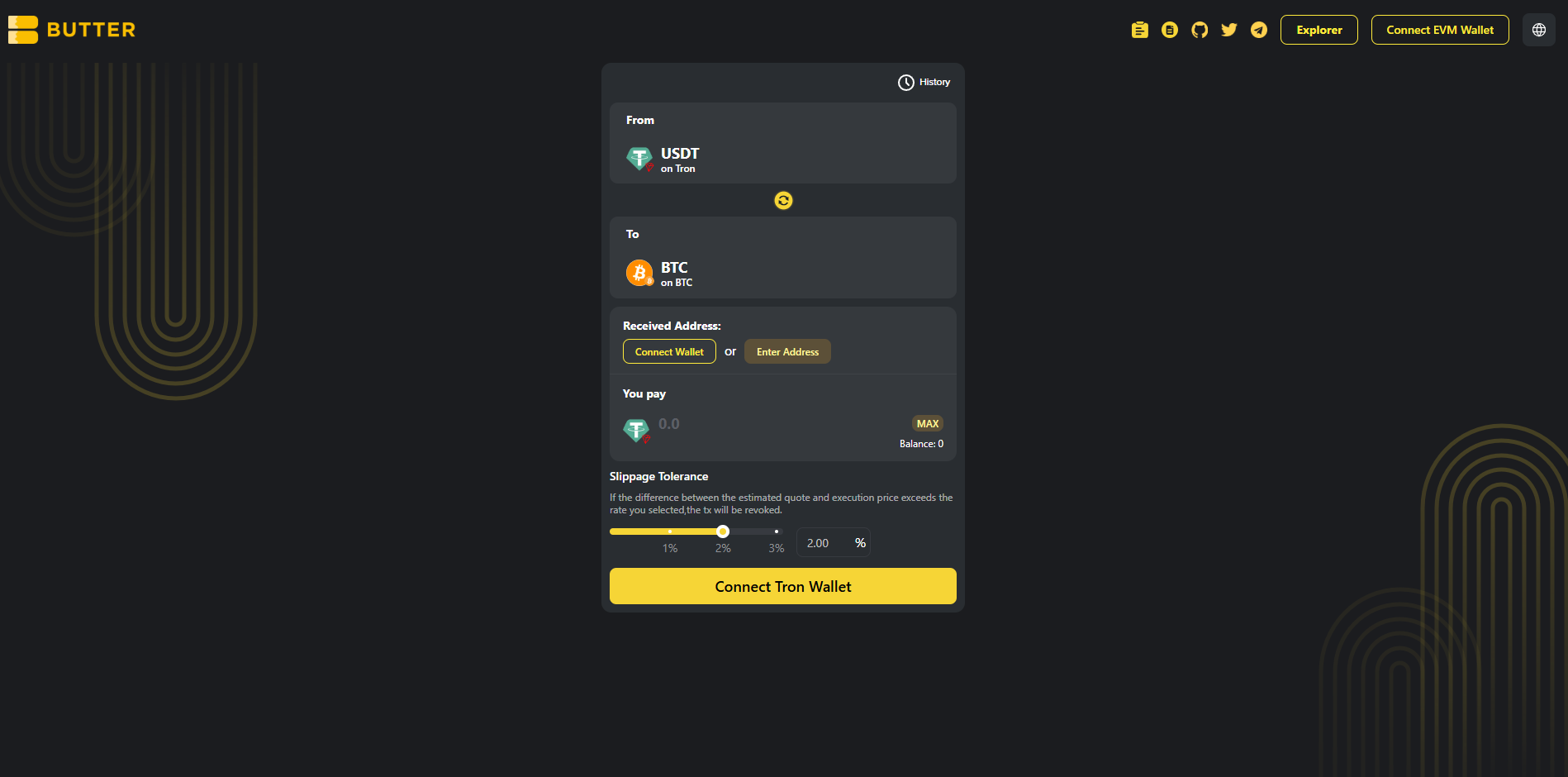 *From=USDT (TRON) and To=BTC (Bitcoin)*
### Step 2) Connect your TRON wallet (From)
Click **Connect Tron Wallet** (the big button on the swap card) and connect the wallet that holds your USDT (TRC20).
> If you connected the wrong wallet type and your TRON USDT balance shows as 0, switch to a wallet that supports TRON assets (TRC20).\
> Note: The wallet button in the top-right is not the same as setting your BTC receiving address. You’ll set the BTC destination in **Received Address** next.
*From=USDT (TRON) and To=BTC (Bitcoin)*
### Step 2) Connect your TRON wallet (From)
Click **Connect Tron Wallet** (the big button on the swap card) and connect the wallet that holds your USDT (TRC20).
> If you connected the wrong wallet type and your TRON USDT balance shows as 0, switch to a wallet that supports TRON assets (TRC20).\
> Note: The wallet button in the top-right is not the same as setting your BTC receiving address. You’ll set the BTC destination in **Received Address** next.
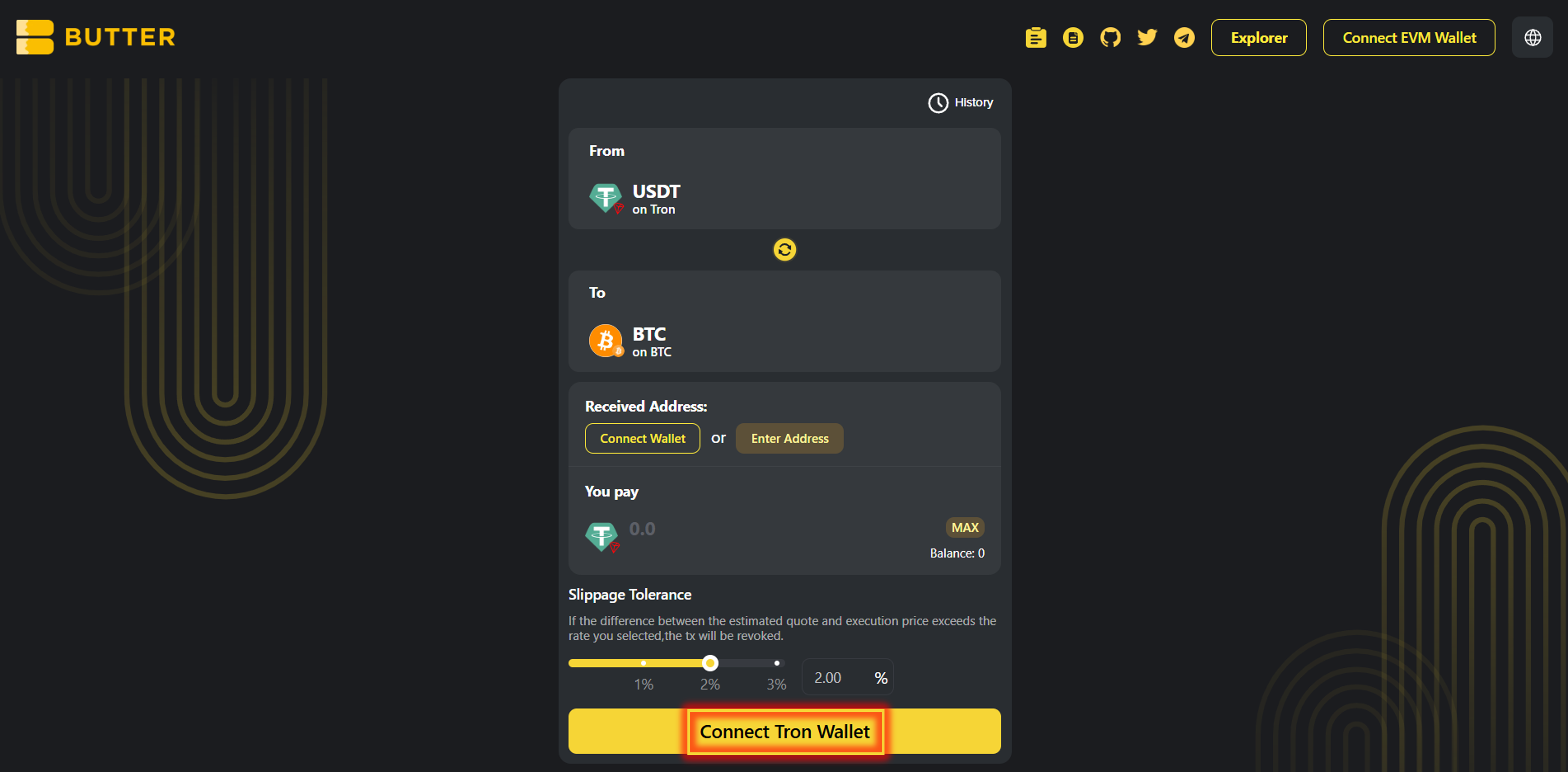 *Connect Tron Wallet*
### Step 3) Set your BTC receiving address on Bitcoin mainnet (two valid paths)
In **Received Address**, you’ll see two options:
**Option A — Connect wallet (same-wallet flow):**\
Click **Connect Wallet** under Received Address to connect to the same wallet holding your TRON USDT. (If it doesn’t provide a Bitcoin address, use Option B.)
**Option B — Enter a BTC address (send to another wallet):**\
Click **Enter Address** and paste your Bitcoin address.
✅ Valid BTC formats: `bc1...`, `1...`, `3...`\
❌ Do not use: `T...` (TRON), `0x...` (EVM)
*Connect Tron Wallet*
### Step 3) Set your BTC receiving address on Bitcoin mainnet (two valid paths)
In **Received Address**, you’ll see two options:
**Option A — Connect wallet (same-wallet flow):**\
Click **Connect Wallet** under Received Address to connect to the same wallet holding your TRON USDT. (If it doesn’t provide a Bitcoin address, use Option B.)
**Option B — Enter a BTC address (send to another wallet):**\
Click **Enter Address** and paste your Bitcoin address.
✅ Valid BTC formats: `bc1...`, `1...`, `3...`\
❌ Do not use: `T...` (TRON), `0x...` (EVM)
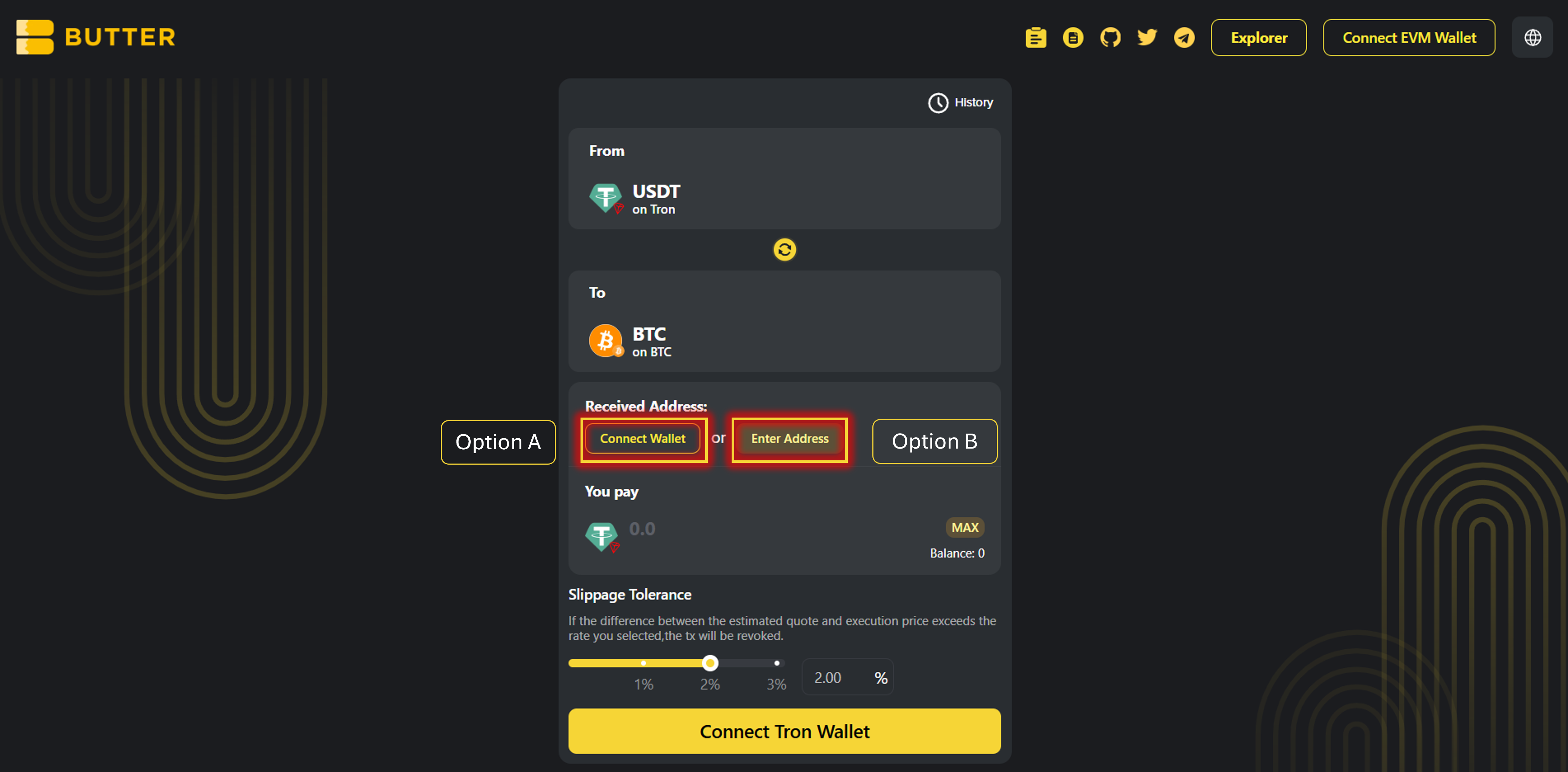 *Received Address options (Connect Wallet / Enter Address)*
### Step 4) Enter amount and review route + fees
* Enter the amount of USDT you want to swap
* Review the **Best Route** panel on the right (route steps + estimated receive)
* Check the fee/ETA area (example fields you may see):
* Fee
* Original chain gas fee estimate (TRON fees paid in TRX — bandwidth/energy)
* Estimated time of arrival
*Received Address options (Connect Wallet / Enter Address)*
### Step 4) Enter amount and review route + fees
* Enter the amount of USDT you want to swap
* Review the **Best Route** panel on the right (route steps + estimated receive)
* Check the fee/ETA area (example fields you may see):
* Fee
* Original chain gas fee estimate (TRON fees paid in TRX — bandwidth/energy)
* Estimated time of arrival
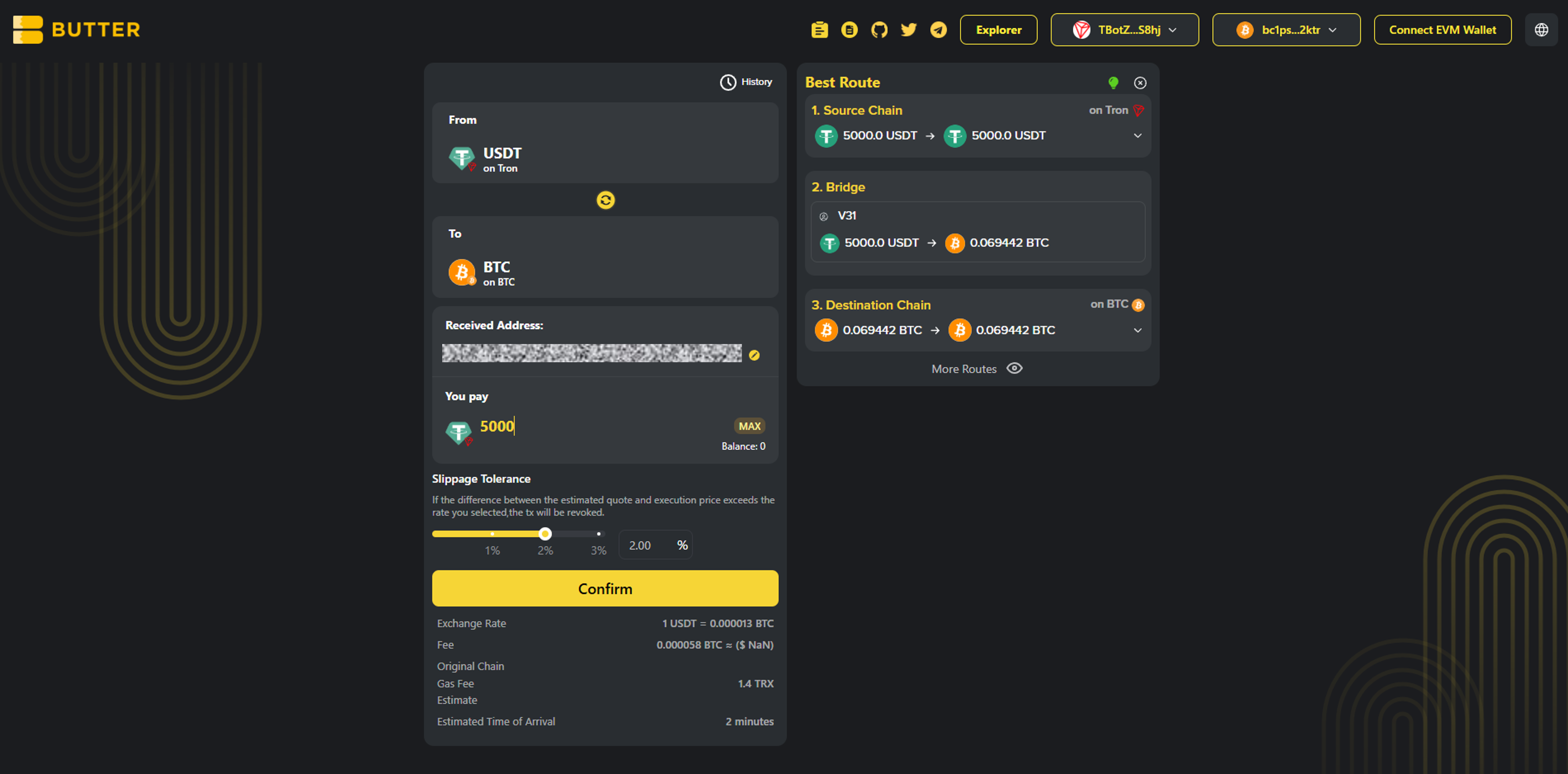 *Best Route + fee/ETA area*
### Step 5) Click Confirm (popup) and sign in your wallet
Click **Confirm**. A popup will show the swap summary. Confirm, then follow your wallet prompts:
* If prompted, **approve USDT** (first time only)
* Final transaction confirmation signature(s)
After submitting, you can monitor progress via:
* History in the swap UI
* [ButterSwap Explorer](https://explorer.butterswap.io/en)
*Best Route + fee/ETA area*
### Step 5) Click Confirm (popup) and sign in your wallet
Click **Confirm**. A popup will show the swap summary. Confirm, then follow your wallet prompts:
* If prompted, **approve USDT** (first time only)
* Final transaction confirmation signature(s)
After submitting, you can monitor progress via:
* History in the swap UI
* [ButterSwap Explorer](https://explorer.butterswap.io/en)
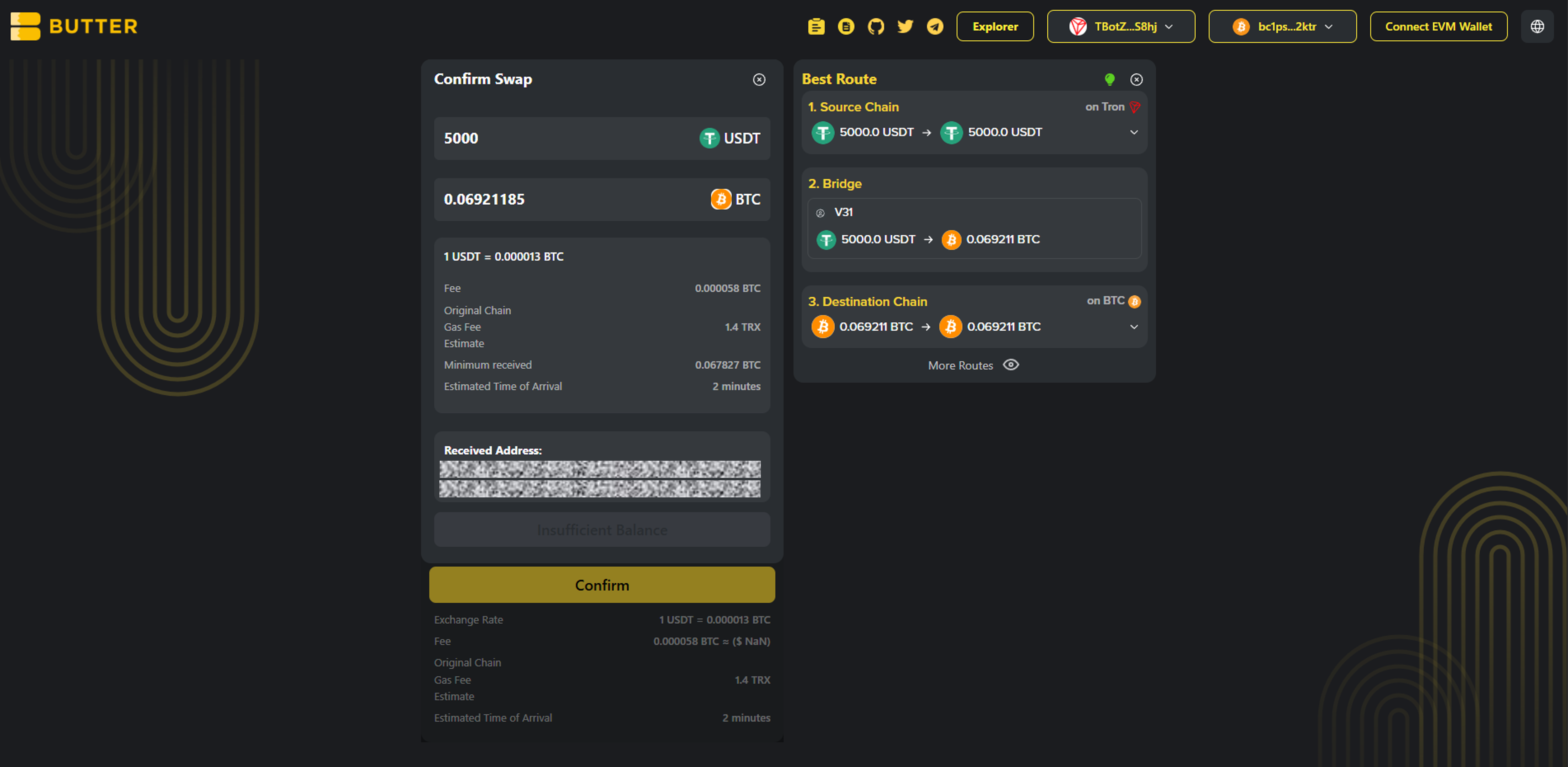 *Confirm swap popup*
***
## Fees & timing (USDT TRC20 → BTC)
* ### Do I need TRX?
Yes. On TRON, transaction fees are paid in TRX (bandwidth/energy). Keep a small amount of TRX available.
* ### What BTC do I receive?
Native BTC on Bitcoin mainnet (not wrapped BTC like WBTC/BTCB).
* ### How long does it take?
Timing varies based on network conditions and routing/liquidity. Track progress in History and verify via [ButterSwap Explorer](https://explorer.butterswap.io/en).
***
## Common issues (quick fixes)
* ### Wrong receiving address format (most common)
Your Received Address must be a Bitcoin address: `bc1…`, `1…`, or `3…`.\
Don’t use `T…` (TRON) or `0x…` (EVM).
* ### Not enough TRX for fees (bandwidth/energy)
If you can’t proceed or the wallet errors, top up a small amount of TRX and retry.
* ### Expecting “BTC on TRON” instead of BTC on Bitcoin
This guide swaps TRON USDT (TRC20) → BTC on Bitcoin mainnet, not “BTC” on another chain.
* ### Confusing wallet connect vs Received Address
Connecting a wallet ≠ setting a BTC destination address. Always double-check the **Received Address** field before confirming.
***
## FAQ
*Confirm swap popup*
***
## Fees & timing (USDT TRC20 → BTC)
* ### Do I need TRX?
Yes. On TRON, transaction fees are paid in TRX (bandwidth/energy). Keep a small amount of TRX available.
* ### What BTC do I receive?
Native BTC on Bitcoin mainnet (not wrapped BTC like WBTC/BTCB).
* ### How long does it take?
Timing varies based on network conditions and routing/liquidity. Track progress in History and verify via [ButterSwap Explorer](https://explorer.butterswap.io/en).
***
## Common issues (quick fixes)
* ### Wrong receiving address format (most common)
Your Received Address must be a Bitcoin address: `bc1…`, `1…`, or `3…`.\
Don’t use `T…` (TRON) or `0x…` (EVM).
* ### Not enough TRX for fees (bandwidth/energy)
If you can’t proceed or the wallet errors, top up a small amount of TRX and retry.
* ### Expecting “BTC on TRON” instead of BTC on Bitcoin
This guide swaps TRON USDT (TRC20) → BTC on Bitcoin mainnet, not “BTC” on another chain.
* ### Confusing wallet connect vs Received Address
Connecting a wallet ≠ setting a BTC destination address. Always double-check the **Received Address** field before confirming.
***
## FAQ
Can I swap USDT (TRC20) to BTC without using a centralized exchange?
Yes. This is a wallet based cross-chain swap flow on ButterSwap, no CEX account required.
Can I send USDT (TRC20) directly to a Bitcoin address?
No. TRON and Bitcoin are different networks. You need a cross-chain swap route to receive native BTC.
Do I need TRX to swap USDT on TRON (TRC20)?
Usually yes. TRON fees are paid in TRX (bandwidth or energy).
What Bitcoin address format should I use to receive BTC?
Use a Bitcoin mainnet address like bc1, 1, or 3 format addresses (for example `bc1...`, `1...`, `3...`).
Is convert USDT TRC20 to Bitcoin the same as swap USDT TRC20 to BTC?
Most users mean the same thing. They want to convert TRON USDT into native BTC on Bitcoin mainnet.
***
## Start your USDT to BTC swap
Open the pre-filled page:
* [USDT to BTC](https://www.butterswap.io/en/swap?from=728126428%3AUSDT\&to=1360095883558913%3ABTC)
Or open the [dApp](https://www.butterswap.io/en/swap) and set:
* From: USDT (TRC20) on TRON
* To: BTC (Native Bitcoin) on Bitcoin mainnet
***
## Related guides
* [BTC (Native Bitcoin) to USDT on BNB Chain Step-by-Step (No CEX Account)](/butter-swap-user-guide/swap-tutorials/swap-btc-to-usdt-bnb-chain)
# BTC (Native Bitcoin) to USDT on BNB Chain
This guide shows how to swap native BTC on Bitcoin mainnet into USDT on BNB Chain using ButterSwap. If you are looking to convert BTC to USDT on BNB Chain without a centralized exchange account, follow the steps below.
***
## Pre-filled BTC to USDT (BNB Chain) swap link
[Pre-filled BTC to USDT on BNB Chain swap link](https://www.butterswap.io/en/swap?referrer=\&to=56%3AUSDT\&from=1360095883558913%3ABTC)
Note: This link defaults to USDT on BNB Chain. If you want a different token on BNB Chain, change the To token before confirming.
Important: This page is for native BTC on Bitcoin mainnet only. It is not WBTC, BTCB, or BTC on BNB Chain.
***
## Quick checklist (30 seconds)
✅ BTC on Bitcoin mainnet (native BTC)\
✅ A BNB Chain receiving address (EVM address starting with 0x)\
✅ Extra BTC for the Bitcoin network fee (miner fee)\
✅ If you plan to move funds later on BNB Chain, have a small amount of BNB for gas (not required just to receive)
***
## What you will get
You will send native BTC on Bitcoin mainnet and receive USDT on BNB Chain to an EVM address (`0x...`).
***
## Before you start
### Address format check (BNB Chain)
✅ BNB Chain address: `0x...`\
❌ Not `bc1... / 1... / 3...` (Bitcoin), not `T...` (TRON)
### BTC fees
Bitcoin sends require a miner fee. Keep extra BTC available so your wallet can broadcast the transaction.
### USDT network check
This guide is for USDT on BNB Chain (often called BEP20 USDT). Confirm the To network shows BNB Chain.
For generic wallet connection help, [Click Here](/butter-swap-user-guide/user-guide).
***
## Step by step BTC (Native Bitcoin) to USDT (BNB Chain)
### Step 1) Open ButterSwap
Go to the pre-filled swap page (recommended) or open the app:
* Prefilled: [BTC to USDT on BNB Chain](https://www.butterswap.io/en/swap?referrer=\&to=56%3AUSDT\&from=1360095883558913%3ABTC)
* App: [dApp](https://www.butterswap.io/en/swap)
You should see:
* From: BTC on Bitcoin
* To: USDT on BNB Chain
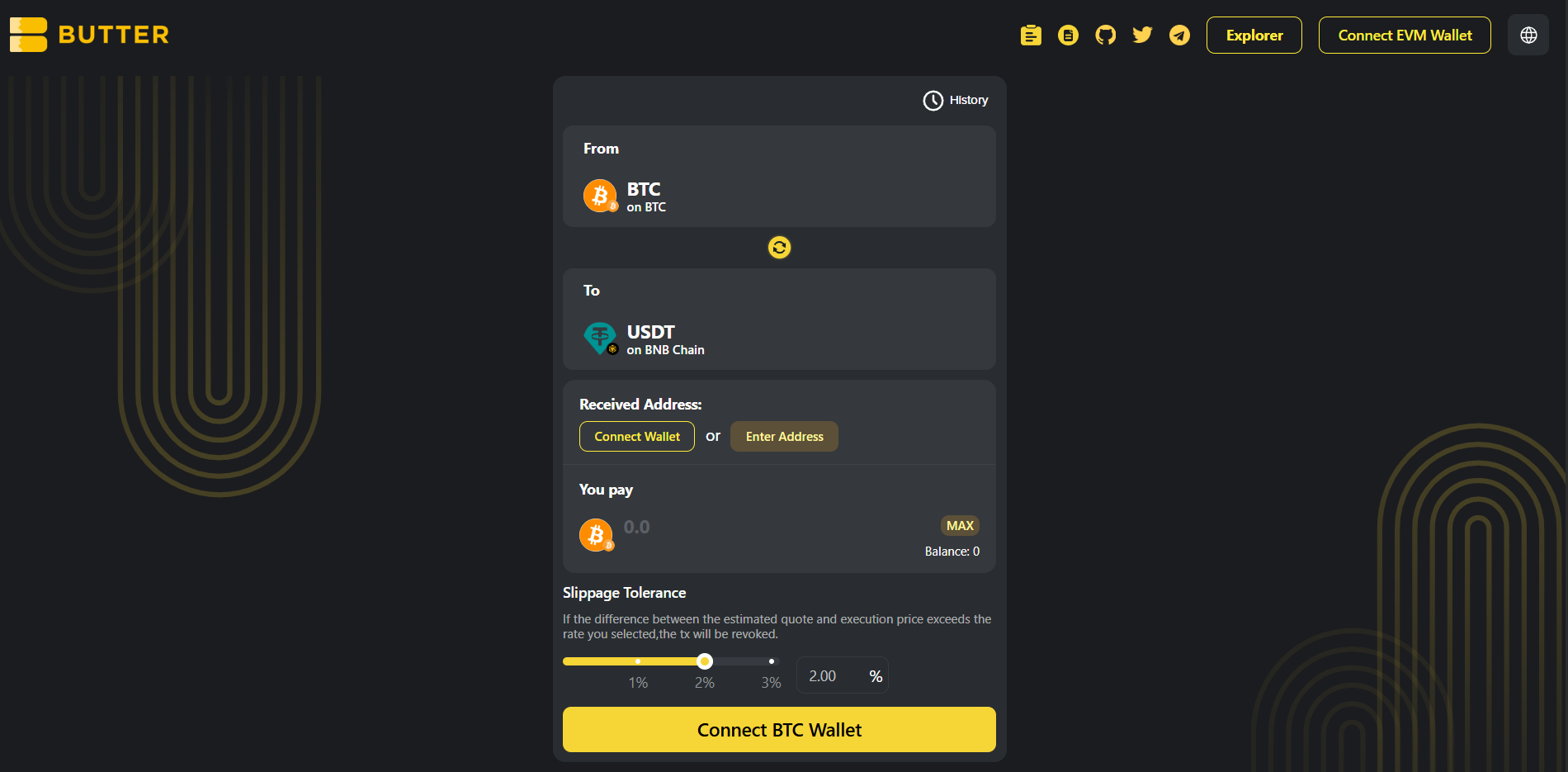 *From BTC (Bitcoin mainnet) to USDT (BNB Chain)*
### Step 2) Connect your BTC wallet first (From)
Click Connect BTC Wallet on the swap card and connect the wallet that holds your native BTC on Bitcoin mainnet.
If your BTC balance shows as 0, confirm you are using a Bitcoin wallet that holds native BTC on Bitcoin mainnet.
*From BTC (Bitcoin mainnet) to USDT (BNB Chain)*
### Step 2) Connect your BTC wallet first (From)
Click Connect BTC Wallet on the swap card and connect the wallet that holds your native BTC on Bitcoin mainnet.
If your BTC balance shows as 0, confirm you are using a Bitcoin wallet that holds native BTC on Bitcoin mainnet.
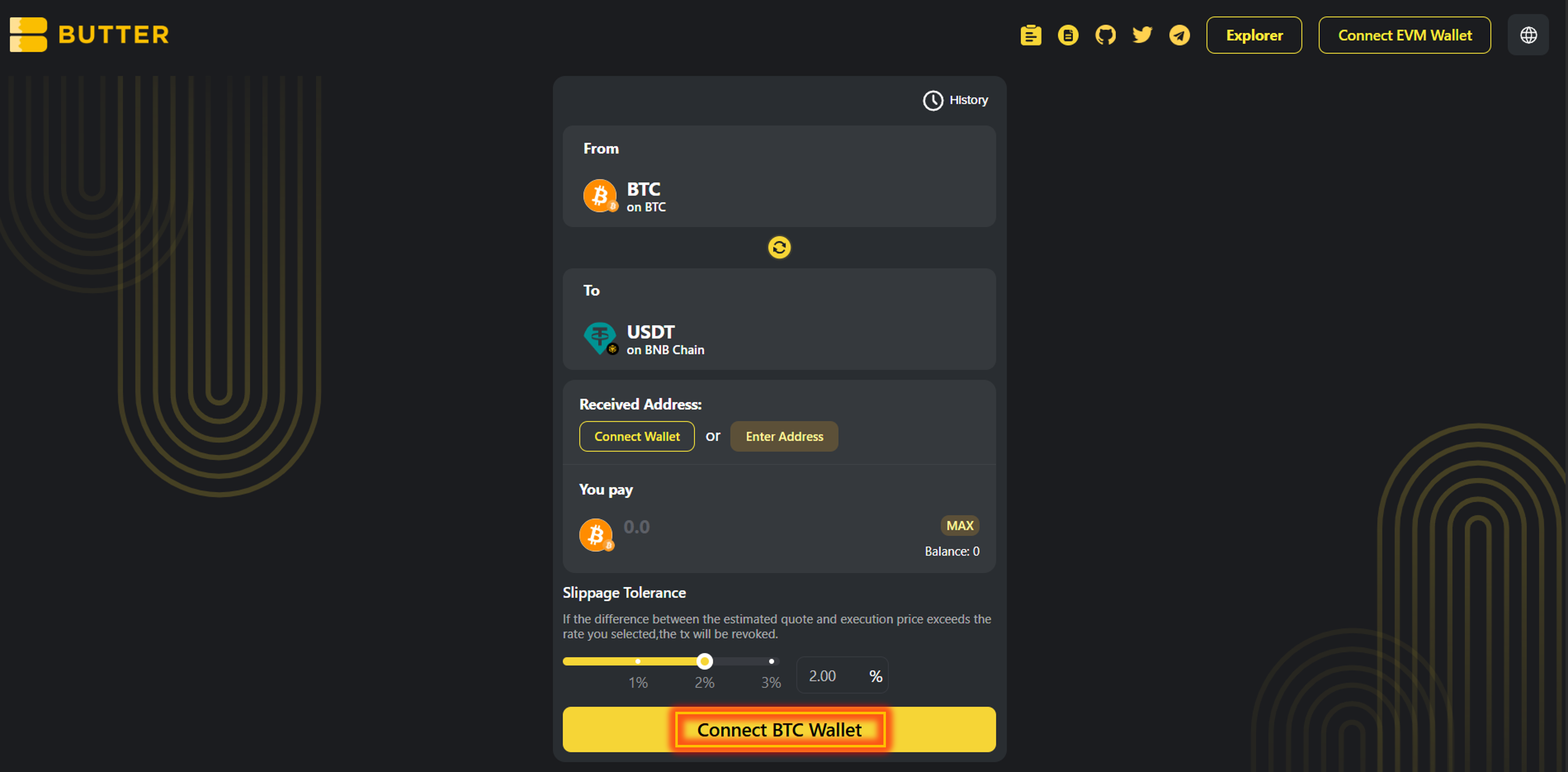 *Connect BTC Wallet for the From side*
### Step 3) Optional change the destination token on BNB Chain
This guide defaults to USDT on BNB Chain.
If you want a different token on BNB Chain, change the To token before continuing. Keep the To network as BNB Chain.
*Connect BTC Wallet for the From side*
### Step 3) Optional change the destination token on BNB Chain
This guide defaults to USDT on BNB Chain.
If you want a different token on BNB Chain, change the To token before continuing. Keep the To network as BNB Chain.
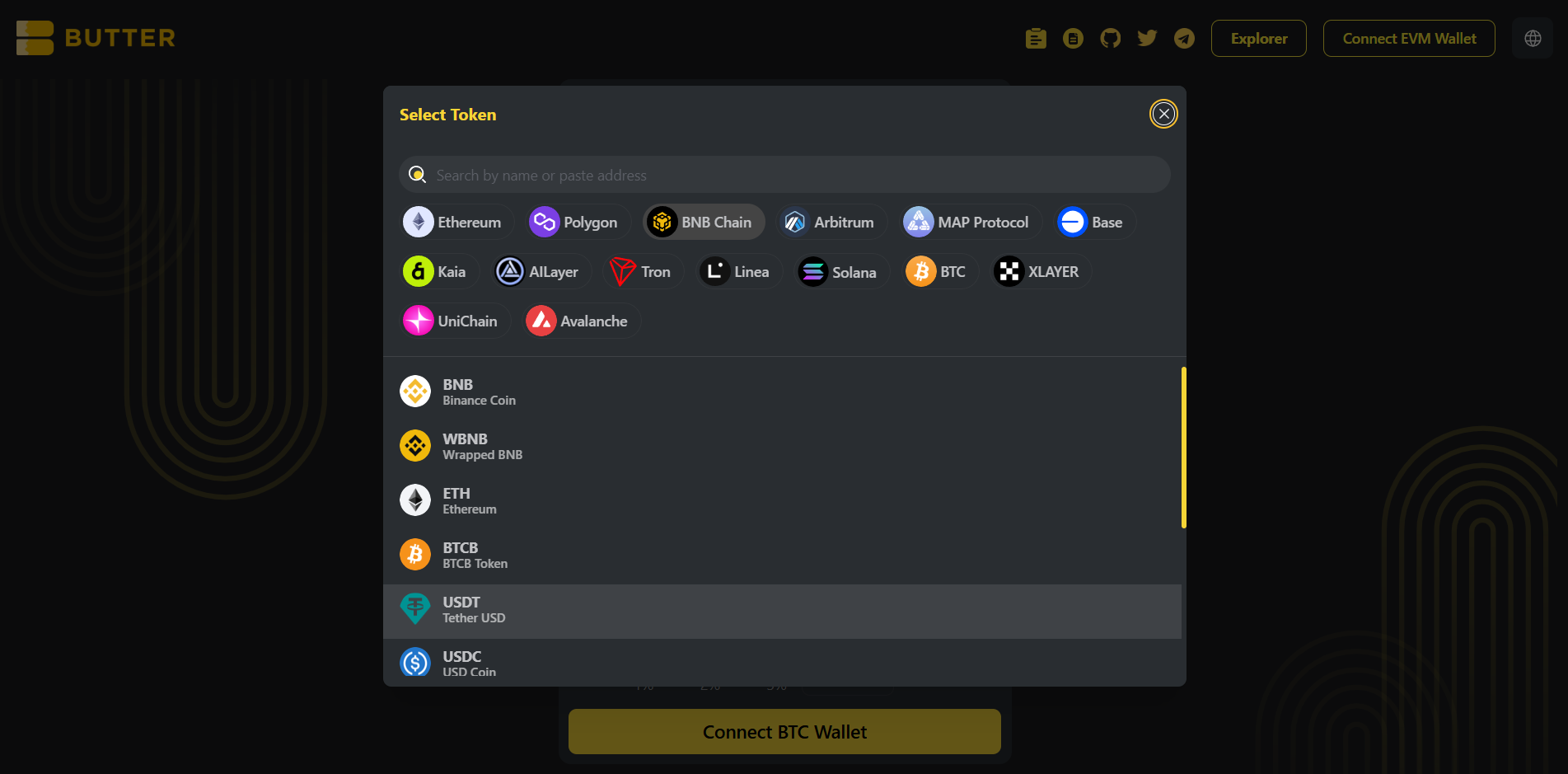 *To token selector on BNB Chain (USDT default)*
### Step 4) Set your BNB Chain receiving address (two valid paths)
In Received Address, you will see two options:
**Option A: Connect wallet (same wallet flow)**\
Click Connect Wallet under Received Address to connect the wallet that will receive your USDT on BNB Chain.
**Option B: Enter Address (different wallet)**\
Click Enter Address and paste your BNB Chain EVM address.
✅ Valid BNB Chain address format: `0x...`\
❌ Do not use: `bc1...` / `1...` / `3...` (Bitcoin), `T...` (TRON)
*To token selector on BNB Chain (USDT default)*
### Step 4) Set your BNB Chain receiving address (two valid paths)
In Received Address, you will see two options:
**Option A: Connect wallet (same wallet flow)**\
Click Connect Wallet under Received Address to connect the wallet that will receive your USDT on BNB Chain.
**Option B: Enter Address (different wallet)**\
Click Enter Address and paste your BNB Chain EVM address.
✅ Valid BNB Chain address format: `0x...`\
❌ Do not use: `bc1...` / `1...` / `3...` (Bitcoin), `T...` (TRON)
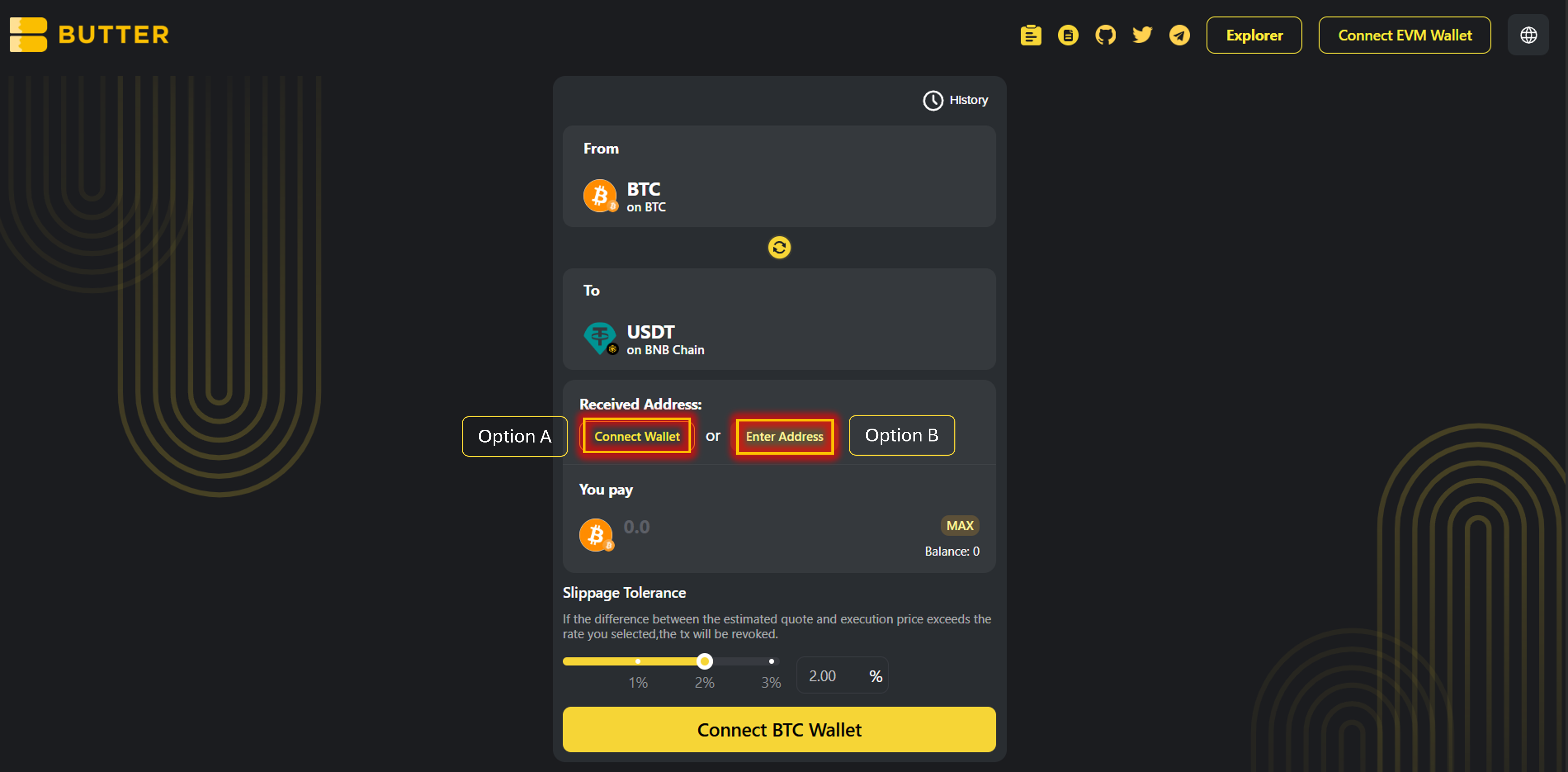 *Received Address options (Connect Wallet or Enter Address)*
### Step 5) Enter amount and review route and fees
Enter the amount of BTC you want to swap.
Review the Best Route panel on the right (route steps and estimated receive). Check the fee and ETA area.
*Received Address options (Connect Wallet or Enter Address)*
### Step 5) Enter amount and review route and fees
Enter the amount of BTC you want to swap.
Review the Best Route panel on the right (route steps and estimated receive). Check the fee and ETA area.
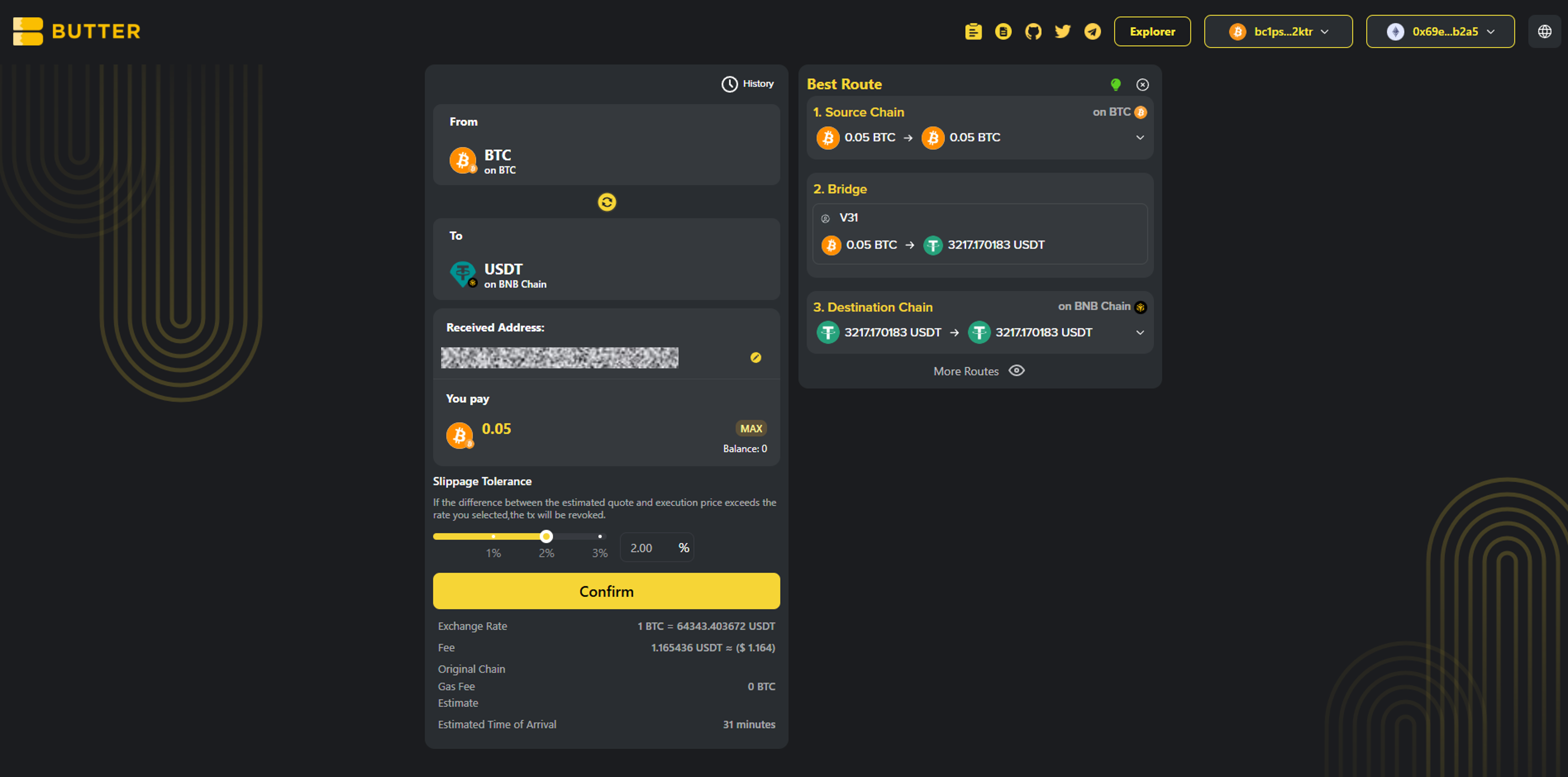 *Best Route and fee or ETA area*
### Step 6) Confirm and complete the flow
Click Confirm to open the swap summary popup. Then follow the exact flow you see in the ButterSwap UI.
* Valid path A: In wallet confirmation\
If your BTC wallet supports in-app signing, you may be asked to approve or sign in your wallet.
* Valid path B: On-screen instructions inside ButterSwap\
If ButterSwap shows BTC send or deposit instructions inside the swap flow, follow the exact instructions shown. Do not send BTC anywhere unless ButterSwap shows it in the swap confirmation flow.
After submitting, you can monitor progress via:
* History in the swap UI (if shown)
* [ButterSwap Explorer](https://explorer.butterswap.io/en) (if linked from the swap details screen)
*Best Route and fee or ETA area*
### Step 6) Confirm and complete the flow
Click Confirm to open the swap summary popup. Then follow the exact flow you see in the ButterSwap UI.
* Valid path A: In wallet confirmation\
If your BTC wallet supports in-app signing, you may be asked to approve or sign in your wallet.
* Valid path B: On-screen instructions inside ButterSwap\
If ButterSwap shows BTC send or deposit instructions inside the swap flow, follow the exact instructions shown. Do not send BTC anywhere unless ButterSwap shows it in the swap confirmation flow.
After submitting, you can monitor progress via:
* History in the swap UI (if shown)
* [ButterSwap Explorer](https://explorer.butterswap.io/en) (if linked from the swap details screen)
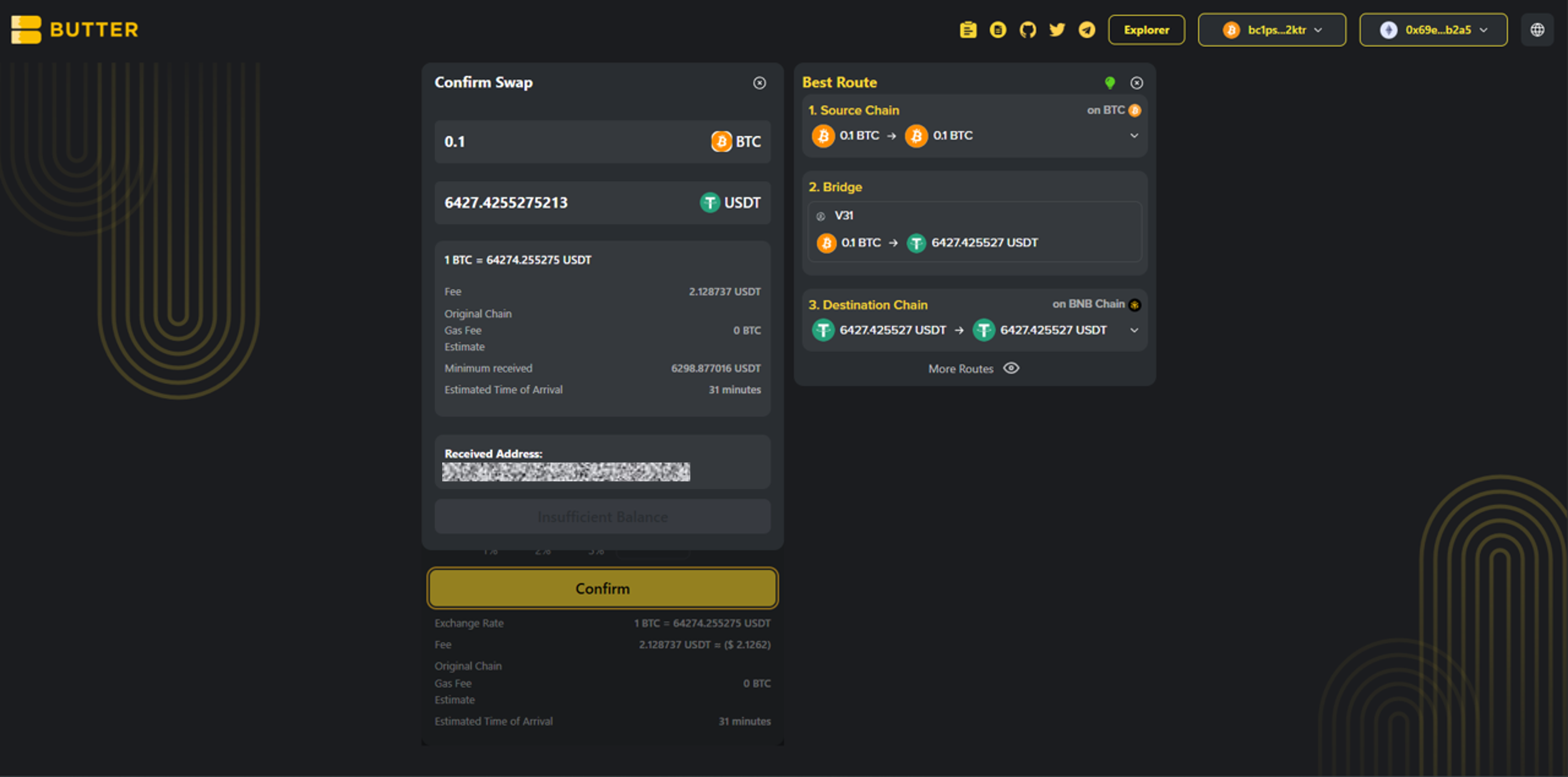 *Confirm swap popup*
***
## Fees and timing
* ### Do I need BNB?
To receive USDT on BNB Chain, usually no. To move or swap on BNB Chain later, yes, you will need a small amount of BNB for gas.
* ### What BTC do I send?
Native BTC on Bitcoin mainnet, not wrapped BTC like WBTC or BTCB.
* ### How long does it take?
Timing varies based on Bitcoin confirmations (miner fee affects this) and route liquidity or network conditions. Track progress in History and verify via [ButterSwap Explorer](https://explorer.butterswap.io/en) if available.
***
## Common issues (quick fixes)
* ### Wrong receiving address format
Your Received Address must be an EVM address (`0x...`) for BNB Chain. Do not use `bc1...` addresses (Bitcoin) or `T...` addresses (TRON).
* ### I selected the wrong USDT network
Make sure the To token is USDT on BNB Chain, not USDT on TRON or Ethereum.
* ### Not enough BTC to cover miner fee
If your BTC send fails or you cannot proceed, reduce the BTC amount slightly and retry.
* ### Confusing wallet connect vs Received Address
Connecting a wallet is not always the same as setting the destination. Always verify the Received Address field before confirming.
***
## FAQ
*Confirm swap popup*
***
## Fees and timing
* ### Do I need BNB?
To receive USDT on BNB Chain, usually no. To move or swap on BNB Chain later, yes, you will need a small amount of BNB for gas.
* ### What BTC do I send?
Native BTC on Bitcoin mainnet, not wrapped BTC like WBTC or BTCB.
* ### How long does it take?
Timing varies based on Bitcoin confirmations (miner fee affects this) and route liquidity or network conditions. Track progress in History and verify via [ButterSwap Explorer](https://explorer.butterswap.io/en) if available.
***
## Common issues (quick fixes)
* ### Wrong receiving address format
Your Received Address must be an EVM address (`0x...`) for BNB Chain. Do not use `bc1...` addresses (Bitcoin) or `T...` addresses (TRON).
* ### I selected the wrong USDT network
Make sure the To token is USDT on BNB Chain, not USDT on TRON or Ethereum.
* ### Not enough BTC to cover miner fee
If your BTC send fails or you cannot proceed, reduce the BTC amount slightly and retry.
* ### Confusing wallet connect vs Received Address
Connecting a wallet is not always the same as setting the destination. Always verify the Received Address field before confirming.
***
## FAQ
Can I swap BTC to USDT on BNB Chain without using a centralized exchange?
Yes. This is a wallet based cross-chain swap flow on ButterSwap, no CEX account required.
What address do I use to receive USDT on BNB Chain?
Use an EVM address starting with 0x (your BNB Chain wallet address).
Is BTC to USDT (BEP20) the same as BTC to USDT on BNB Chain?
Most users mean the same thing. USDT on BNB Chain is commonly called BEP20 USDT and uses an 0x address format.
Do I need BNB to receive USDT on BNB Chain?
Usually no for receiving. You will need BNB for gas if you move the USDT later.
Is this native BTC on Bitcoin mainnet?
Yes. This guide is for native BTC on Bitcoin mainnet only, not wrapped BTC like WBTC or BTCB.
Can I send BTC directly to a 0x address?
No. BTC and BNB Chain are different networks. You need a cross-chain swap route to receive USDT on BNB Chain.
How do I swap BTC to a different token on BNB Chain?
Change the To token and keep the To network as BNB Chain before confirming.
***
## Start your BTC to BNB Chain swap
Open the pre-filled page:
* [BTC to USDT on BNB Chain](https://www.butterswap.io/en/swap?referrer=\&to=56%3AUSDT\&from=1360095883558913%3ABTC)
Or open the [dApp](https://www.butterswap.io/en/swap) and set:
* From: BTC (Bitcoin mainnet)
* To: BNB Chain (select token)
***
## Related guides
* [USDT (TRC20) to BTC (Native Bitcoin) Step by Step](/butter-swap-user-guide/swap-tutorials/swap-usdt-trc20-to-btc)
# ETH (Ethereum) to USDT (TRC20) on TRON
This guide shows how to swap ETH on Ethereum mainnet into USDT (TRC20) on TRON using ButterSwap. If you are looking to convert ETH to TRON USDT (TRC20) without a centralized exchange account, follow the steps below.
***
## Pre-filled ETH to USDT (TRC20) on TRON swap link
[Pre-filled ETH to USDT (TRC20) on TRON swap link](https://www.butterswap.io/en/swap?referrer=\&to=728126428%3AUSDT\&from=1%3AETH)
Note: This link defaults to ETH (Ethereum) to USDT on TRON (TRC20). If you want to swap from a different token on Ethereum (for example USDT ERC20) or swap to a different token on TRON (for example TRX), use the From and To token selectors on the swap page before confirming.
If you want TRX instead of USDT (TRC20), keep the To network as TRON and change the To token to TRX before you confirm.
***
## Quick checklist (30 seconds)
✅ ETH on Ethereum mainnet (for the swap amount)\
✅ Extra ETH for Ethereum gas (network fee)\
✅ A TRON receiving address for TRC20 (usually starts with `T...`)\
✅ You selected USDT on TRON (TRC20) as the destination (not ERC20 or BEP20)
***
## What you will get
You will send ETH on Ethereum mainnet and receive USDT (TRC20) on TRON to your TRON address (`T...`).
***
## Before you start
### TRON address format check (most common mistake)
Your Received Address must be a TRON address for USDT (TRC20):
✅ `T...` (TRON address for TRC20)\
❌ `0x...` (Ethereum, BNB Chain, EVM)\
❌ `bc1...` / `1...` / `3...` (Bitcoin)
If you are using an exchange deposit address, make sure you selected TRC20 as the deposit network on the exchange side.
### Ethereum gas is paid in ETH
Even though you are swapping ETH, you still need extra ETH to pay the Ethereum network fee. If you try to swap max and leave no room for gas, the transaction may fail.
### Wording note: ETH and TRC20
ETH is native on Ethereum (not an ERC20 token). USDT (TRC20) is the TRON version of USDT.
For generic wallet connection help, [Click Here](/butter-swap-user-guide/user-guide).
***
## Step by step ETH (Ethereum) to USDT (TRC20) on TRON
### Step 1) Open ButterSwap
Go to the pre-filled swap page (recommended) or open the app:
* Prefilled: [ETH to USDT (TRC20) on TRON](https://www.butterswap.io/en/swap?referrer=\&to=728126428%3AUSDT\&from=1%3AETH)
* App: [dApp](https://www.butterswap.io/en/swap)
You should see:
* From: ETH on Ethereum
* To: USDT on TRON
Now connect the From wallet first:
* Click Connect Ethereum Wallet on the swap card, or use the top right Connect EVM Wallet button, then connect the wallet that holds your ETH on Ethereum mainnet.
If your ETH balance shows as 0, check your wallet network is set to Ethereum mainnet, then reconnect.
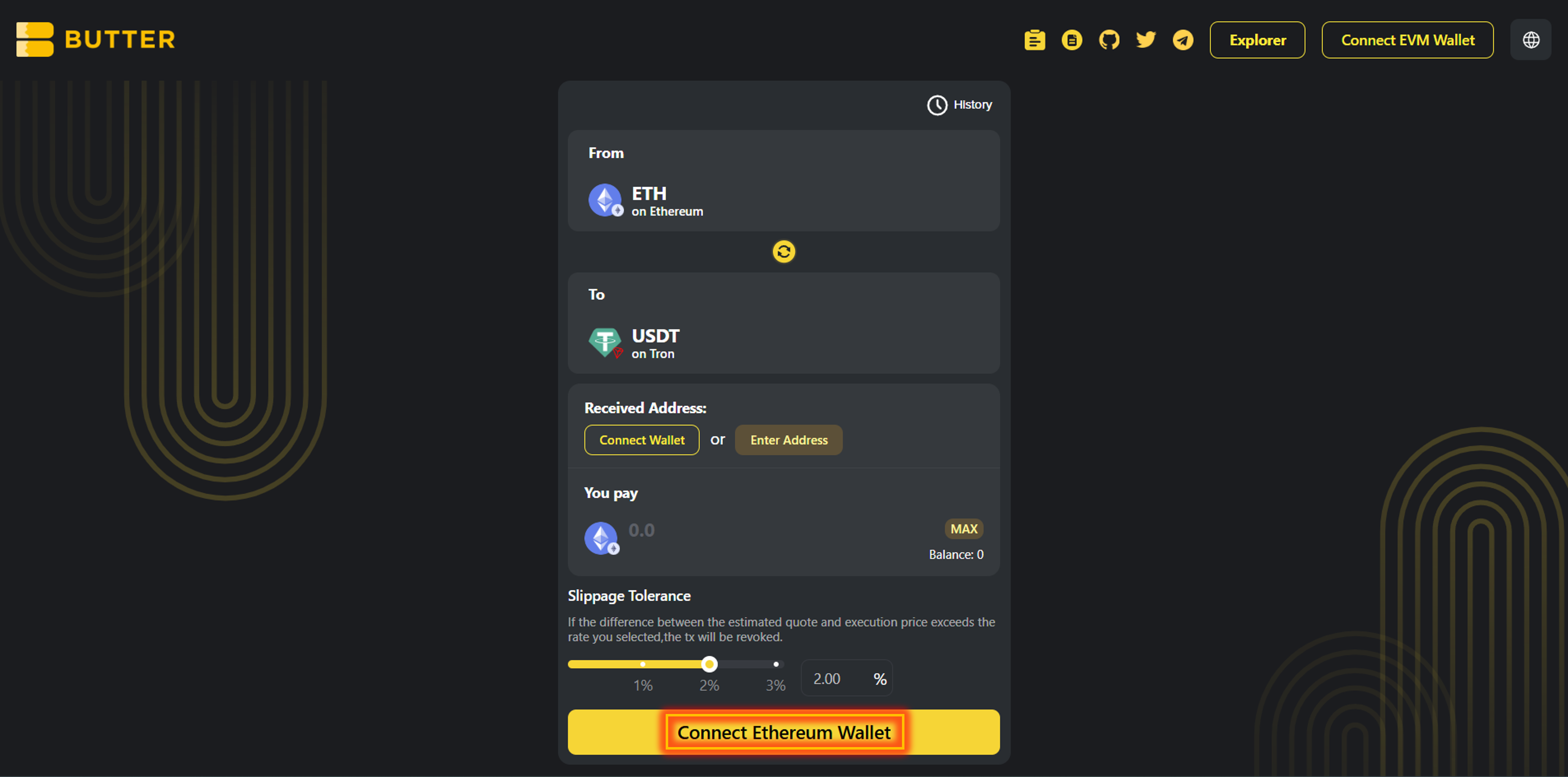 *From ETH (Ethereum) to USDT (TRON TRC20)*
### Step 2) Set your TRON receiving address (two valid paths)
After your Ethereum wallet is connected, set Received Address:
**Option A: Connect wallet (same wallet flow)**\
Click Connect Wallet under Received Address to connect the wallet that will receive USDT (TRC20) on TRON.
**Option B: Enter Address (different wallet)**\
Click Enter Address and paste your TRON address (`T...`).
✅ Valid TRON address format: `T...`\
❌ Do not use: `0x...` (EVM), `bc1...` / `1...` / `3...` (Bitcoin)
*From ETH (Ethereum) to USDT (TRON TRC20)*
### Step 2) Set your TRON receiving address (two valid paths)
After your Ethereum wallet is connected, set Received Address:
**Option A: Connect wallet (same wallet flow)**\
Click Connect Wallet under Received Address to connect the wallet that will receive USDT (TRC20) on TRON.
**Option B: Enter Address (different wallet)**\
Click Enter Address and paste your TRON address (`T...`).
✅ Valid TRON address format: `T...`\
❌ Do not use: `0x...` (EVM), `bc1...` / `1...` / `3...` (Bitcoin)
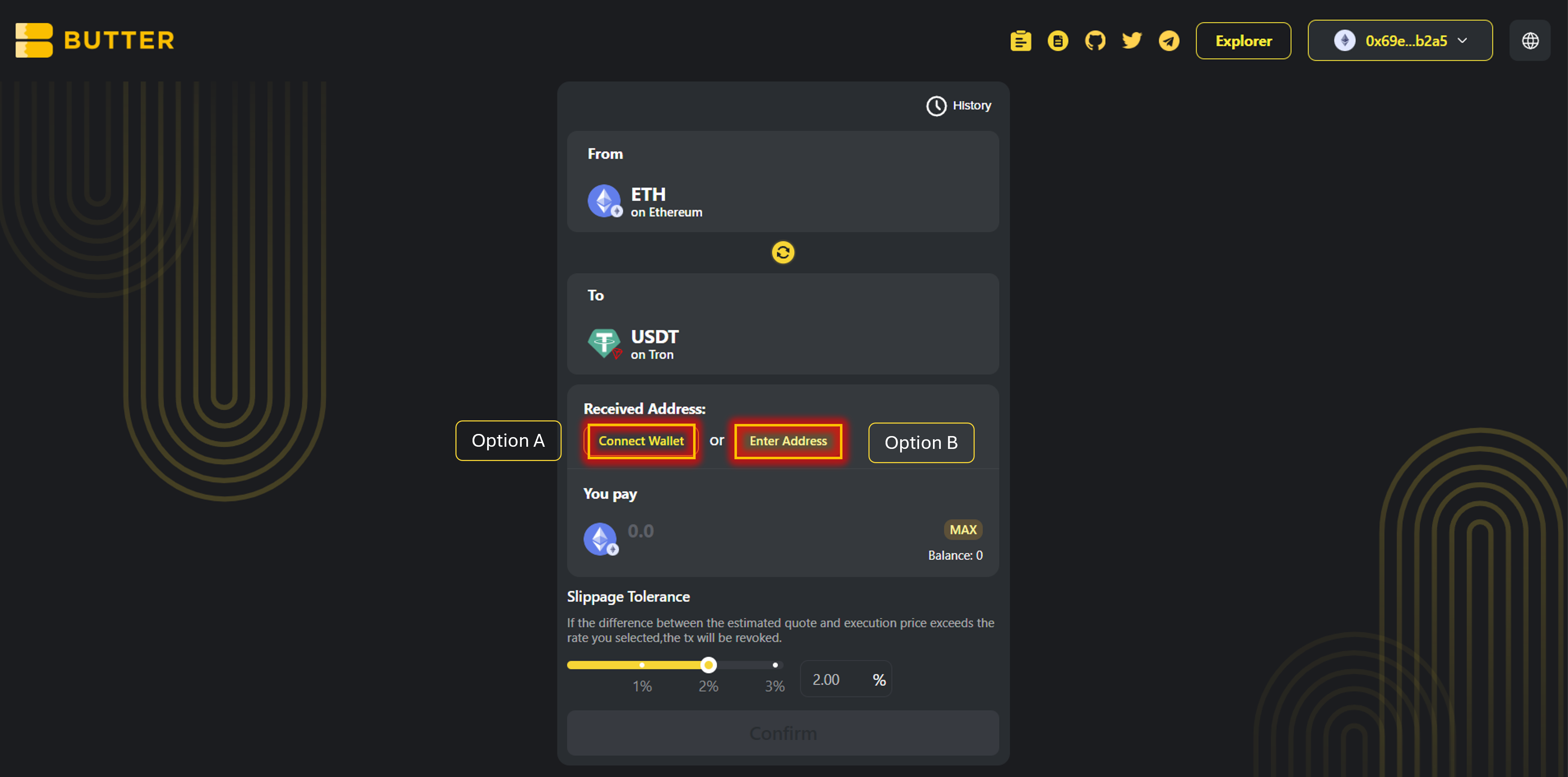 *Received Address options (Connect Wallet or Enter Address)*
### Step 3) Enter amount and review route and fees
Enter the amount of ETH you want to swap.
Review the Best Route panel (route steps and estimated receive). Check the fee and ETA area.
*Received Address options (Connect Wallet or Enter Address)*
### Step 3) Enter amount and review route and fees
Enter the amount of ETH you want to swap.
Review the Best Route panel (route steps and estimated receive). Check the fee and ETA area.
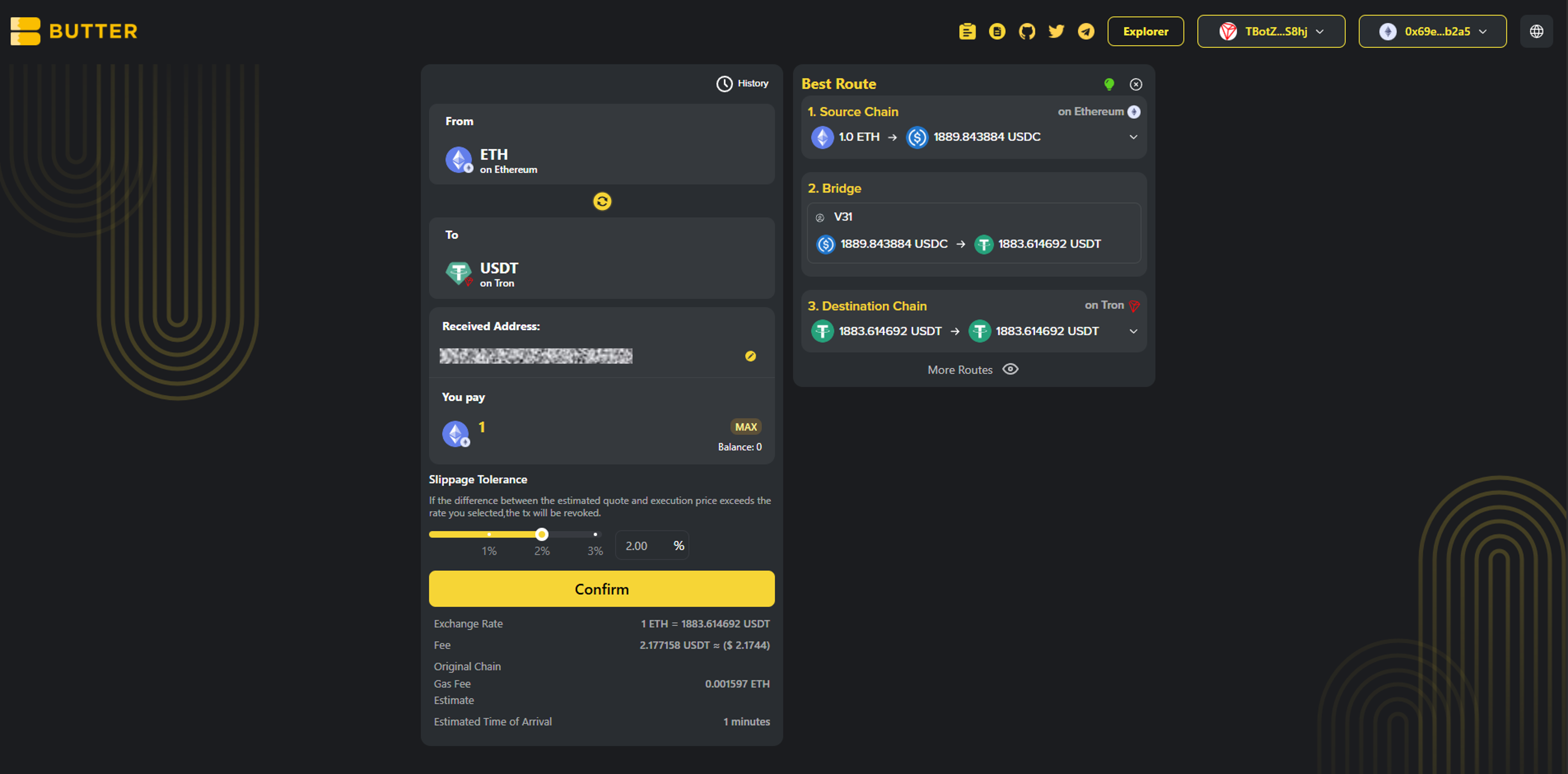 *Best Route and fee or ETA area*
### Step 4) Confirm and complete the flow
Click Confirm to open the swap summary popup. Confirm the details, then follow your wallet prompts to sign and submit.
Before you sign, double-check in the popup:
* To network: TRON
* To token: USDT (TRC20)
* Received Address: your intended `T...` address
*Best Route and fee or ETA area*
### Step 4) Confirm and complete the flow
Click Confirm to open the swap summary popup. Confirm the details, then follow your wallet prompts to sign and submit.
Before you sign, double-check in the popup:
* To network: TRON
* To token: USDT (TRC20)
* Received Address: your intended `T...` address
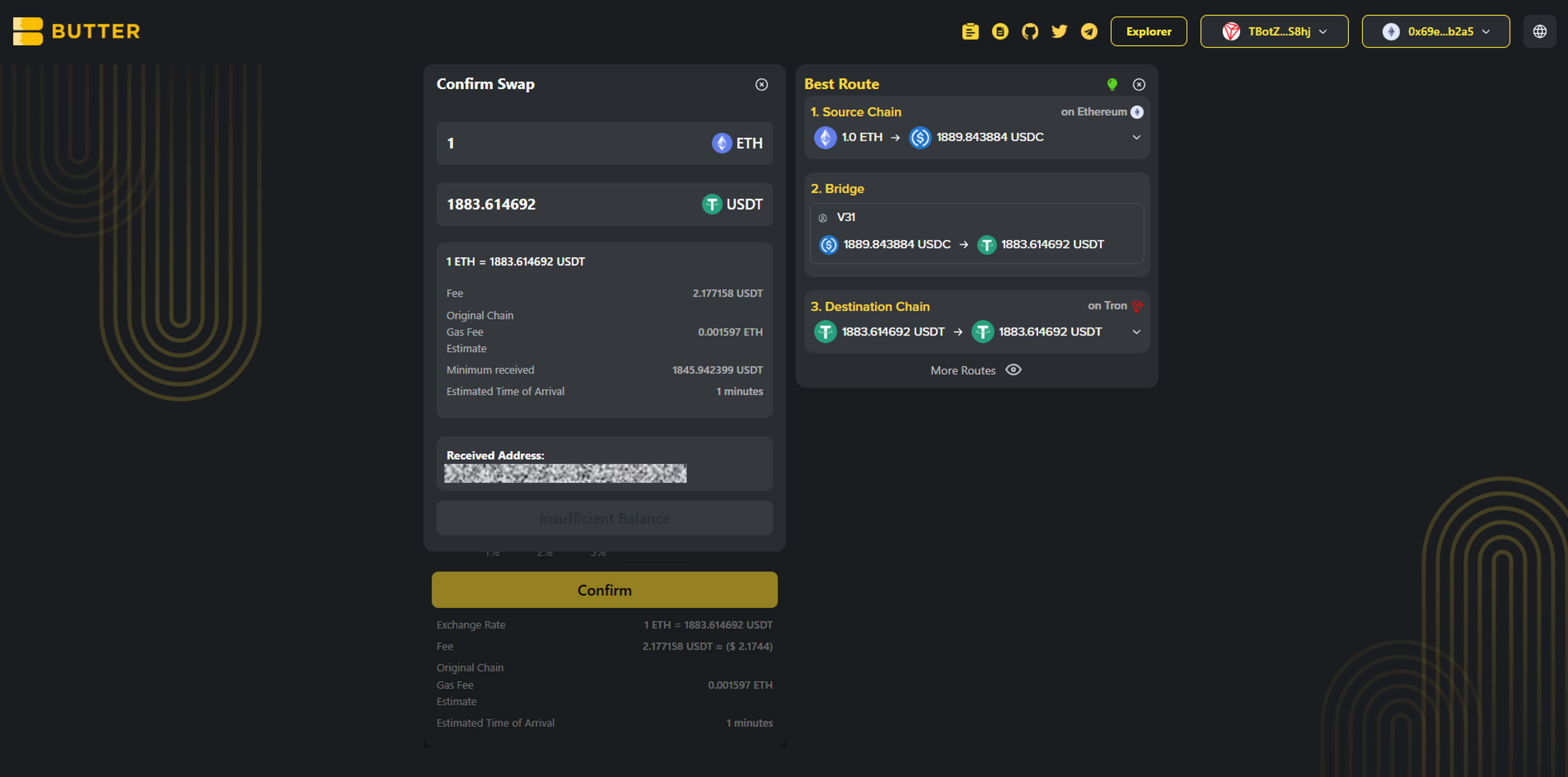 *Confirm swap popup*
***
## Fees and timing
* ### Ethereum network fee (gas)
Paid in ETH on Ethereum mainnet. Keep extra ETH available for gas.
* ### Route and swap fees
Shown in the route and in the confirm summary before you approve.
* ### How long does it take?
Timing depends on Ethereum network conditions and routing execution. Track progress in History and verify via [ButterSwap Explorer](https://explorer.butterswap.io/en) if available.
***
## Common issues (quick fixes)
* ### I pasted a 0x address and it will not work
That is an EVM address, not TRON. For USDT (TRC20), your receiving address must start with `T...`.
* ### My ETH balance shows 0 after connecting
You are likely on the wrong network or account. Switch your wallet to Ethereum mainnet, then reconnect.
* ### Confirm is disabled or the popup does not appear
Most common causes:
1. From wallet not connected (Step 1)
2. Received Address not set (Step 2)
3. Not enough ETH left for gas
4. Amount too small for the route or fees shown
* ### I expected USDT on Ethereum but I received USDT (TRC20)
This guide swaps to TRON USDT (TRC20). If you want USDT on Ethereum (ERC20), change the To network and token before confirming.
* ### I used an exchange TRON deposit address but funds are not credited
Double-check the exchange deposit network is TRC20. Then track status in History or use the explorer link from the swap details screen if available.
***
## FAQ
*Confirm swap popup*
***
## Fees and timing
* ### Ethereum network fee (gas)
Paid in ETH on Ethereum mainnet. Keep extra ETH available for gas.
* ### Route and swap fees
Shown in the route and in the confirm summary before you approve.
* ### How long does it take?
Timing depends on Ethereum network conditions and routing execution. Track progress in History and verify via [ButterSwap Explorer](https://explorer.butterswap.io/en) if available.
***
## Common issues (quick fixes)
* ### I pasted a 0x address and it will not work
That is an EVM address, not TRON. For USDT (TRC20), your receiving address must start with `T...`.
* ### My ETH balance shows 0 after connecting
You are likely on the wrong network or account. Switch your wallet to Ethereum mainnet, then reconnect.
* ### Confirm is disabled or the popup does not appear
Most common causes:
1. From wallet not connected (Step 1)
2. Received Address not set (Step 2)
3. Not enough ETH left for gas
4. Amount too small for the route or fees shown
* ### I expected USDT on Ethereum but I received USDT (TRC20)
This guide swaps to TRON USDT (TRC20). If you want USDT on Ethereum (ERC20), change the To network and token before confirming.
* ### I used an exchange TRON deposit address but funds are not credited
Double-check the exchange deposit network is TRC20. Then track status in History or use the explorer link from the swap details screen if available.
***
## FAQ
How do I swap ETH to USDT (TRC20) on TRON?
Open the pre-filled link, connect your Ethereum From wallet first, set a TRON Received Address (T...), enter the ETH amount, then Confirm and sign.
Can I convert ETH to TRON USDT (TRC20) without a centralized exchange?
Yes. ButterSwap supports a wallet based cross-chain swap flow, no CEX account required.
What address format do I use to receive USDT (TRC20)?
Use a TRON address starting with T. Do not use 0x or Bitcoin address formats.
Do I need TRX to receive USDT (TRC20)?
Receiving usually does not require TRX, but you will need TRX for TRON fees if you plan to move the USDT later.
Why do I need extra ETH if I am swapping ETH?
Ethereum transactions require gas fees paid in ETH, separate from the swap amount.
Is swap ETH to TRC20 the same as bridge ETH to TRON USDT?
Most users mean the same end result, getting value from Ethereum onto TRON as USDT (TRC20). ButterSwap focuses on the swap outcome.
Can I change the destination to TRX instead of USDT?
Yes. Change the To token and select TRX on TRON before confirming.
How do I swap ETH to TRX on TRON instead of USDT (TRC20)?
Use the same flow in this guide. Keep the To network as TRON, then change the To token to TRX before you confirm.
***
## Start your ETH to TRON USDT (TRC20) swap
Open the pre-filled page:
* [ETH to USDT (TRC20) on TRON](https://www.butterswap.io/en/swap?referrer=\&to=728126428%3AUSDT\&from=1%3AETH)
Or open the [dApp](https://www.butterswap.io/en/swap) and set:
* From: ETH (Ethereum)
* To: USDT on TRON (TRC20)
***
## Related guides
* [BTC (Native Bitcoin) to USDT on BNB Chain Step by Step](/butter-swap-user-guide/swap-tutorials/swap-btc-to-usdt-bnb-chain)
* [USDT (TRC20) to BTC (Native Bitcoin) Step by Step](/butter-swap-user-guide/swap-tutorials/swap-usdt-trc20-to-btc)
# BTC (Native Bitcoin) to USDT (TRC20) on TRON
This guide shows how to swap native BTC on Bitcoin mainnet into USDT (TRC20) on TRON using ButterSwap. If you are looking to convert BTC to USDT TRC20 on TRON without a centralized exchange account, follow the steps below.
***
## Pre-filled BTC to USDT (TRC20) on TRON swap link
[Pre-filled BTC to USDT (TRC20) on TRON swap link](https://www.butterswap.io/en/swap?from=1360095883558913%3ABTC\&to=728126428%3AUSDT)
**Note**: This link defaults to BTC (Bitcoin) to USDT on TRON (TRC20).
**Important**: This page is for native BTC on Bitcoin mainnet only. It is not WBTC, BTCB, or BTC on any other chain.
***
## Quick checklist (30 seconds)
✅ BTC on Bitcoin mainnet (native BTC)\
✅ Extra BTC for the Bitcoin network fee (miner fee)\
✅ A TRON receiving address (starts with `T...`)\
✅ Destination is USDT on TRON (TRC20), not ERC20 or BEP20
***
## What you will get
You will send native BTC on Bitcoin mainnet and receive USDT (TRC20) on TRON to a TRON address (`T...`).
***
## Before you start
### TRON address format check (most common mistake)
Your Received Address must be a TRON address:
✅ TRON address: `T...`\
❌ Not `0x...` (Ethereum, BNB Chain, EVM)\
❌ Not `bc1...` / `1...` / `3...` (Bitcoin)
If you are using an exchange deposit address, make sure the deposit network is TRC20 on the exchange side.
### BTC fees are paid on Bitcoin (in BTC)
Bitcoin sends require a miner fee. Keep extra BTC available so your wallet can broadcast the transaction.
### TRON fees (so you do not get stuck later)
You usually do not need TRX to receive USDT (TRC20). If you plan to move the USDT later on TRON, you will typically need a small amount of TRX for TRON fees (bandwidth/energy).
For generic wallet connection help, [Click Here](/butter-swap-user-guide/user-guide).
***
## Step by step BTC (Native Bitcoin) to USDT (TRC20) on TRON
### Step 1) Open ButterSwap
Go to the pre-filled swap page (recommended) or open the app:
* Prefilled: [BTC to USDT (TRC20) on TRON](https://www.butterswap.io/en/swap?from=1360095883558913%3ABTC\&to=728126428%3AUSDT)
* App: [dApp](https://www.butterswap.io/en/swap)
You should see:
* From: BTC on Bitcoin
* To: USDT on TRON
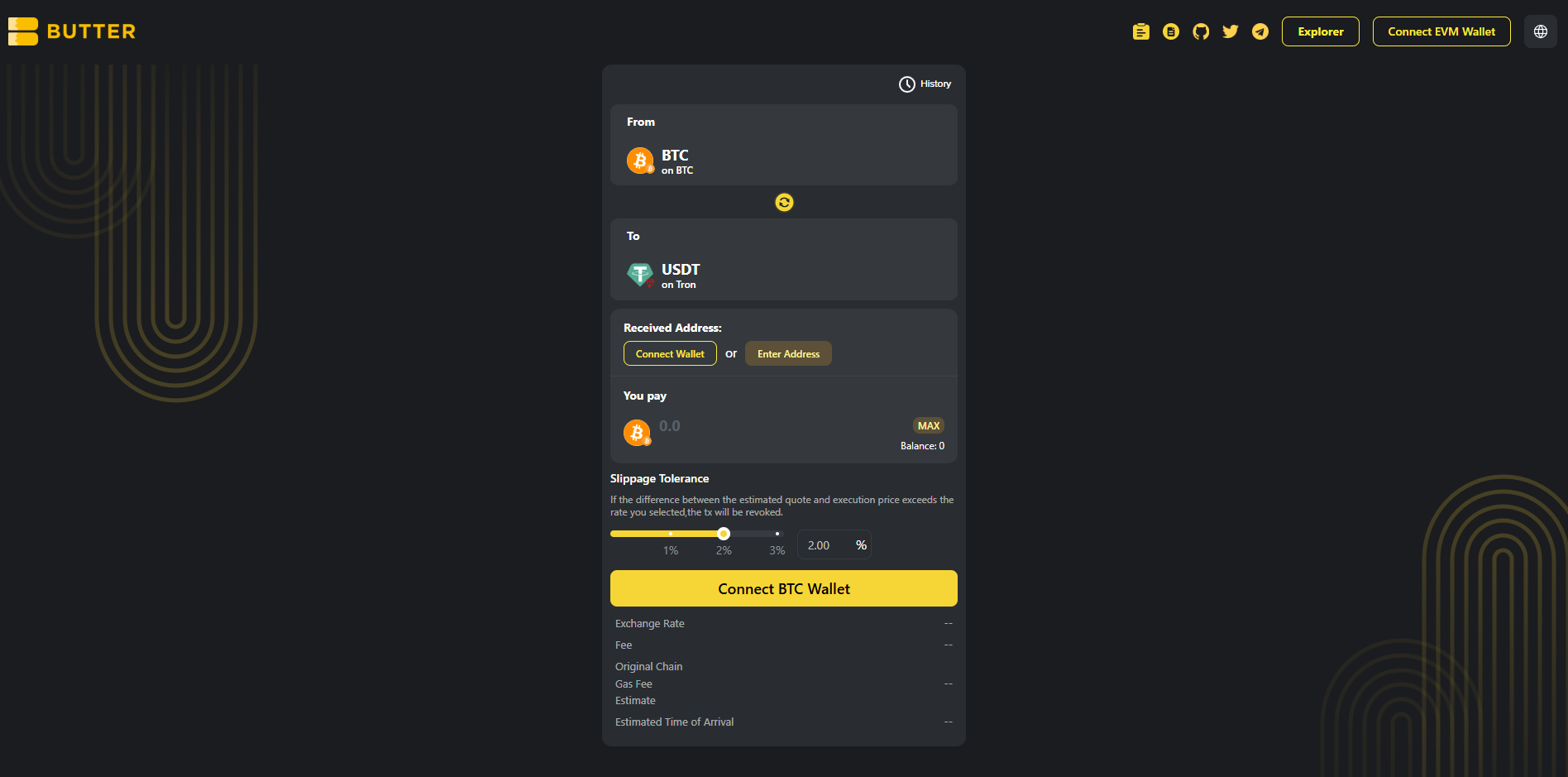 *From BTC (Bitcoin mainnet) to USDT (TRON TRC20)*
### Step 2) Connect your BTC wallet first (From)
Click Connect BTC Wallet on the swap card and connect the wallet that holds your native BTC on Bitcoin mainnet.
If your BTC balance shows as 0, confirm you are using a Bitcoin wallet with native BTC on Bitcoin mainnet, then reconnect.
*From BTC (Bitcoin mainnet) to USDT (TRON TRC20)*
### Step 2) Connect your BTC wallet first (From)
Click Connect BTC Wallet on the swap card and connect the wallet that holds your native BTC on Bitcoin mainnet.
If your BTC balance shows as 0, confirm you are using a Bitcoin wallet with native BTC on Bitcoin mainnet, then reconnect.
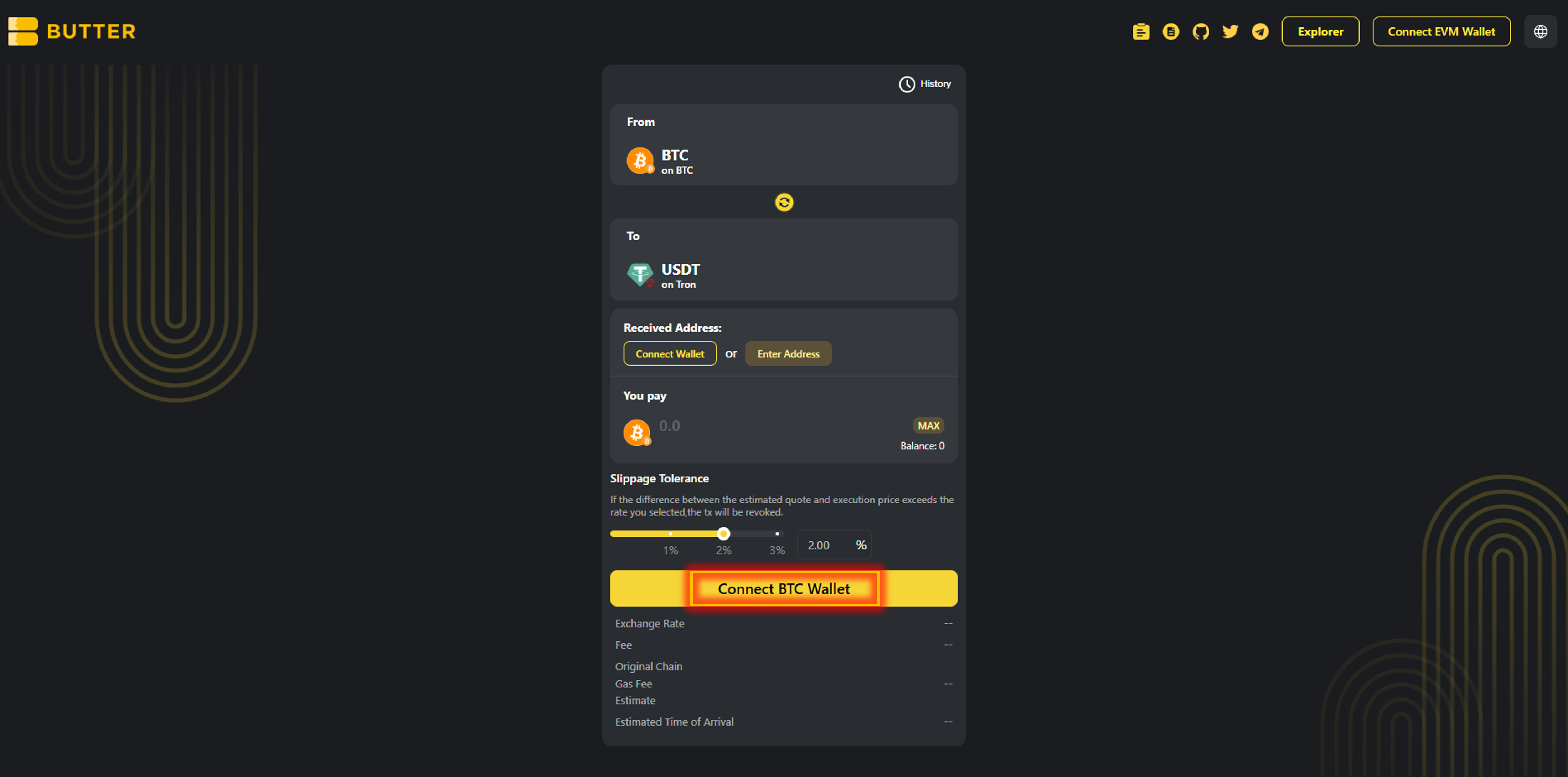 *Connect BTC Wallet for the From side*
### Step 3) Set your TRON receiving address (two valid paths)
In Received Address, you will see two options:
**Option A: Connect wallet (same wallet flow)**\
Click Connect Wallet under Received Address to connect the wallet that will receive USDT (TRC20) on TRON. If it does not provide a TRON address, use Option B.
**Option B: Enter Address (different wallet)**\
Click Enter Address and paste your TRON address (`T...`).
✅ Valid TRON address format: `T...`\
❌ Do not use: `0x...` (EVM), `bc1...` / `1...` / `3...` (Bitcoin)
*Connect BTC Wallet for the From side*
### Step 3) Set your TRON receiving address (two valid paths)
In Received Address, you will see two options:
**Option A: Connect wallet (same wallet flow)**\
Click Connect Wallet under Received Address to connect the wallet that will receive USDT (TRC20) on TRON. If it does not provide a TRON address, use Option B.
**Option B: Enter Address (different wallet)**\
Click Enter Address and paste your TRON address (`T...`).
✅ Valid TRON address format: `T...`\
❌ Do not use: `0x...` (EVM), `bc1...` / `1...` / `3...` (Bitcoin)
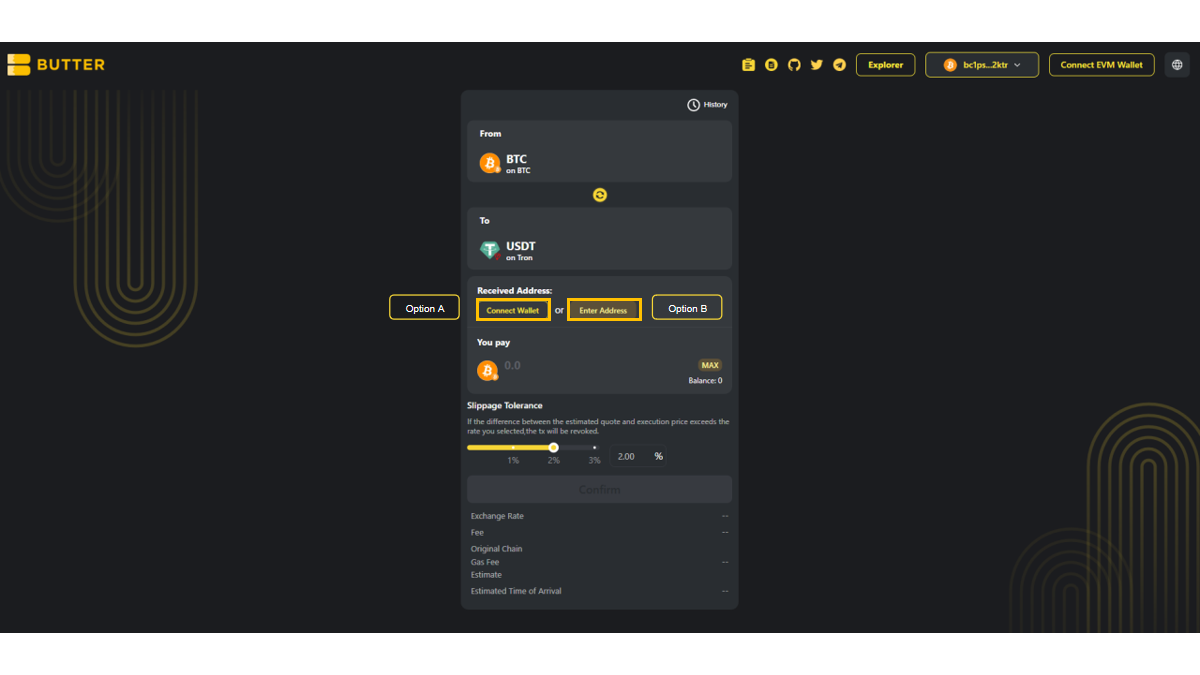 *Received Address options (Connect Wallet or Enter Address)*
### Step 4) Enter amount and review route and fees
Enter the amount of BTC you want to swap.
Review the Best Route panel on the right (route steps and estimated receive). Check the fee and ETA area.
*Received Address options (Connect Wallet or Enter Address)*
### Step 4) Enter amount and review route and fees
Enter the amount of BTC you want to swap.
Review the Best Route panel on the right (route steps and estimated receive). Check the fee and ETA area.
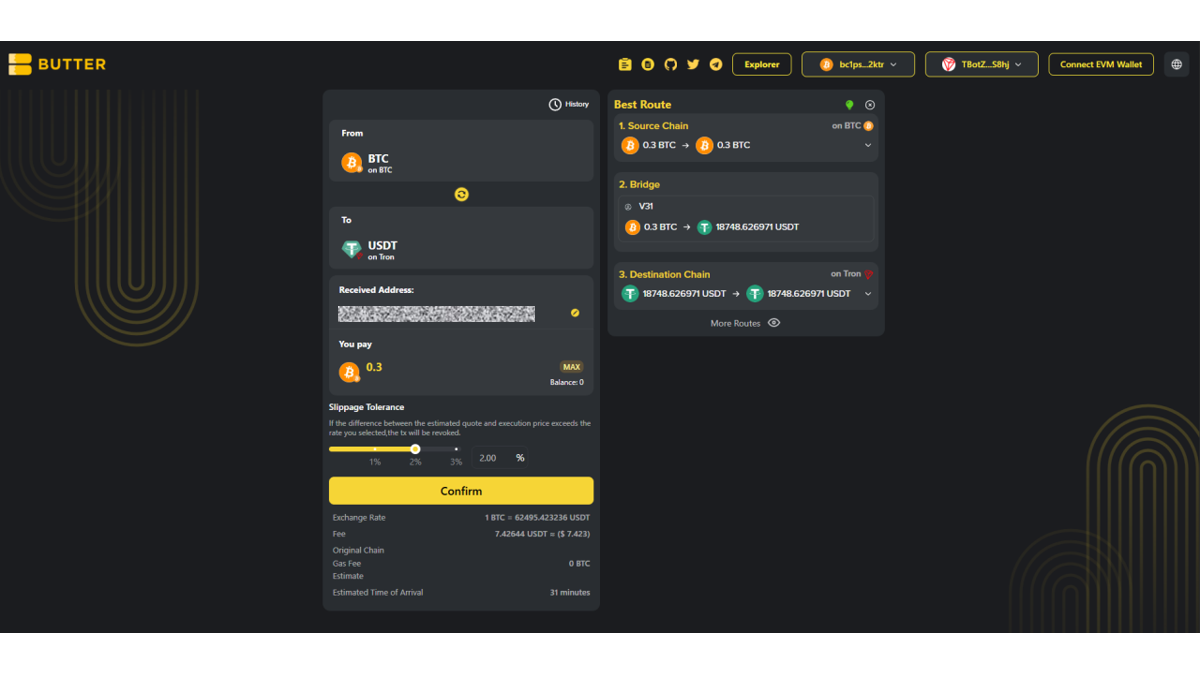 *Best Route and fee or ETA area*
### Step 5) Confirm and complete the flow
Click Confirm to open the swap summary popup. Then follow the exact flow you see in the ButterSwap UI.
* Valid path A: In wallet confirmation\
If your BTC wallet supports in-app signing, you may be asked to approve or sign in your wallet.
* Valid path B: On-screen instructions inside ButterSwap\
If ButterSwap shows BTC send or deposit instructions inside the swap flow, follow the exact instructions shown. Do not send BTC anywhere unless ButterSwap shows it in the swap confirmation flow.
After submitting, you can monitor progress via:
* History in the swap UI (if shown)
* [ButterSwap Explorer](https://explorer.butterswap.io/en) (if linked from the swap details screen)
*Best Route and fee or ETA area*
### Step 5) Confirm and complete the flow
Click Confirm to open the swap summary popup. Then follow the exact flow you see in the ButterSwap UI.
* Valid path A: In wallet confirmation\
If your BTC wallet supports in-app signing, you may be asked to approve or sign in your wallet.
* Valid path B: On-screen instructions inside ButterSwap\
If ButterSwap shows BTC send or deposit instructions inside the swap flow, follow the exact instructions shown. Do not send BTC anywhere unless ButterSwap shows it in the swap confirmation flow.
After submitting, you can monitor progress via:
* History in the swap UI (if shown)
* [ButterSwap Explorer](https://explorer.butterswap.io/en) (if linked from the swap details screen)
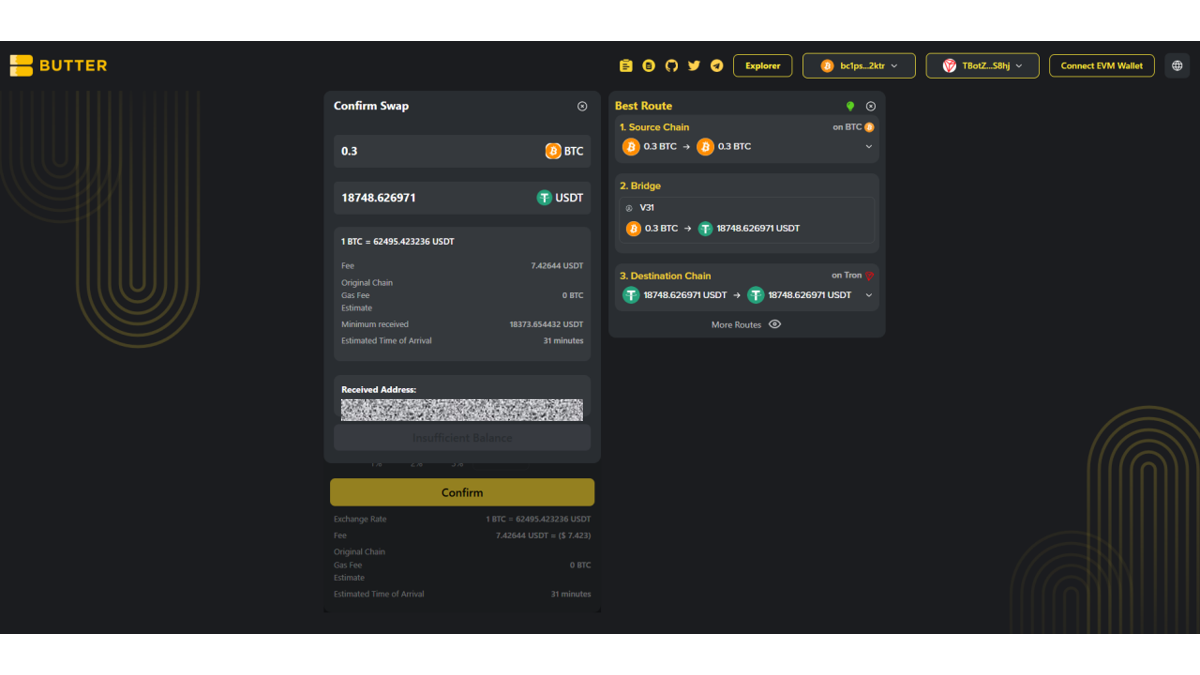 *Confirm swap popup*
***
## Fees and timing
* ### What fees apply?
Bitcoin network fee (miner fee) applies when sending BTC. Route fees, if any, are shown in Best Route and in the confirm summary before you proceed.
* ### Do I need TRX?
Receiving USDT (TRC20) usually does not require TRX. If you plan to move the USDT later on TRON, you will typically need a small amount of TRX for TRON fees.
* ### How long does it take?
Timing varies based on Bitcoin confirmations and routing execution. Track progress in History and verify via [ButterSwap Explorer](https://explorer.butterswap.io/en) if available.
***
## Common issues (quick fixes)
* ### Wrong receiving address format
For TRON, your receiving address must start with `T...`. Do not paste `0x...` or Bitcoin address formats.
* ### Not enough BTC to cover miner fee
If your BTC send fails or you cannot proceed, reduce the BTC amount slightly and retry.
* ### Confirm is disabled or the popup does not appear
Most common causes:
1. From wallet not connected (Step 2)
2. Received Address not set (Step 3)
3. Not enough BTC left for the miner fee
4. Amount too small for the route or fees shown
* ### I used an exchange TRON deposit address but funds are not credited
Make sure the exchange deposit network is TRC20. Then track status in History or use the explorer link from swap details if available.
***
## FAQ
*Confirm swap popup*
***
## Fees and timing
* ### What fees apply?
Bitcoin network fee (miner fee) applies when sending BTC. Route fees, if any, are shown in Best Route and in the confirm summary before you proceed.
* ### Do I need TRX?
Receiving USDT (TRC20) usually does not require TRX. If you plan to move the USDT later on TRON, you will typically need a small amount of TRX for TRON fees.
* ### How long does it take?
Timing varies based on Bitcoin confirmations and routing execution. Track progress in History and verify via [ButterSwap Explorer](https://explorer.butterswap.io/en) if available.
***
## Common issues (quick fixes)
* ### Wrong receiving address format
For TRON, your receiving address must start with `T...`. Do not paste `0x...` or Bitcoin address formats.
* ### Not enough BTC to cover miner fee
If your BTC send fails or you cannot proceed, reduce the BTC amount slightly and retry.
* ### Confirm is disabled or the popup does not appear
Most common causes:
1. From wallet not connected (Step 2)
2. Received Address not set (Step 3)
3. Not enough BTC left for the miner fee
4. Amount too small for the route or fees shown
* ### I used an exchange TRON deposit address but funds are not credited
Make sure the exchange deposit network is TRC20. Then track status in History or use the explorer link from swap details if available.
***
## FAQ
How do I swap BTC to USDT (TRC20) on TRON without using a centralized exchange?
Open the pre-filled link, connect your BTC From wallet first, set a TRON Received Address (T...), enter the BTC amount, then Confirm and follow the UI to complete the swap.
What TRON address format should I use to receive USDT (TRC20)?
Use a TRON address starting with T. Do not use 0x or Bitcoin address formats.
Do I need TRX to receive USDT (TRC20) on TRON?
Receiving usually does not require TRX, but you will need TRX for TRON fees if you plan to move the USDT later.
Is this native BTC on Bitcoin mainnet (not WBTC or BTCB)?
Yes. This guide is for native BTC on Bitcoin mainnet only.
How long does a BTC to TRON USDT swap take?
It varies mainly with Bitcoin confirmations and route execution. Use History and the explorer link from swap details if available.
Can I send BTC directly to a TRON address to convert it?
No. BTC and TRON are different networks. You need a cross-chain swap route to receive USDT (TRC20) on TRON.
***
## Start your BTC to TRON USDT (TRC20) swap
Open the pre-filled page:
* [BTC to USDT (TRC20) on TRON](https://www.butterswap.io/en/swap?from=1360095883558913%3ABTC\&to=728126428%3AUSDT)
Or open the [dApp](https://www.butterswap.io/en/swap) and set:
* From: BTC (Bitcoin mainnet)
* To: USDT on TRON (TRC20)
* Received Address: your TRON address (`T...`)
***
## Related guides
* [USDT (TRC20) to BTC (Native Bitcoin) Step by Step](/butter-swap-user-guide/swap-tutorials/swap-usdt-trc20-to-btc)
* [BTC (Native Bitcoin) to USDT on BNB Chain Step by Step](/butter-swap-user-guide/swap-tutorials/swap-btc-to-usdt-bnb-chain)
* [ETH (Ethereum) to USDT (TRC20) on TRON Step by Step](/butter-swap-user-guide/swap-tutorials/swap-eth-to-usdt-trc20-tron)
# BTC (Native Bitcoin) to USDC on Solana
This guide shows how to swap native BTC on Bitcoin mainnet into USDC on Solana using ButterSwap. If you are looking to convert BTC to USDC on Solana without a centralized exchange account, follow the steps below.
***
## Pre-filled BTC to USDC (Solana) swap link
[Pre-filled BTC to USDC on Solana swap link](https://www.butterswap.io/en/swap?from=1360095883558913%3ABTC\&to=1360108768460801%3AUSDC)
**Note**: This link defaults to USDC on Solana. If you want a different token on Solana (for example SOL or USDT), change the To token before confirming. Keep the To network as Solana.
**Important**: This page is for native BTC on Bitcoin mainnet only. It is not WBTC, BTCB, or BTC on any other chain.
***
## Quick checklist (30 seconds)
✅ BTC on Bitcoin mainnet (native BTC)\
✅ Extra BTC for the Bitcoin network fee (miner fee)\
✅ A Solana receiving address (base58 format, not `0x...`, not `T...`, not `bc1...`)\
✅ Destination is USDC on Solana (not Ethereum USDC, not TRON USDT)
***
## What you will get
You will send native BTC on Bitcoin mainnet and receive USDC on Solana to a Solana address (base58 format).
***
## Before you start
### Solana address format check (do not mix networks)
Your Received Address must be a Solana address (base58). It is usually a long string of letters and numbers.
✅ Solana address format: base58 Solana address\
❌ Not `0x...` (Ethereum, BNB Chain, EVM)\
❌ Not `T...` (TRON)\
❌ Not `bc1...` / `1...` / `3...` (Bitcoin)
### BTC fees are paid on Bitcoin (in BTC)
Bitcoin sends require a miner fee. Keep extra BTC available so your wallet can broadcast the transaction.
### Solana gas note
You usually do not need SOL to receive USDC on Solana. If you plan to move or swap the USDC later on Solana, you will need a small amount of SOL for Solana fees.
For generic wallet connection help, [Click Here](/butter-swap-user-guide/user-guide).
***
## Step by step BTC (Native Bitcoin) to USDC (Solana)
### Step 1) Open ButterSwap
Go to the pre-filled swap page (recommended) or open the app:
* Prefilled: [BTC to USDC on Solana](https://www.butterswap.io/en/swap?from=1360095883558913%3ABTC\&to=1360108768460801%3AUSDC)
* App: [dApp](https://www.butterswap.io/en/swap)
You should see:
* From: BTC on Bitcoin
* To: USDC on Solana
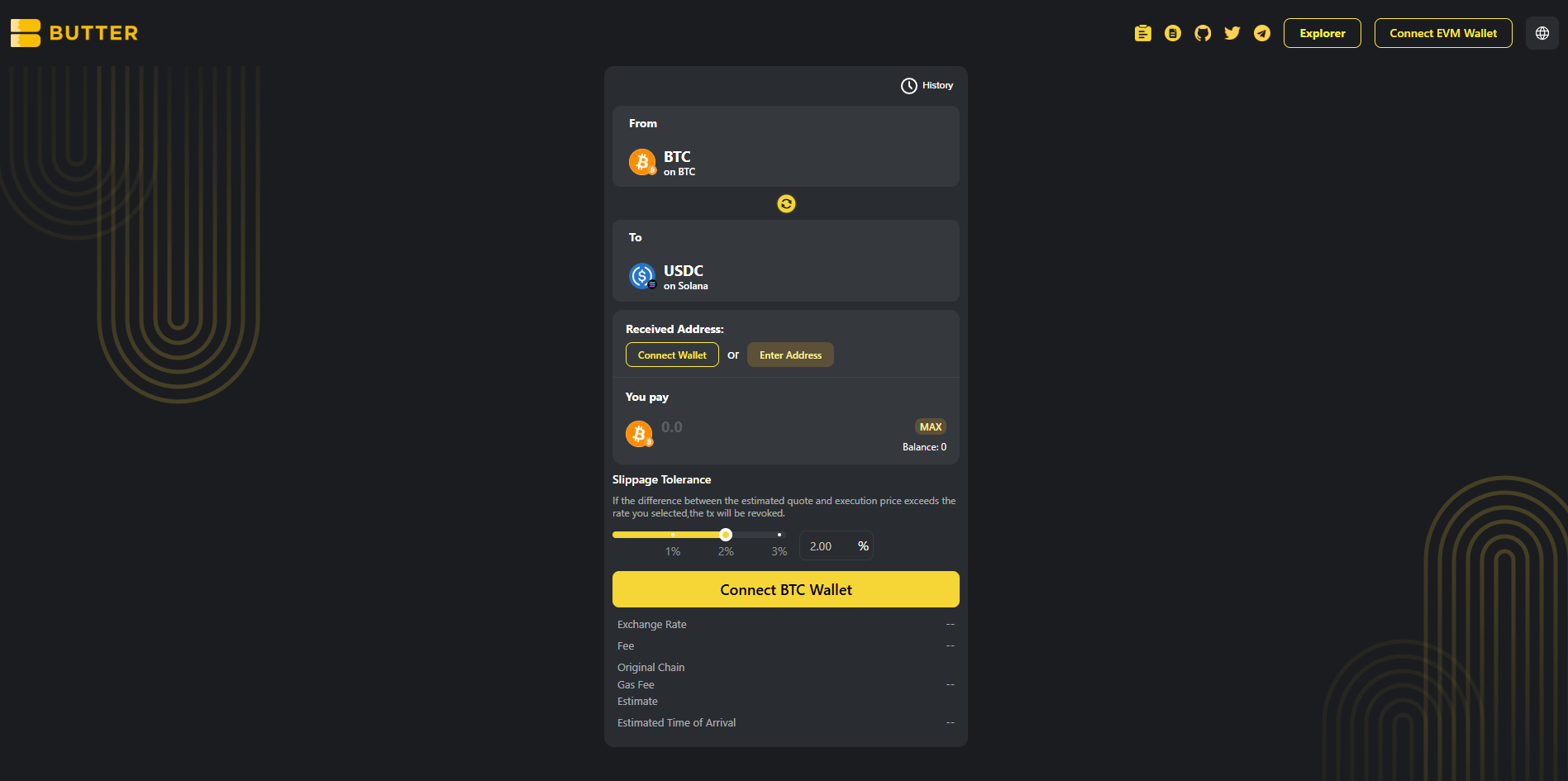 *From BTC (Bitcoin mainnet) to USDC (Solana)*
### Step 2) Connect your BTC wallet first (From)
Click Connect BTC Wallet on the swap card and connect the wallet that holds your native BTC on Bitcoin mainnet.
If your BTC balance shows as 0, confirm you are using a Bitcoin wallet that holds native BTC on Bitcoin mainnet, then reconnect.
*From BTC (Bitcoin mainnet) to USDC (Solana)*
### Step 2) Connect your BTC wallet first (From)
Click Connect BTC Wallet on the swap card and connect the wallet that holds your native BTC on Bitcoin mainnet.
If your BTC balance shows as 0, confirm you are using a Bitcoin wallet that holds native BTC on Bitcoin mainnet, then reconnect.
 *Connect BTC Wallet for the From side*
### Step 3) Set your Solana receiving address (two valid paths)
In Received Address, you will see two options:
**Option A: Connect wallet (same wallet flow)**\
Click Connect Wallet under Received Address to connect the wallet that will receive USDC on Solana. If it does not provide a Solana address, use Option B.
**Option B: Enter Address (different wallet)**\
Click Enter Address and paste your Solana address (base58 format).
✅ Valid Solana address format: base58 Solana address\
❌ Do not use: `0x...` (EVM), `T...` (TRON), `bc1...` / `1...` / `3...` (Bitcoin)
*Connect BTC Wallet for the From side*
### Step 3) Set your Solana receiving address (two valid paths)
In Received Address, you will see two options:
**Option A: Connect wallet (same wallet flow)**\
Click Connect Wallet under Received Address to connect the wallet that will receive USDC on Solana. If it does not provide a Solana address, use Option B.
**Option B: Enter Address (different wallet)**\
Click Enter Address and paste your Solana address (base58 format).
✅ Valid Solana address format: base58 Solana address\
❌ Do not use: `0x...` (EVM), `T...` (TRON), `bc1...` / `1...` / `3...` (Bitcoin)
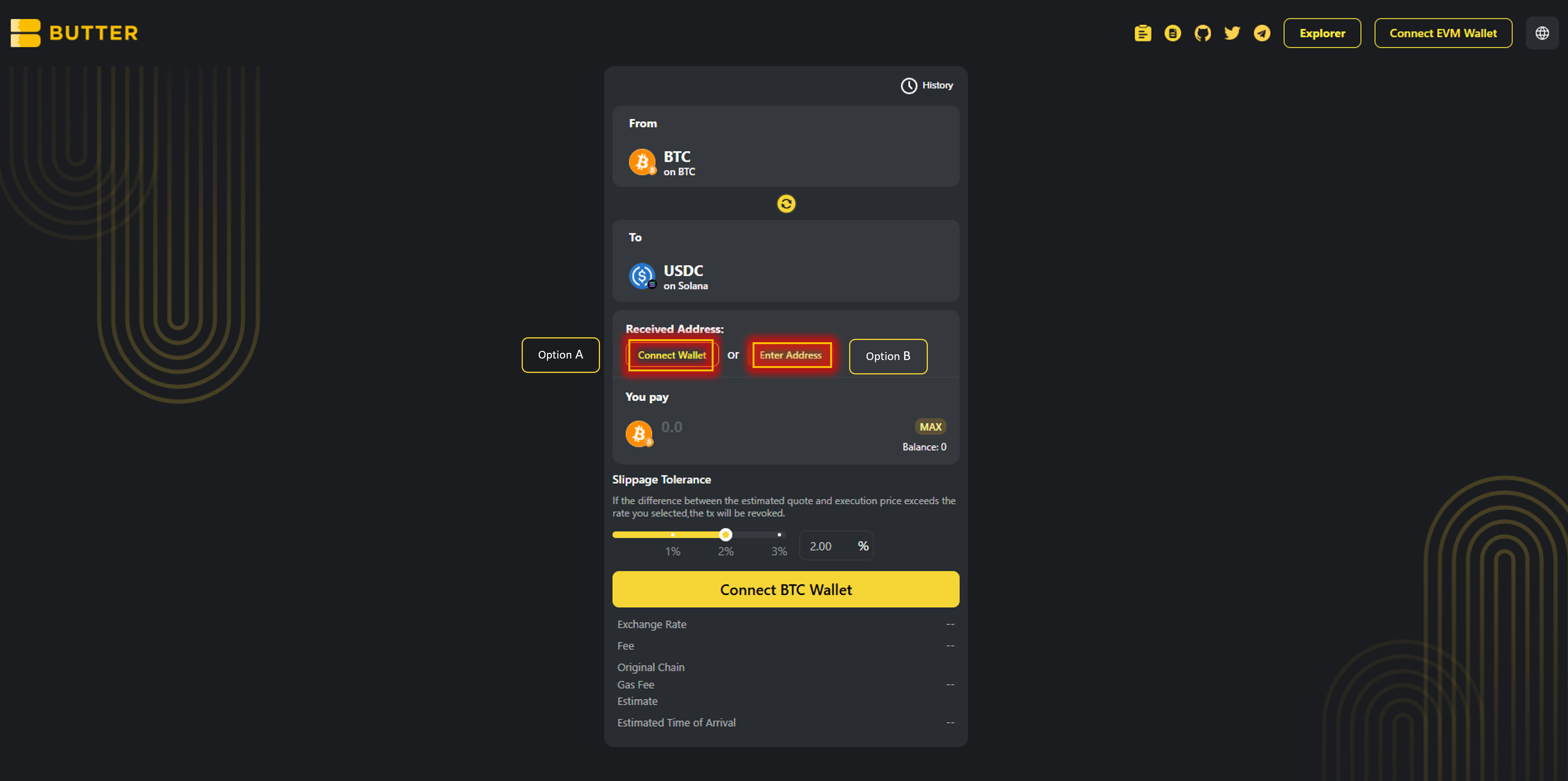 *Received Address options (Connect Wallet or Enter Address)*
### Step 4) Enter amount and review route and fees
Enter the amount of BTC you want to swap.
Review the Best Route panel on the right (route steps and estimated receive). Check the fee and ETA area.
*Received Address options (Connect Wallet or Enter Address)*
### Step 4) Enter amount and review route and fees
Enter the amount of BTC you want to swap.
Review the Best Route panel on the right (route steps and estimated receive). Check the fee and ETA area.
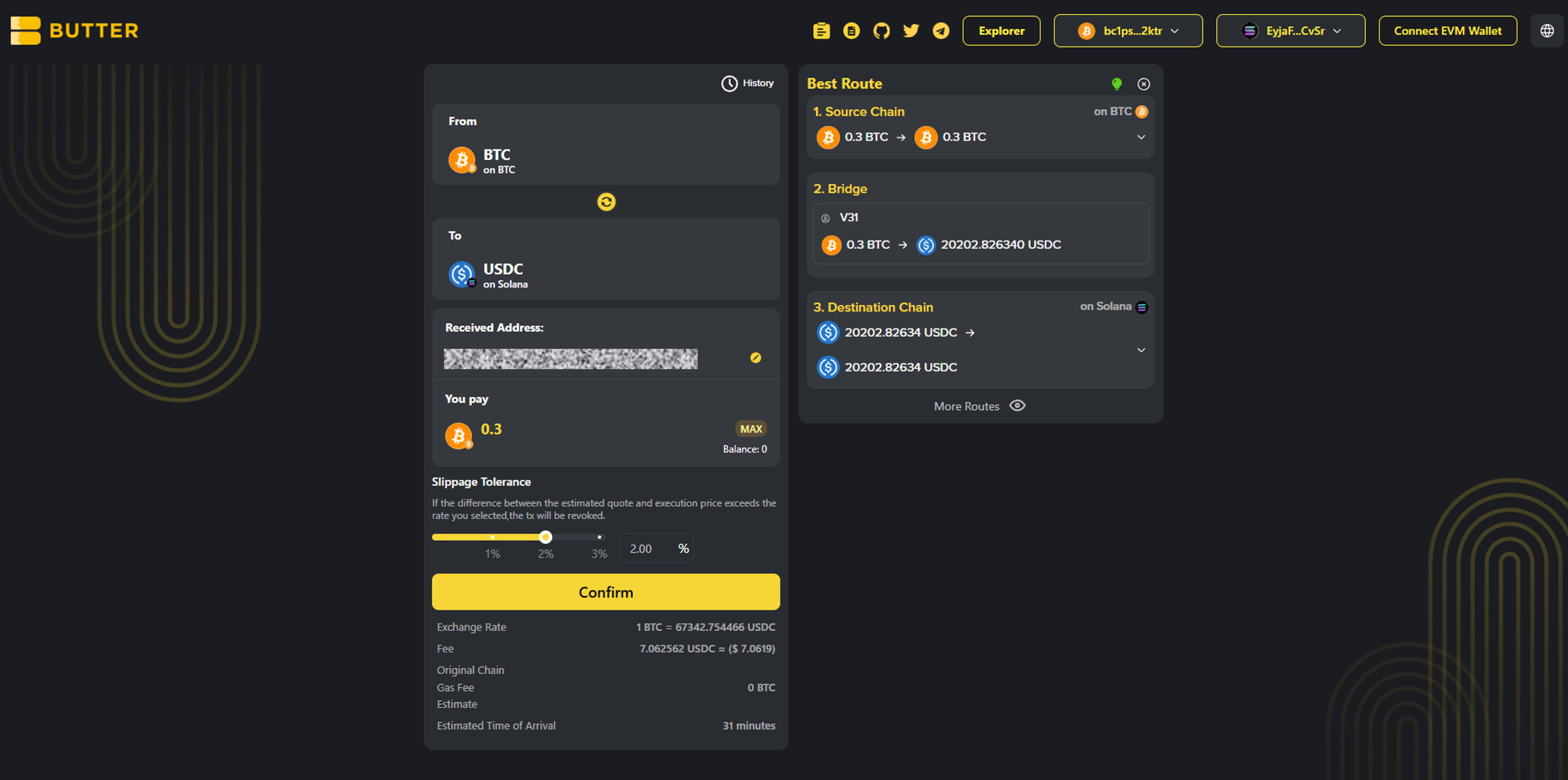 *Best Route and fee or ETA area*
### Step 5) Confirm and complete the flow
Click Confirm to open the swap summary popup. Then follow the exact flow you see in the ButterSwap UI.
* Valid path A: In wallet confirmation\
If your BTC wallet supports in-app signing, you may be asked to approve or sign in your wallet.
* Valid path B: On-screen instructions inside ButterSwap\
If ButterSwap shows BTC send or deposit instructions inside the swap flow, follow the exact instructions shown. Do not send BTC anywhere unless ButterSwap shows it in the swap confirmation flow.
After submitting, you can monitor progress via:
* History in the swap UI (if shown)
* [ButterSwap Explorer](https://explorer.butterswap.io/en) (if linked from the swap details screen)
*Best Route and fee or ETA area*
### Step 5) Confirm and complete the flow
Click Confirm to open the swap summary popup. Then follow the exact flow you see in the ButterSwap UI.
* Valid path A: In wallet confirmation\
If your BTC wallet supports in-app signing, you may be asked to approve or sign in your wallet.
* Valid path B: On-screen instructions inside ButterSwap\
If ButterSwap shows BTC send or deposit instructions inside the swap flow, follow the exact instructions shown. Do not send BTC anywhere unless ButterSwap shows it in the swap confirmation flow.
After submitting, you can monitor progress via:
* History in the swap UI (if shown)
* [ButterSwap Explorer](https://explorer.butterswap.io/en) (if linked from the swap details screen)
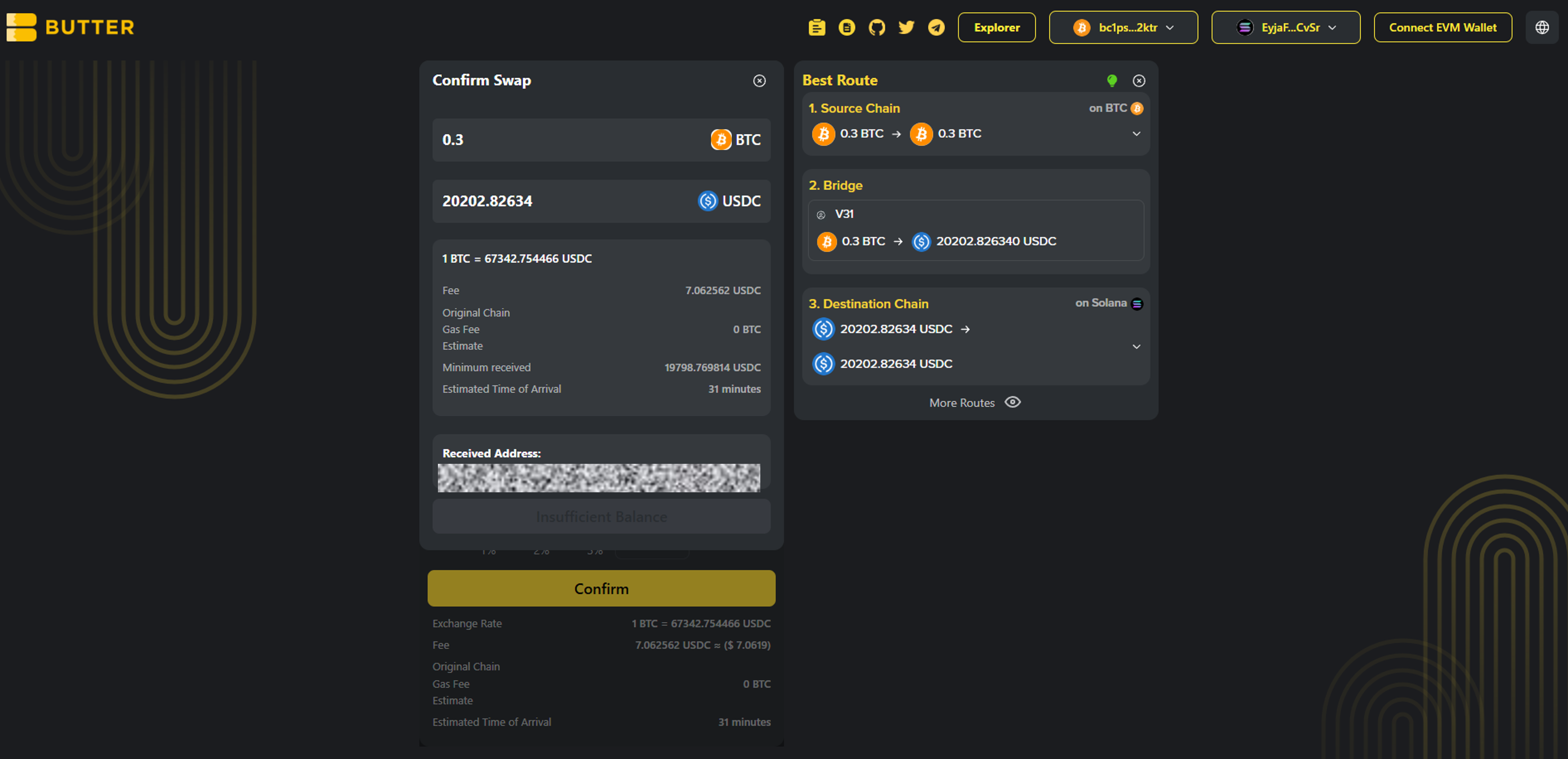 *Confirm swap popup*
***
## Fees and timing
* ### What fees apply?
Bitcoin network fee (miner fee) applies when sending BTC. Route fees, if any, are shown in Best Route and in the confirm summary before you proceed.
* ### Do I need SOL?
Receiving USDC on Solana usually does not require SOL. If you plan to move the USDC later, you will need a small amount of SOL for Solana fees.
* ### How long does it take?
Timing varies based on Bitcoin confirmations and routing execution. Track progress in History and verify via [ButterSwap Explorer](https://explorer.butterswap.io/en) if available.
***
## Common issues (quick fixes)
* ### Wrong receiving address format
Solana receiving addresses are not `0x...`, not `T...`, and not Bitcoin address formats. Paste a valid Solana base58 address.
* ### Not enough BTC to cover miner fee
If your BTC send fails or you cannot proceed, reduce the BTC amount slightly and retry.
* ### Confirm is disabled or the popup does not appear
Most common causes:
1. From wallet not connected (Step 2)
2. Received Address not set (Step 4)
3. Not enough BTC left for the miner fee
4. Amount too small for the route or fees shown
* ### I expected a different token on Solana
This pre-filled link defaults to USDC on Solana. Change the To token before confirming if you want SOL or another Solana token.
***
## FAQ
*Confirm swap popup*
***
## Fees and timing
* ### What fees apply?
Bitcoin network fee (miner fee) applies when sending BTC. Route fees, if any, are shown in Best Route and in the confirm summary before you proceed.
* ### Do I need SOL?
Receiving USDC on Solana usually does not require SOL. If you plan to move the USDC later, you will need a small amount of SOL for Solana fees.
* ### How long does it take?
Timing varies based on Bitcoin confirmations and routing execution. Track progress in History and verify via [ButterSwap Explorer](https://explorer.butterswap.io/en) if available.
***
## Common issues (quick fixes)
* ### Wrong receiving address format
Solana receiving addresses are not `0x...`, not `T...`, and not Bitcoin address formats. Paste a valid Solana base58 address.
* ### Not enough BTC to cover miner fee
If your BTC send fails or you cannot proceed, reduce the BTC amount slightly and retry.
* ### Confirm is disabled or the popup does not appear
Most common causes:
1. From wallet not connected (Step 2)
2. Received Address not set (Step 4)
3. Not enough BTC left for the miner fee
4. Amount too small for the route or fees shown
* ### I expected a different token on Solana
This pre-filled link defaults to USDC on Solana. Change the To token before confirming if you want SOL or another Solana token.
***
## FAQ
How do I swap BTC to USDC on Solana without using a centralized exchange?
**Answer:** Open the pre-filled page:
* [BTC to USDC on Solana](https://www.butterswap.io/en/swap?from=1360095883558913%3ABTC\&to=1360108768460801%3AUSDC)
Then connect your BTC From wallet first, set a Solana Received Address, enter the BTC amount, then Confirm and follow the UI to complete the swap.
What address format do I use to receive USDC on Solana?
Use your Solana wallet address (base58 format). It does not start with 0x, T, or bc1.
Do I need SOL to receive USDC on Solana?
Usually no for receiving. You will need SOL for Solana fees if you move the USDC later.
Is this native BTC on Bitcoin mainnet (not WBTC or BTCB)?
Yes. This guide is for native BTC on Bitcoin mainnet only.
How long does a BTC to Solana USDC swap take?
It varies mainly with Bitcoin confirmations and route execution. Use History and the explorer link from swap details if available.
Can I send BTC directly to a Solana address to convert it?
No. BTC and Solana are different networks. You need a cross-chain swap route to receive USDC on Solana.
How do I swap BTC to SOL on Solana instead of USDC?
Keep the To network as Solana, then change the To token to SOL before you confirm.
***
## Start your BTC to Solana USDC swap
Open the pre-filled page:
* [BTC to USDC on Solana](https://www.butterswap.io/en/swap?from=1360095883558913%3ABTC\&to=1360108768460801%3AUSDC)
Or open the [dApp](https://www.butterswap.io/en/swap) and set:
* From: BTC (Bitcoin mainnet)
* To: USDC on Solana
* Received Address: your Solana address (base58 format)
***
## Related guides
* [USDT (TRC20) to BTC (Native Bitcoin) Step by Step](/butter-swap-user-guide/swap-tutorials/swap-usdt-trc20-to-btc)
* [BTC (Native Bitcoin) to USDT on BNB Chain Step by Step](/butter-swap-user-guide/swap-tutorials/swap-btc-to-usdt-bnb-chain)
* [BTC (Native Bitcoin) to USDT (TRC20) on TRON Step by Step](/butter-swap-user-guide/swap-tutorials/swap-btc-to-usdt-trc20-tron)
* [ETH (Ethereum) to USDT (TRC20) on TRON Step by Step](/butter-swap-user-guide/swap-tutorials/swap-eth-to-usdt-trc20-tron)
# Swap into memecoins safely (Solana, BNB Chain, TRON)
This guide shows how to swap into memecoins on Solana, BNB Chain, and TRON using ButterSwap without a centralized exchange account. It focuses on safe setup, correct receiving address formats, gas requirements, and quick checks to reduce common memecoin mistakes.
***
## Pre-filled swap link
This guide is multi-chain, so there is no single pre-filled pair. Start from the dApp and choose your destination chain and memecoin in the To selector.
[dApp](https://www.butterswap.io/en/swap)
***
## Quick checklist (30 seconds)
✅ Know which destination chain you want: Solana, BNB Chain, or TRON
✅ Have gas on the From chain to sign and submit the swap
✅ Prepare the correct destination receiving address format:
* Solana: base58 Solana address (no `0x...`, no `T...`, no `bc1...`)
* BNB Chain: EVM address (`0x...`)
* TRON: TRON address (`T...`)
✅ Verify the token name and network before you confirm (memecoins often have copycats)
✅ Start small if it is a new memecoin or thin liquidity token
***
## What you will get
You will send a token from your From wallet and receive the selected memecoin on Solana, BNB Chain, or TRON to the receiving address you provide.
***
## Before you start
### 1) Address format check (most common mistake)
Make sure your Received Address matches the destination chain:
✅ Solana: base58 Solana address (example style: `7f...`, `9x...`, `Dk...`)\
✅ BNB Chain: `0x...`\
✅ TRON: `T...`
❌ Do not paste `0x...` for Solana or TRON\
❌ Do not paste `T...` for Solana or BNB Chain\
❌ Do not paste Bitcoin addresses (`bc1...`, `1...`, `3...`) for any of these destinations
### 2) Gas requirements (so the swap does not fail)
* You need gas on the From chain to submit the swap.
* Receiving usually does not require gas, but moving the memecoin later does.
Typical destination gas needs later:
* Solana: small amount of SOL
* BNB Chain: small amount of BNB
* TRON: small amount of TRX (bandwidth/energy)
### 3) Popular memecoins users swap into (examples only)
Examples only, not recommendations. Always verify the destination chain label and token identity in the To selector before confirming.
Top meme coins by market cap:
* DOGE, SHIB, PEPE, FLOKI, BABYDOGE
Solana meme examples:
* BONK, WIF, POPCAT
TRON meme examples:
* SUNDOG, PUSS, TRON BULL
BNB memes (Four.meme ecosystem examples):
* Siren, Conscious Token, BinanceLife
### 4) Memecoin safety basics
Memecoins are high risk and copycats are common. Before swapping:
* Verify the correct token network (Solana vs BNB Chain vs TRON).
* Use official sources for token info (project socials, CoinGecko, or well-known explorers).
* Start with a small test amount if you are unsure.
* If the UI shows a warning, read it and do not ignore it.
For generic wallet connection help, [Click Here](/butter-swap-user-guide/user-guide).
***
## Step by step swap into memecoins safely (Solana, BNB Chain, TRON)
### Step 1) Open ButterSwap
Open the app:
* App: [dApp](https://www.butterswap.io/en/swap)
You should see From and To selectors, Received Address, You pay, Slippage Tolerance, Best Route, and Confirm.
 *Main screen showing From, To, Received Address, Slippage Tolerance, and Best Route*
### Step 2) Connect your From wallet first
Connect the wallet that holds the asset you are swapping from.
Common patterns you may see:
* If your From chain is EVM, connect via the top right Connect EVM Wallet button or the swap card button (example: Connect Ethereum Wallet).
* If your From chain is BTC or TRON, use the chain-specific Connect button shown on the swap card.
If your balance shows as 0, check you are on the correct wallet and correct network, then reconnect.
### Step 3) Choose destination chain and memecoin (To)
In the To selector:
1. Select the destination chain you want (Solana, BNB Chain, or TRON)
2. Search for the memecoin by name or ticker
*Main screen showing From, To, Received Address, Slippage Tolerance, and Best Route*
### Step 2) Connect your From wallet first
Connect the wallet that holds the asset you are swapping from.
Common patterns you may see:
* If your From chain is EVM, connect via the top right Connect EVM Wallet button or the swap card button (example: Connect Ethereum Wallet).
* If your From chain is BTC or TRON, use the chain-specific Connect button shown on the swap card.
If your balance shows as 0, check you are on the correct wallet and correct network, then reconnect.
### Step 3) Choose destination chain and memecoin (To)
In the To selector:
1. Select the destination chain you want (Solana, BNB Chain, or TRON)
2. Search for the memecoin by name or ticker
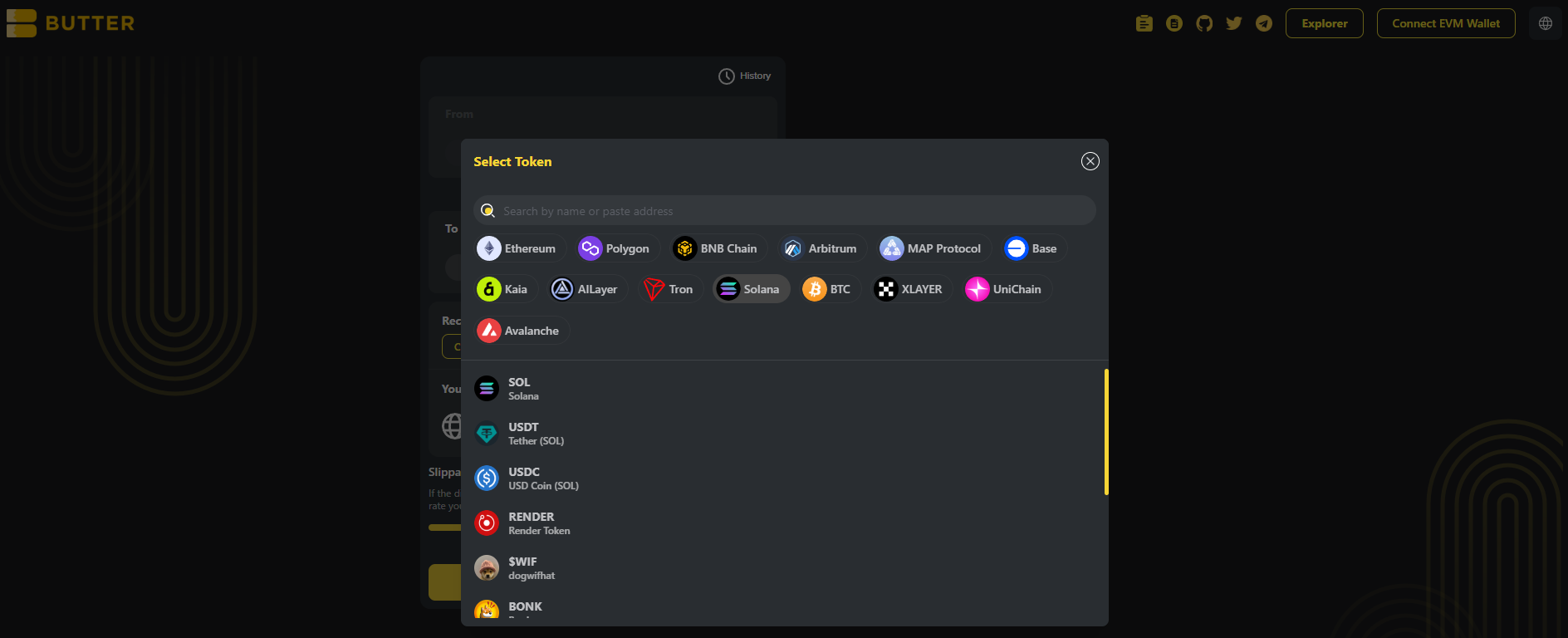 *To selector showing chain selection and token search*
### Step 4) Set your receiving address (two valid paths)
In Received Address, choose one:
**Option A: Connect wallet (same wallet flow)**\
Click Connect Wallet under Received Address and connect your destination wallet.
**Option B: Enter Address (different wallet)**\
Click Enter Address and paste the correct receiving address for the destination chain.
Address format reminders:
* Solana: base58 Solana address (no `0x`, no `T`)
* BNB Chain: `0x...`
* TRON: `T...`
*To selector showing chain selection and token search*
### Step 4) Set your receiving address (two valid paths)
In Received Address, choose one:
**Option A: Connect wallet (same wallet flow)**\
Click Connect Wallet under Received Address and connect your destination wallet.
**Option B: Enter Address (different wallet)**\
Click Enter Address and paste the correct receiving address for the destination chain.
Address format reminders:
* Solana: base58 Solana address (no `0x`, no `T`)
* BNB Chain: `0x...`
* TRON: `T...`
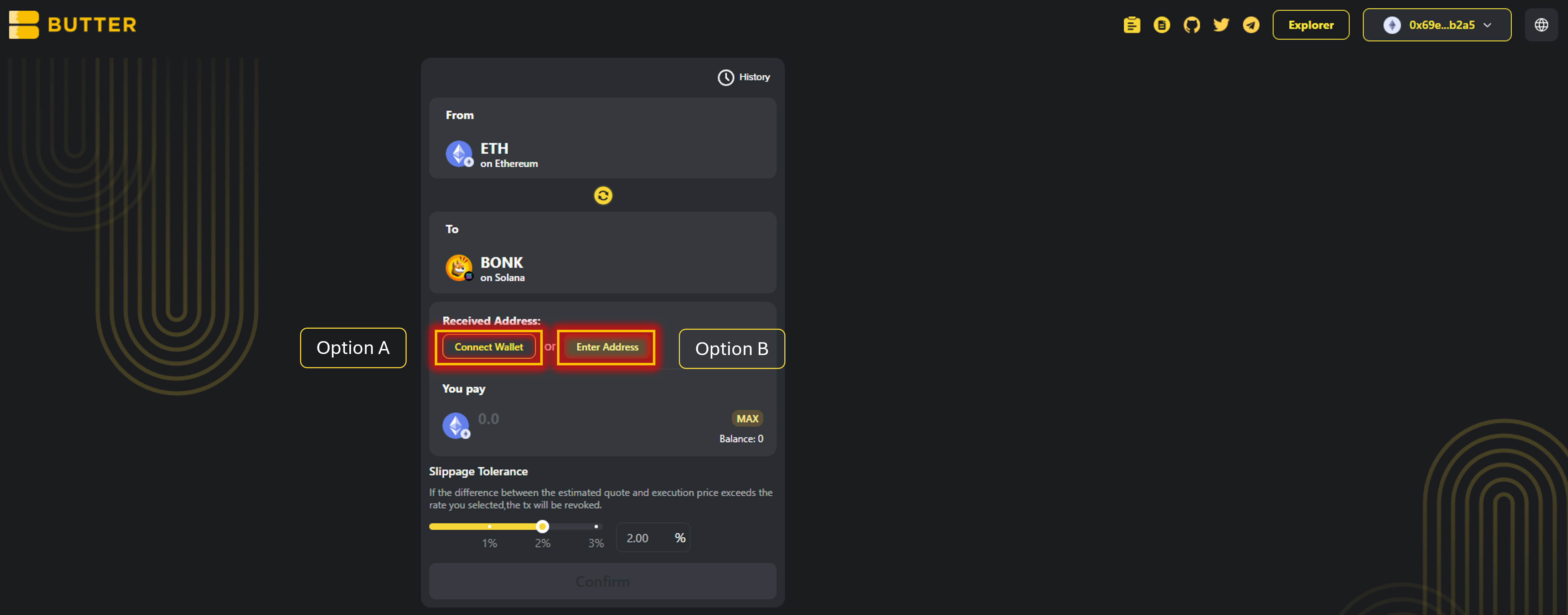 *Received Address options (Connect Wallet or Enter Address)*
### Step 5) Enter amount, set Slippage Tolerance, and review Best Route
Enter the amount you want to swap in **You pay**.
Then set **Slippage Tolerance**.
Now review **Best Route**.
Also review the summary area (where shown):
* Exchange rate
* Fee
* Gas fee estimate
* Estimated time of arrival
*Received Address options (Connect Wallet or Enter Address)*
### Step 5) Enter amount, set Slippage Tolerance, and review Best Route
Enter the amount you want to swap in **You pay**.
Then set **Slippage Tolerance**.
Now review **Best Route**.
Also review the summary area (where shown):
* Exchange rate
* Fee
* Gas fee estimate
* Estimated time of arrival
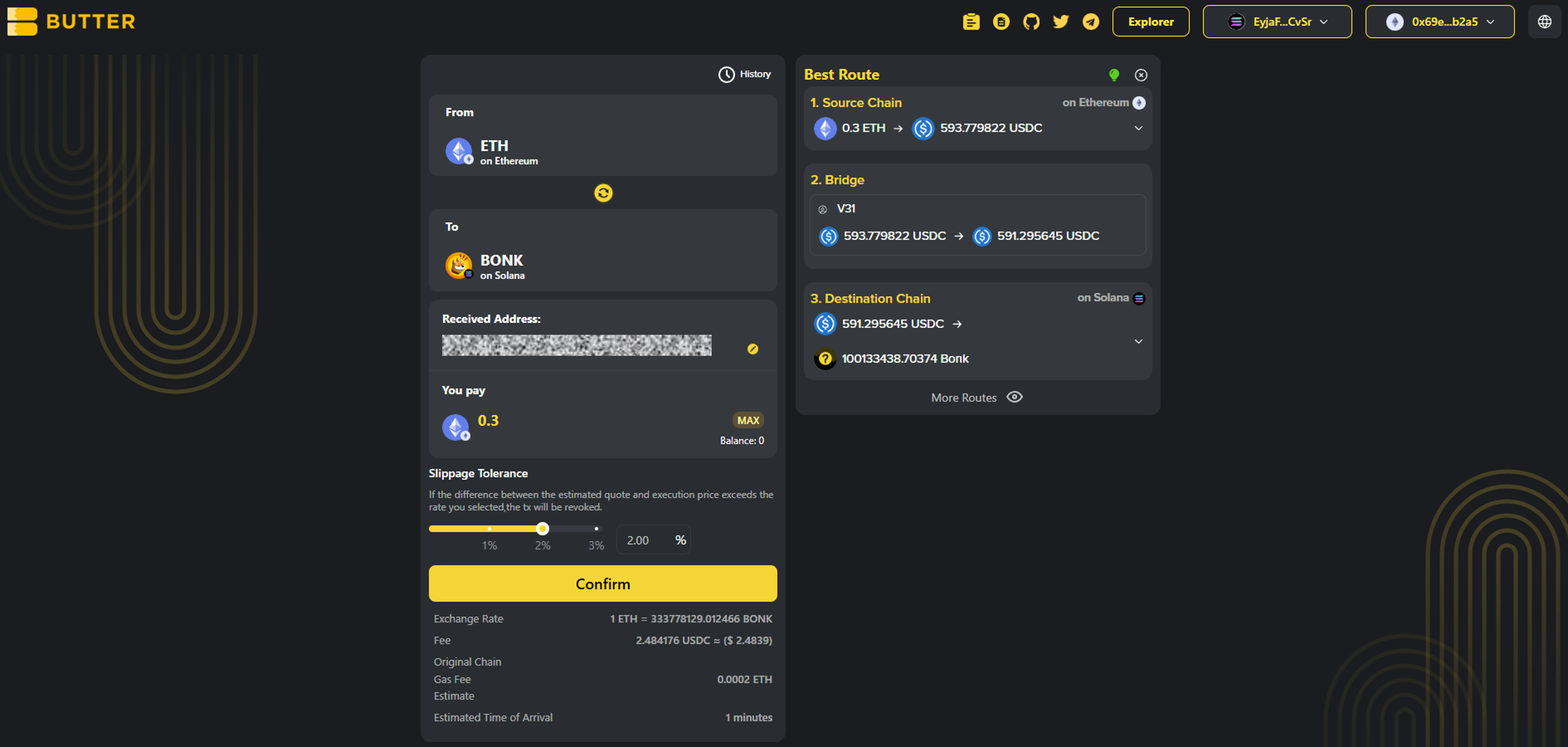 *Example route: Source Chain swap to USDC, bridge, then swap to BONK on Solana*
### Step 6) Confirm and complete the flow
Click Confirm to open the swap summary popup. Before signing, verify:
* Destination chain is correct (Solana, BNB Chain, or TRON)
* Destination token is correct (the memecoin you selected)
* Received Address matches the destination chain format
* Estimated receive looks reasonable for the amount
After submitting, you can monitor progress via:
* History in the swap UI (if shown)
* [ButterSwap Explorer](https://explorer.butterswap.io/en) (if linked from the swap details screen)
*Example route: Source Chain swap to USDC, bridge, then swap to BONK on Solana*
### Step 6) Confirm and complete the flow
Click Confirm to open the swap summary popup. Before signing, verify:
* Destination chain is correct (Solana, BNB Chain, or TRON)
* Destination token is correct (the memecoin you selected)
* Received Address matches the destination chain format
* Estimated receive looks reasonable for the amount
After submitting, you can monitor progress via:
* History in the swap UI (if shown)
* [ButterSwap Explorer](https://explorer.butterswap.io/en) (if linked from the swap details screen)
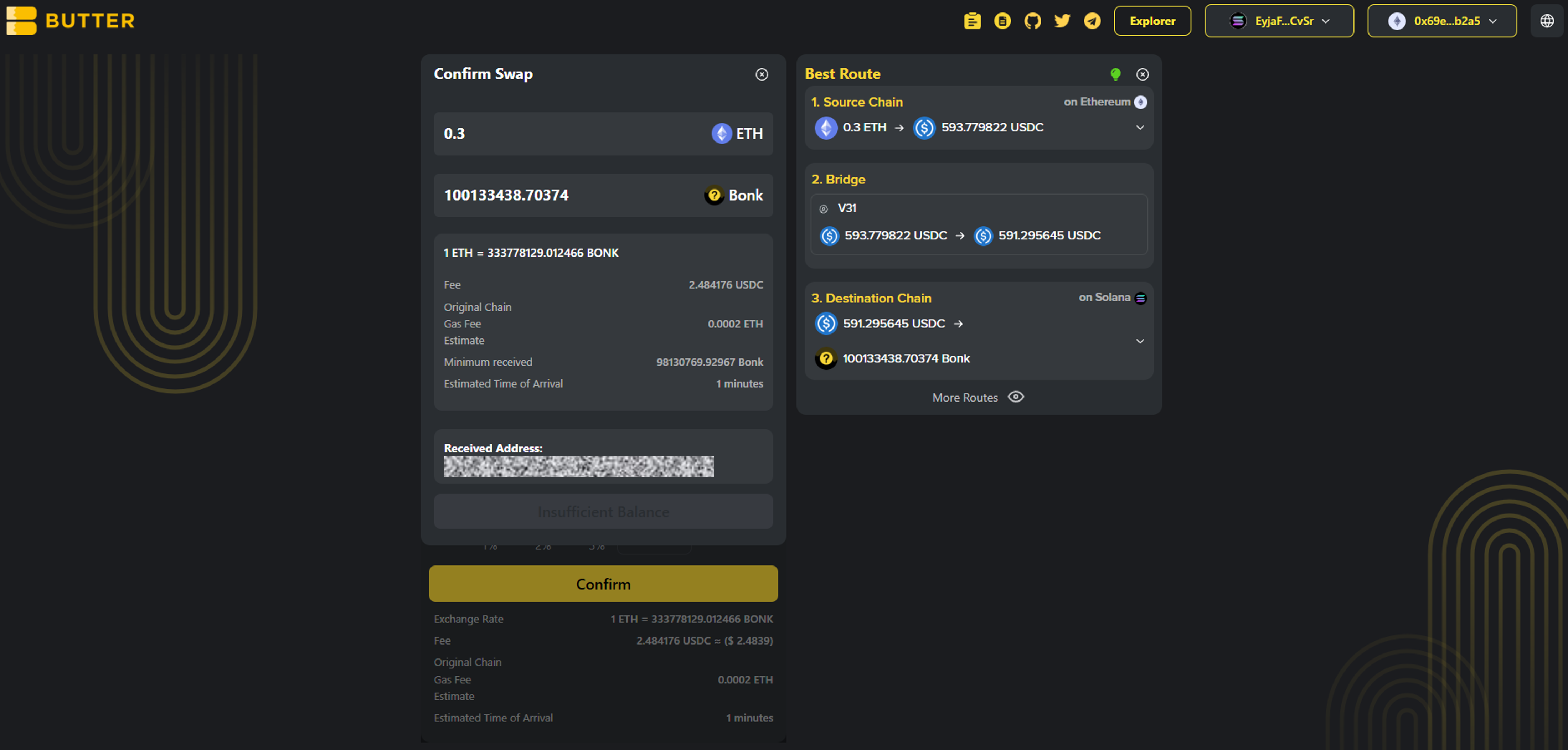 *Confirm popup showing To chain, To token, and Received Address*
***
## Fees and timing
* ### What fees apply?
Fees depend on route and network conditions. You will see estimated fees and timing in Best Route or the confirm summary before you proceed.
* ### Do I need gas on the destination chain?
Receiving usually does not require gas, but you will need gas later to move the memecoin:
* Solana: SOL
* BNB Chain: BNB
* TRON: TRX
* ### How long does it take?
Timing varies based on the From chain confirmation speed and routing execution. Use History and the explorer link from swap details if available.
***
## Common issues (quick fixes)
* ### I pasted the wrong receiving address format
Solana is not `0x...` and not `T...`. TRON is `T...`. BNB Chain is `0x...`. Fix the address and retry.
* ### The token name looks right but the network is wrong
Memecoin tickers are often reused. Confirm the To network label shows Solana, BNB Chain, or TRON as intended.
* ### Confirm is disabled or the popup does not appear
Most common causes:
1. From wallet not connected
2. Received Address not set
3. Not enough gas on the From chain
4. Amount too small for the route or fees shown
* ### I do not see the memecoin in the token list
It may not be supported by the available route or token list. Only use contract addresses from official sources.
* ### I received the memecoin but cannot transfer it later
You likely need destination gas:
* Solana needs SOL
* BNB Chain needs BNB
* TRON needs TRX
***
## FAQ
*Confirm popup showing To chain, To token, and Received Address*
***
## Fees and timing
* ### What fees apply?
Fees depend on route and network conditions. You will see estimated fees and timing in Best Route or the confirm summary before you proceed.
* ### Do I need gas on the destination chain?
Receiving usually does not require gas, but you will need gas later to move the memecoin:
* Solana: SOL
* BNB Chain: BNB
* TRON: TRX
* ### How long does it take?
Timing varies based on the From chain confirmation speed and routing execution. Use History and the explorer link from swap details if available.
***
## Common issues (quick fixes)
* ### I pasted the wrong receiving address format
Solana is not `0x...` and not `T...`. TRON is `T...`. BNB Chain is `0x...`. Fix the address and retry.
* ### The token name looks right but the network is wrong
Memecoin tickers are often reused. Confirm the To network label shows Solana, BNB Chain, or TRON as intended.
* ### Confirm is disabled or the popup does not appear
Most common causes:
1. From wallet not connected
2. Received Address not set
3. Not enough gas on the From chain
4. Amount too small for the route or fees shown
* ### I do not see the memecoin in the token list
It may not be supported by the available route or token list. Only use contract addresses from official sources.
* ### I received the memecoin but cannot transfer it later
You likely need destination gas:
* Solana needs SOL
* BNB Chain needs BNB
* TRON needs TRX
***
## FAQ
How do I swap into Solana memecoins without a CEX account?
**Answer:** Open the [dApp](https://www.butterswap.io/en/swap), connect your From wallet, set To chain as Solana, select the memecoin (for example BONK), set a Solana receiving address (base58), then Confirm and sign.
How do I swap into BNB Chain memecoins without Binance?
Set To chain as BNB Chain, choose the memecoin, and use an EVM receiving address starting with 0x.
How do I swap into TRON memecoins with USDT TRC20?
Set To chain as TRON, choose the memecoin, and use a TRON receiving address starting with T. You may need TRX later to move tokens on TRON.
Why does the route show USDC steps before the memecoin?
Some routes convert your From token into a liquid bridge asset (often USDC) before crossing chains, then swap into the memecoin on the destination chain. Verify destination chain, destination token, and receiving address before confirming.
What slippage should I use for memecoin swaps?
Start at 2.00% like the screenshot, then adjust only if needed. Thin liquidity or fast-moving memecoins may require higher slippage.
Do I need SOL, BNB, or TRX to receive a memecoin?
Usually no for receiving, but you will need SOL, BNB, or TRX later to transfer or swap the memecoin on the destination chain.
***
## Start swapping into memecoins
Open the [dApp](https://www.butterswap.io/en/swap) and set:
* From: your source chain and asset
* To: Solana, BNB Chain, or TRON memecoin
* Received Address: correct format for the destination chain
***
## Related guides
* [🧈 What is a cross-chain swap?](/butter-swap-user-guide/what-is-a-cross-chain-swap)
* [USDT (TRC20) to BTC (Native Bitcoin) Step by Step](/butter-swap-user-guide/swap-tutorials/swap-usdt-trc20-to-btc)
* [BTC (Native Bitcoin) to USDT on BNB Chain Step by Step](/butter-swap-user-guide/swap-tutorials/swap-btc-to-usdt-bnb-chain)
* [BTC (Native Bitcoin) to USDT (TRC20) on TRON Step by Step](/butter-swap-user-guide/swap-tutorials/swap-btc-to-usdt-trc20-tron)
* [ETH (Ethereum) to USDT (TRC20) on TRON Step by Step](/butter-swap-user-guide/swap-tutorials/swap-eth-to-usdt-trc20-tron)
* [BTC (Native Bitcoin) to USDC on Solana Step by Step](/butter-swap-user-guide/swap-tutorials/swap-btc-to-usdc-solana)
# Usage
## Install
```
npm install @butternetwork/widget
// or
yarn add @butternetwork/widget
```
## Usage (Next.js)
```tsx
"use client";
import styles from "./page.module.css";
import dynamic from "next/dynamic";
import "@butternetwork/widget/butter-widget.css";
const ButterWidget = dynamic(
() => import("@butternetwork/widget").then((mod) => {
return mod.ButterWidget;
}),
{ ssr: false }
);
export default function WidgetPage() {
return (
);
}
```
# Terms of Service
These Terms of Service (the **"Agreement"**) govern your access to and use of the services made available through the ButterSwap interface. By accessing or using the Services, you acknowledge that you have read, understood, and agree to be bound by this Agreement. If you do not agree, you must not access or use the Services.
## **1. Definitions**
* **"Butter Network", "we," "us," or "our"** refers to the entity responsible for developing and maintaining the ButterSwap interface and related services.
* **"ButterSwap" or "ButterSwap.io"** refers to the non-custodial decentralized application (dApp) made available at .
* **"Interface"** refers to the user interface provided via the ButterSwap website.
* **"Services"** refers to the Interface and any related features made available through it, including APIs, cross-chain routing, and smart-contract-based functionality.
* **"You" or "User"** refers to any individual or entity accessing or using the Services.
## **2. Eligibility Requirements**
To access or use the Services, you represent and warrant that:
* You have reached the legal age of majority in your jurisdiction (for example, 18 years old in the United States);
* You have full legal right, power, and authority to enter into and comply with this Agreement on your own behalf and, if applicable, on behalf of any entity you represent;
* You are not subject to economic or trade sanctions imposed by any governmental authority and are not listed on any prohibited or restricted party list (**"Sanctioned Persons"**);
* You are not located in, incorporated in, or ordinarily resident in any jurisdiction subject to comprehensive economic or trade sanctions (**"Restricted Jurisdictions"**);
* You do not intend to transact with Sanctioned Persons or persons located in Restricted Jurisdictions.
If you do not meet all of the above requirements, you must not access or use the Services.
## **3. Compliance Declaration**
You represent and warrant that:
* Your access to and use of the Services will comply with all applicable laws, regulations, and rules;
* You will not use the Services to facilitate, promote, or engage in any illegal, fraudulent, or prohibited activities;
* You will not use VPNs, proxies, or other anonymization technologies for the purpose of circumventing applicable laws, sanctions, or jurisdictional restrictions;
* If the use of the Services is not permitted under the laws of your jurisdiction, you will not access or use them.
## **4. Service Description**
ButterSwap.io is a decentralized application (dApp) that enables users to perform token swaps and other on-chain operations through smart contracts. All transactions are executed directly by smart contracts deployed on supported blockchain networks.
Butter Network does not custody user assets, does not control user wallets, and does not guarantee transaction execution, pricing, or outcomes.
## **5. Risk Disclosure**
You acknowledge and agree that the use of blockchain technology and cryptocurrency-related services involves significant risks, including but not limited to:
* Extreme price volatility and market fluctuations;
* Smart contract vulnerabilities, exploits, or failures;
* Cross-chain bridge risks, including delays, message failures, or asset loss;
* Slippage, MEV (miner/maximal extractable value), oracle failures, and network congestion;
* Regulatory changes or enforcement actions that may impact the availability or legality of the Services.
Butter Network does not provide investment, legal, or financial advice. You are solely responsible for your decisions and assume all risks arising from your use of the Services.
You are solely responsible for securing your wallet and private keys. Loss of private keys, seed phrases, or unauthorized access to your wallet may result in irreversible loss of funds, for which Butter Network bears no responsibility.
## **6. User Conduct**
You agree that you will not:
* Use the Services for any illegal, fraudulent, or abusive purpose, including but not limited to money laundering, terrorist financing, or sanctions evasion;
* Engage in malicious activity, including hacking, smart contract exploitation, denial-of-service attacks, or manipulation of transactions;
* Attempt to interfere with or disrupt the integrity, security, or functionality of the Services.
## **7. Anti-Money Laundering (AML) and Risk Controls**
Butter Network applies risk-based monitoring measures in connection with certain Services, including cross-chain routing functionality. Transactions or addresses identified as high-risk or non-compliant with applicable policies may be restricted or denied access to the Services.
Butter Network does not provide custodial services or conduct user identity verification unless explicitly stated otherwise.
## **8. Disclaimer of Warranties**
The Services are provided on an **"as is"** and **"as available"** basis, without warranties of any kind, whether express or implied, including but not limited to warranties of accuracy, reliability, merchantability, fitness for a particular purpose, or non-infringement.
Butter Network does not guarantee uninterrupted access, error-free operation, or the absence of vulnerabilities, bugs, or malicious code.
## **9. Limitation of Liability**
To the maximum extent permitted by applicable law:
* Butter Network shall not be liable for any indirect, incidental, consequential, special, or punitive damages, including loss of funds, profits, or data;
* Butter Network shall not be responsible for losses arising from user error, third-party actions, smart contract failures, regulatory changes, or force majeure events;
* To the maximum extent permitted by applicable law, Butter Network’s total aggregate liability arising out of or relating to the Services shall not exceed the total amount of protocol fees paid by you in connection with your use of the Services.
## **10. Intellectual Property**
All intellectual property rights relating to the Interface, including code, trademarks, logos, brand names, domain names, and related materials, are owned by or licensed to Butter Network.
You may not copy, modify, distribute, or create derivative works without prior written consent.
## **11. Governance and Updates**
Butter Network reserves the right to modify, suspend, or discontinue any part of the Services at any time, with or without prior notice. Continued use of the Services constitutes acceptance of any updated Terms.
## **12. Governing Law and Dispute Resolution**
This Agreement shall be governed by and construed in accordance with the laws of Singapore, without regard to conflict-of-law principles.
Any dispute arising out of or relating to this Agreement or the Services shall be finally resolved by arbitration administered by the Singapore International Arbitration Centre (**SIAC**) in accordance with its rules in force at the time of arbitration. The seat of arbitration shall be Singapore.
## **13. Contact Information**
For any questions, please contact us at:
* Email: ****
* Official community channels as published on